


Inspiring
June 25, 2016
Question

flash player installed not showing in the computer

  • June 25, 2016
  • 1 reply
  • 187 views

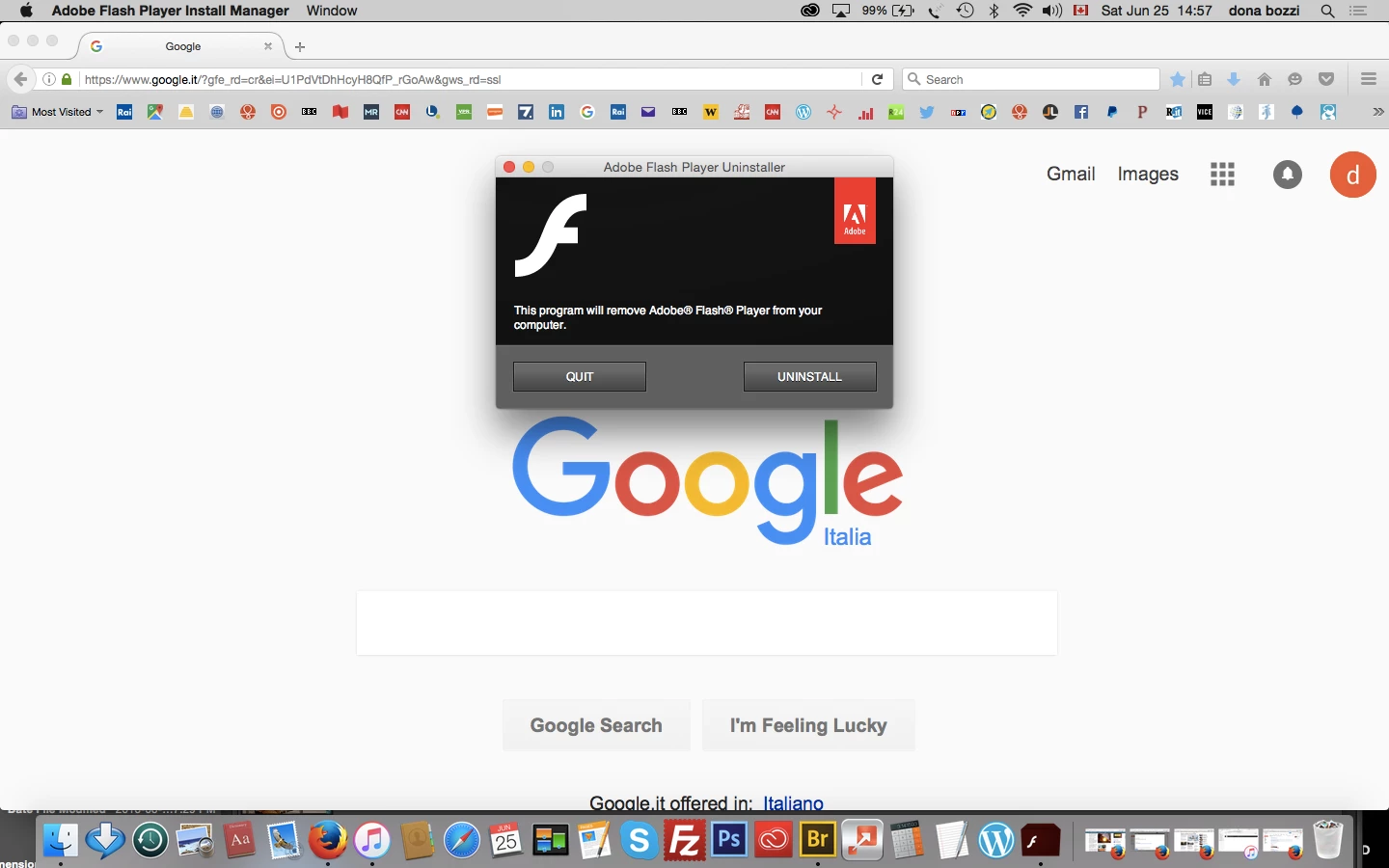
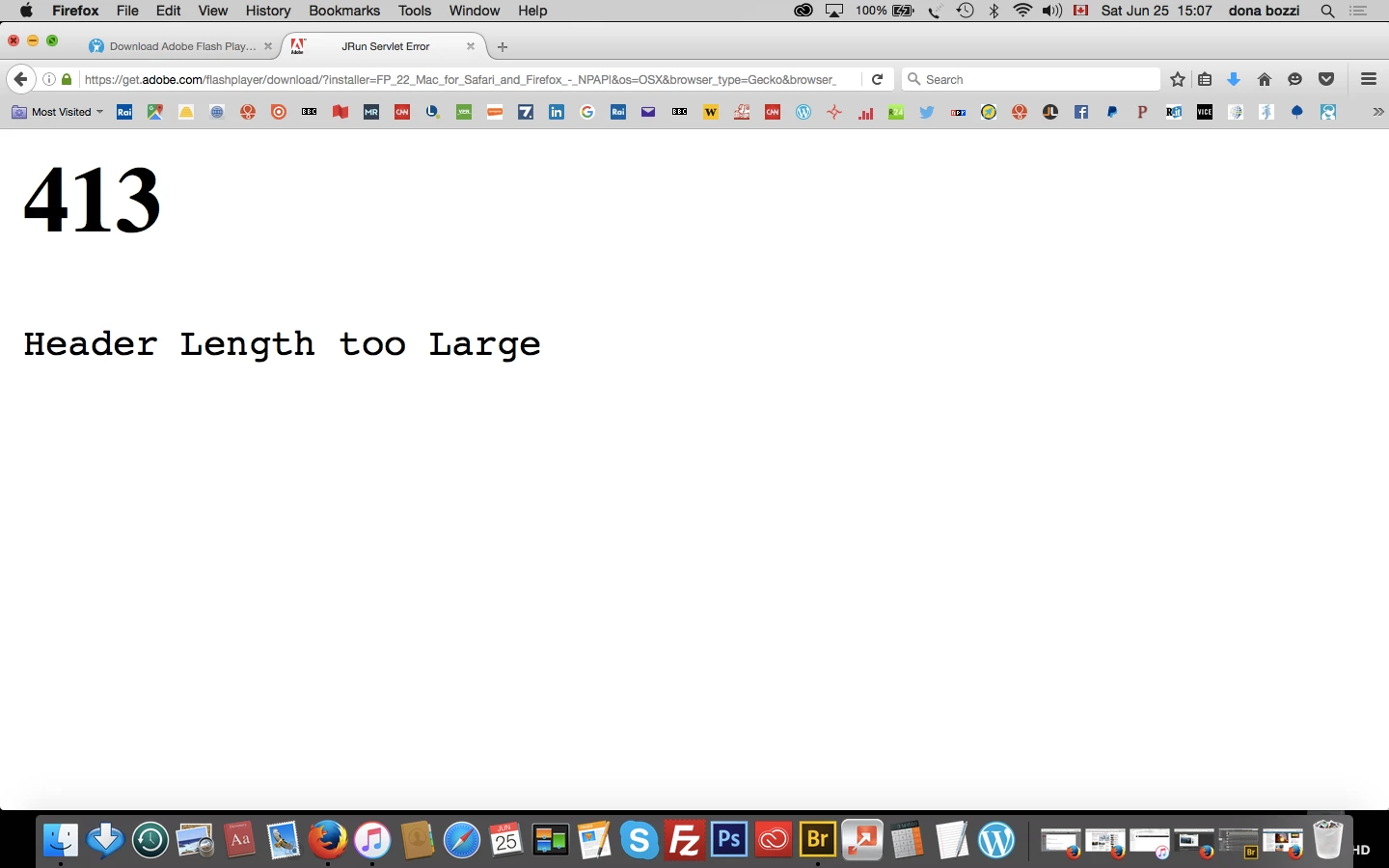
Hi, flash player shows installed, see screenshot "this program will remove flash player from your computer" but is not showing  in the applications, nor on the dock, or with a search.also trying to download gives error 413 header lenght too large, Yosemite 10.10.5
    This topic has been closed for replies.

    1 reply

    _maria_
    Legend
    June 27, 2016

    In your first screenshot, that is the uninstaller which will uninstall the Flash Player plugin.  Since this is a plugin, it isn't saved at in the /Applications directory.  It's saved in /Library/Internet Plug-ins.


    The second screenshot is due to too many *.adobe.com cookies on your system.  Delete the *.adobe.com cookies and the file will download.