February 8, 2016
Answered

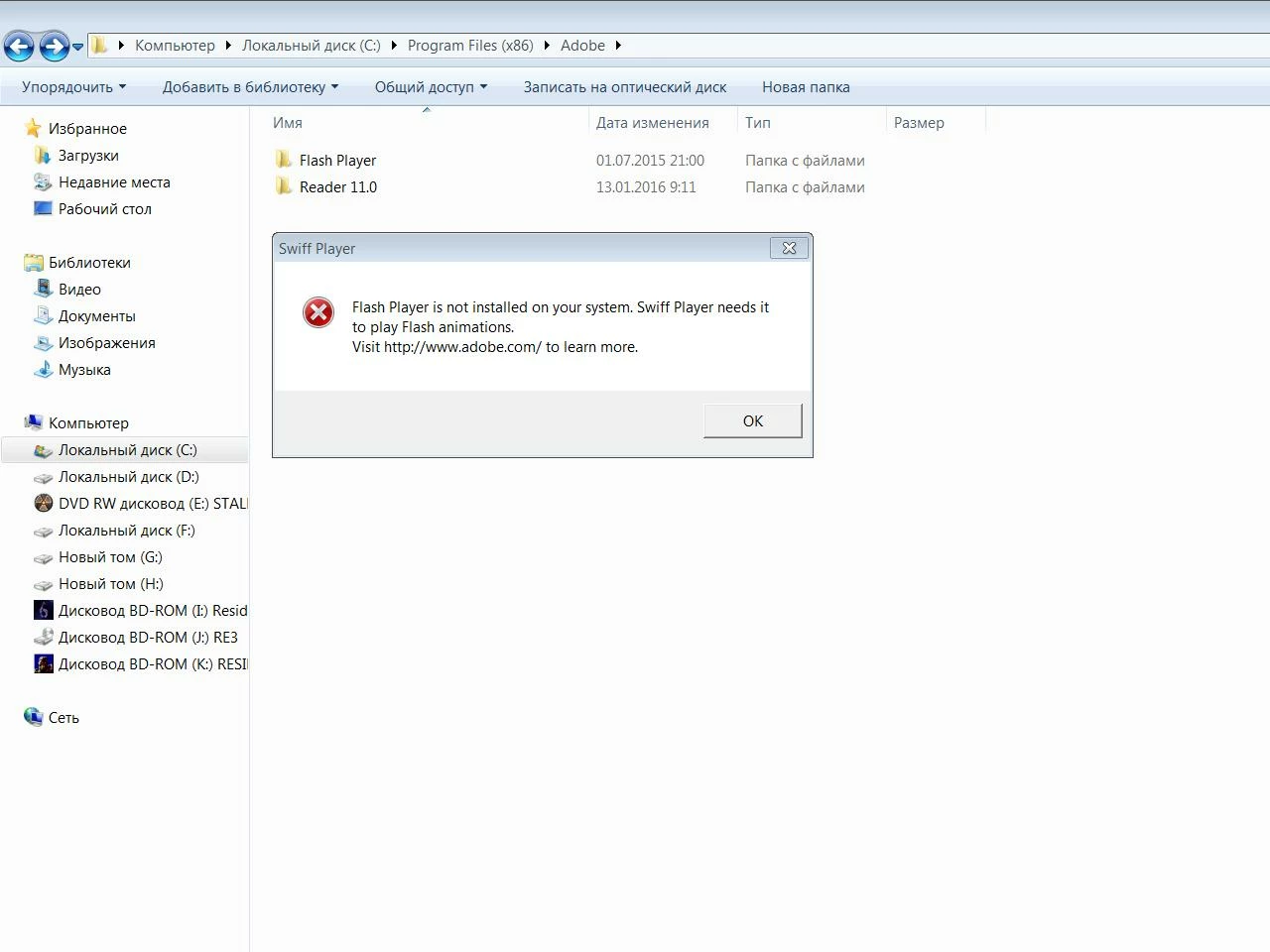
flash player is not installed on your system swiff player need it to play flash animation
  • February 8, 2016
  • 1 reply
  • 9522 views

Windows 7, 64

This topic has been closed for replies.
Correct answer _maria_

Hi,

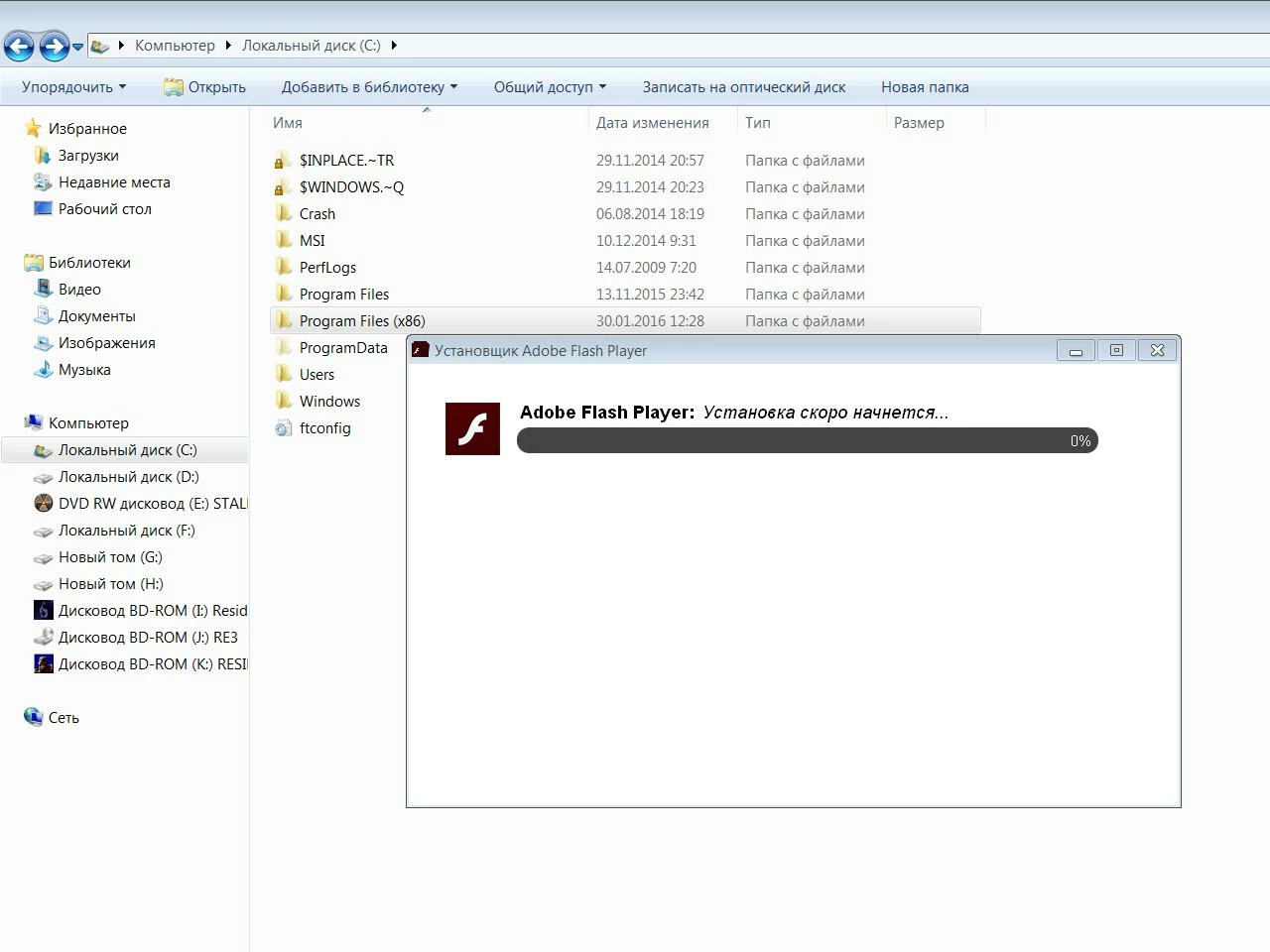
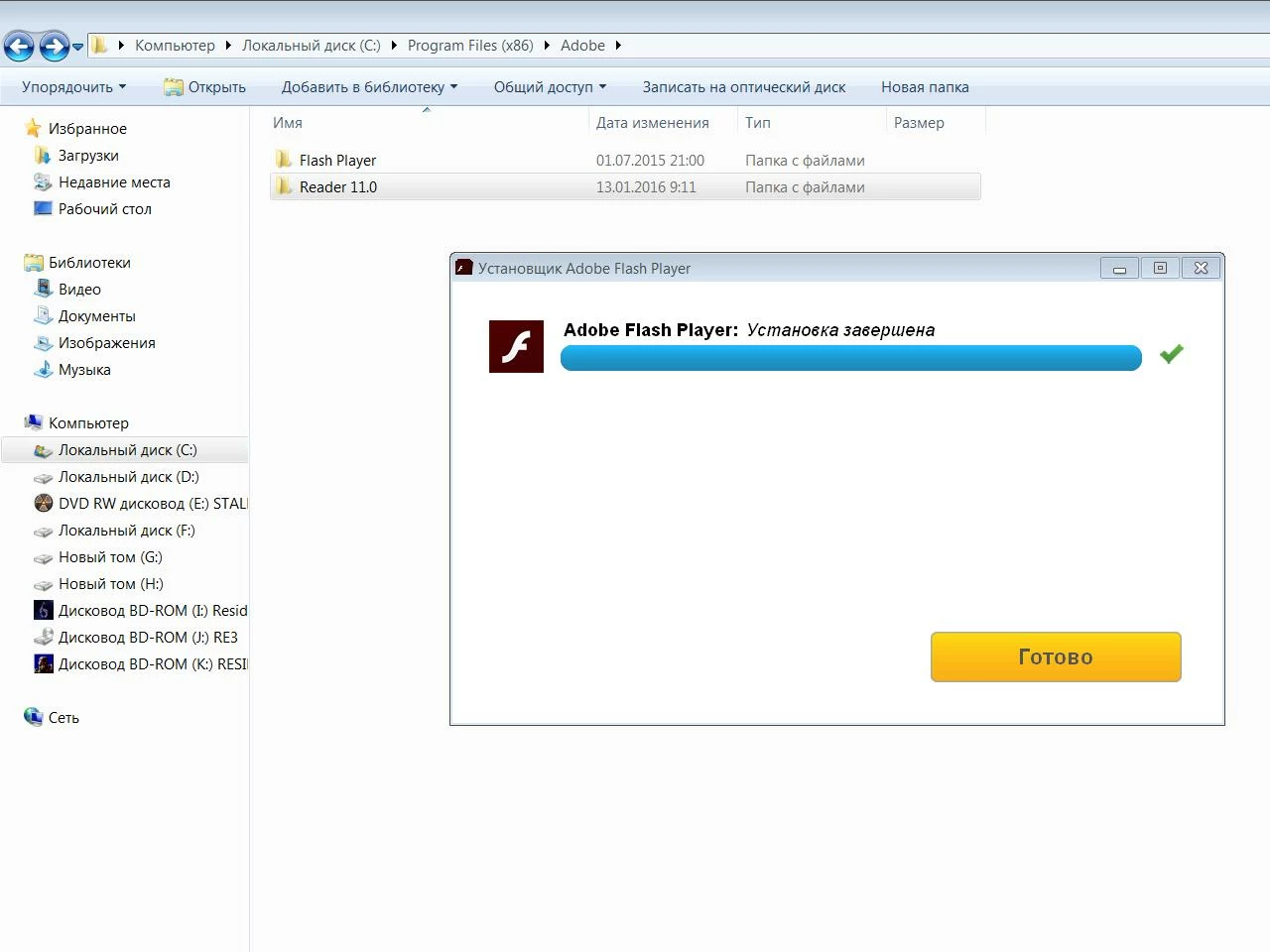
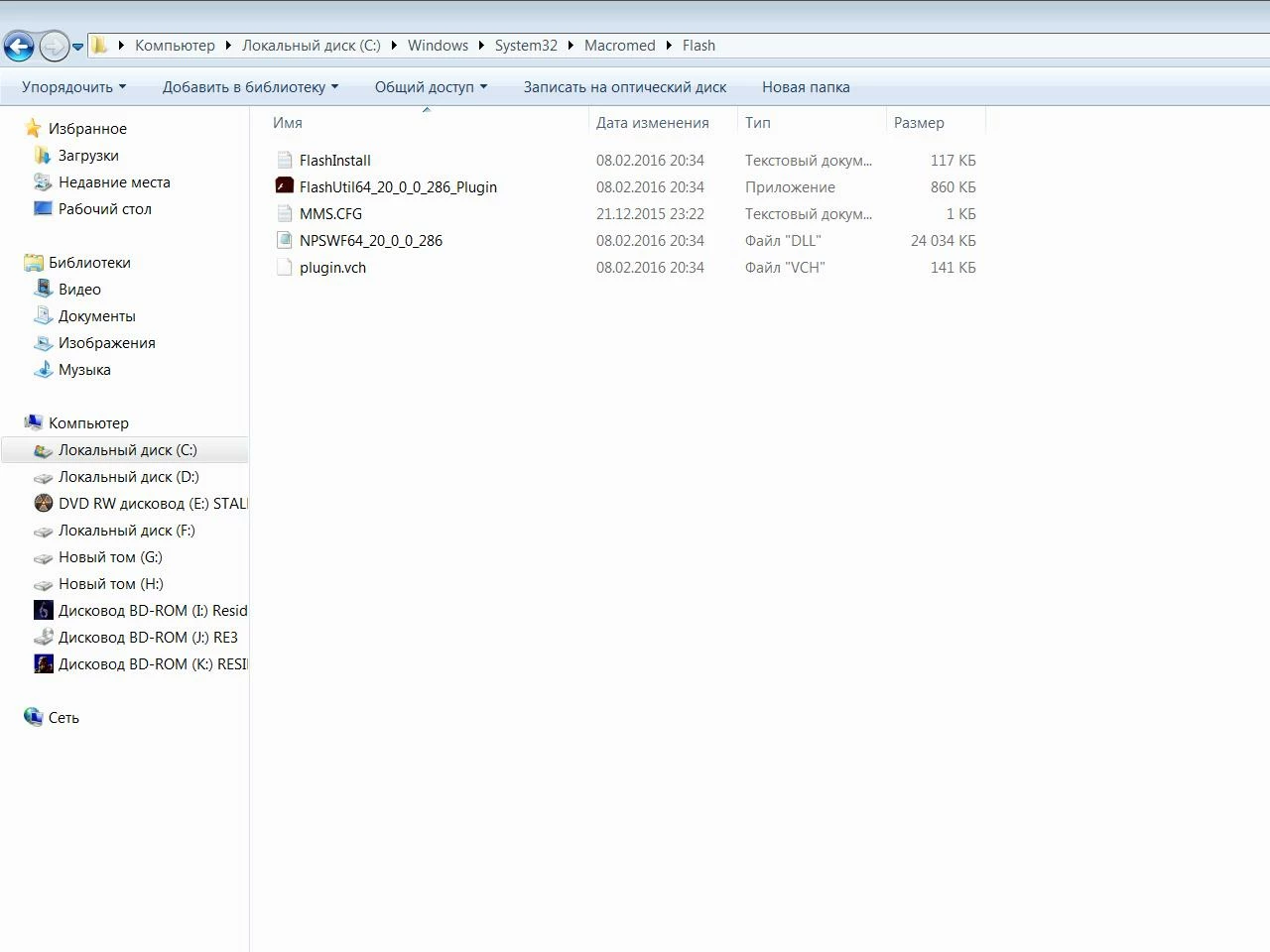
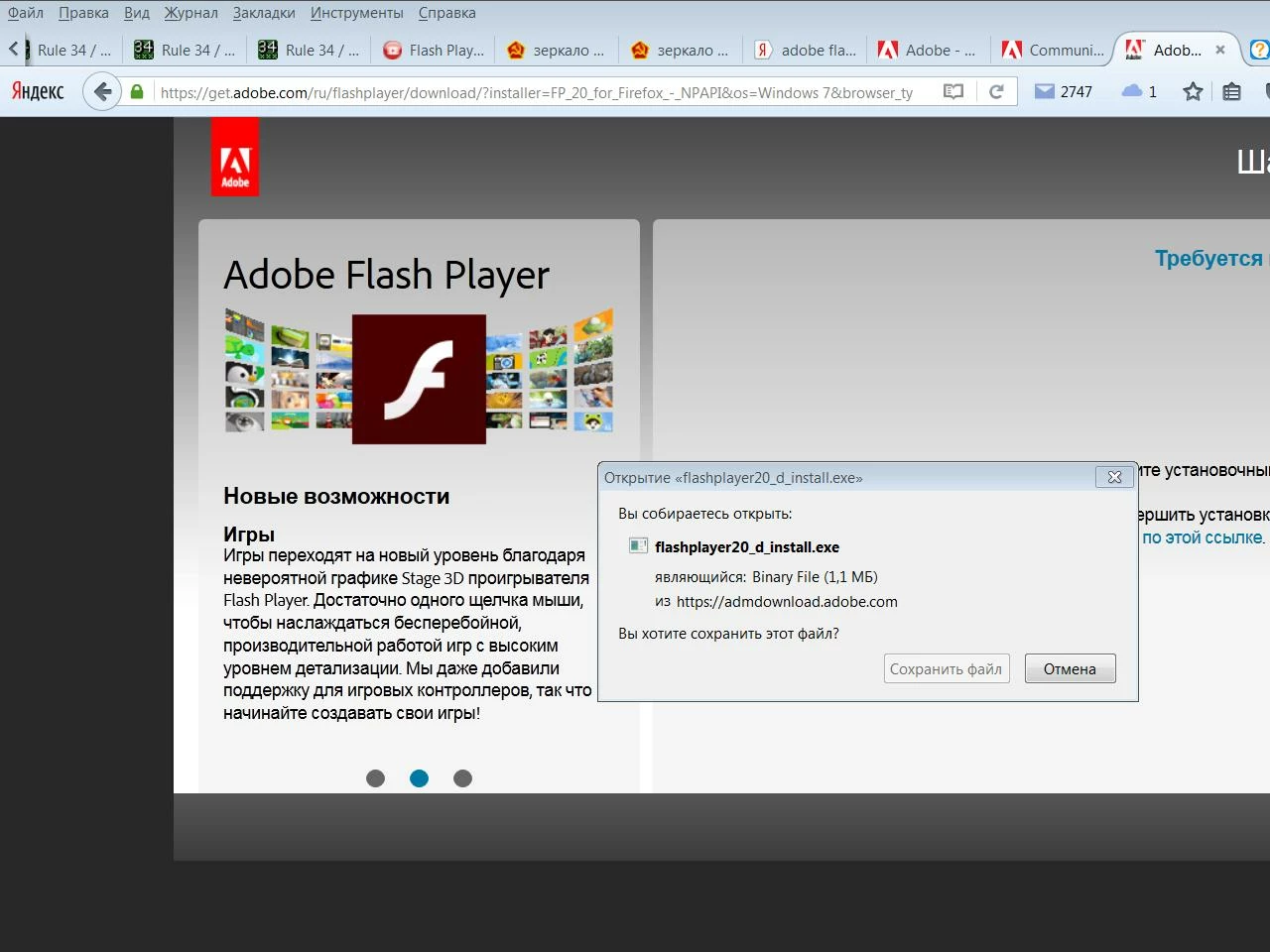
Looks like swiff player requires Flash Player ActiveX Control for IE (see GlobFX Knowledge Base: I have installed Swiff Point Player, but I am still not able to insert a Flash movie in my PowerP…). You have installed Flash Player Plugin (for Firefox browsers). You didn't specify your operating system, however, it appears you have Windows 7 or lower.  If so, please do the following.

  1. Go to https://get.adobe.com/flashplayer/otherversions
  2. In step 1 select 'Windows 7/Vista/XP'
  3. In Step 2 select 'Flash Player 20 for Internet Explorer - ActiveX'
  4. Click the 'Download Now' button
  5. The installer will download and be saved to your system. Locate it and double-click to launch.
  6. Follow on-screen prompts to install Flash Player ActiveX Control

--

Maria

1 reply

_maria_
Community Manager
_maria_Community ManagerCorrect answer
Community Manager
February 8, 2016

Hi,

Looks like swiff player requires Flash Player ActiveX Control for IE (see GlobFX Knowledge Base: I have installed Swiff Point Player, but I am still not able to insert a Flash movie in my PowerP…). You have installed Flash Player Plugin (for Firefox browsers). You didn't specify your operating system, however, it appears you have Windows 7 or lower.  If so, please do the following.

  1. Go to https://get.adobe.com/flashplayer/otherversions
  2. In step 1 select 'Windows 7/Vista/XP'
  3. In Step 2 select 'Flash Player 20 for Internet Explorer - ActiveX'
  4. Click the 'Download Now' button
  5. The installer will download and be saved to your system. Locate it and double-click to launch.
  6. Follow on-screen prompts to install Flash Player ActiveX Control

--

Maria

February 8, 2016

Everything works, thank you

_maria_
Community Manager
Community Manager
February 8, 2016

Hi,

Thank your for confirming and including the screenshots in your original post.  They helped to quickly identify the issue.

--

Maria