
March 6, 2017
Question

Flash Player is not working in Chrome

  • March 6, 2017
  • 2 replies
  • 3029 views

I am using Windows 10 with Chrome version 56.0.2924.87 (64 bit) and I have Adobe flash player 24.0.0.221 installed. I have the Flash player set to always run.
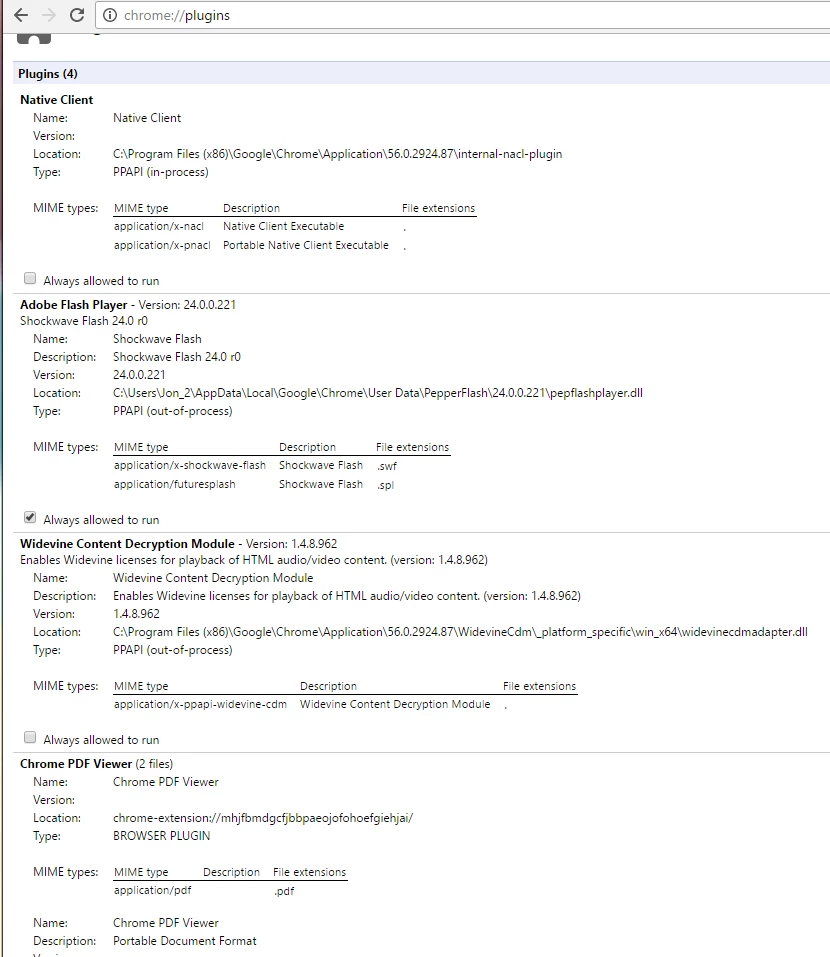
But even after reinstalling chrome and deleting the folder 24.0.0.221 in my app data location and letting chrome update flash player it still doesn't work.
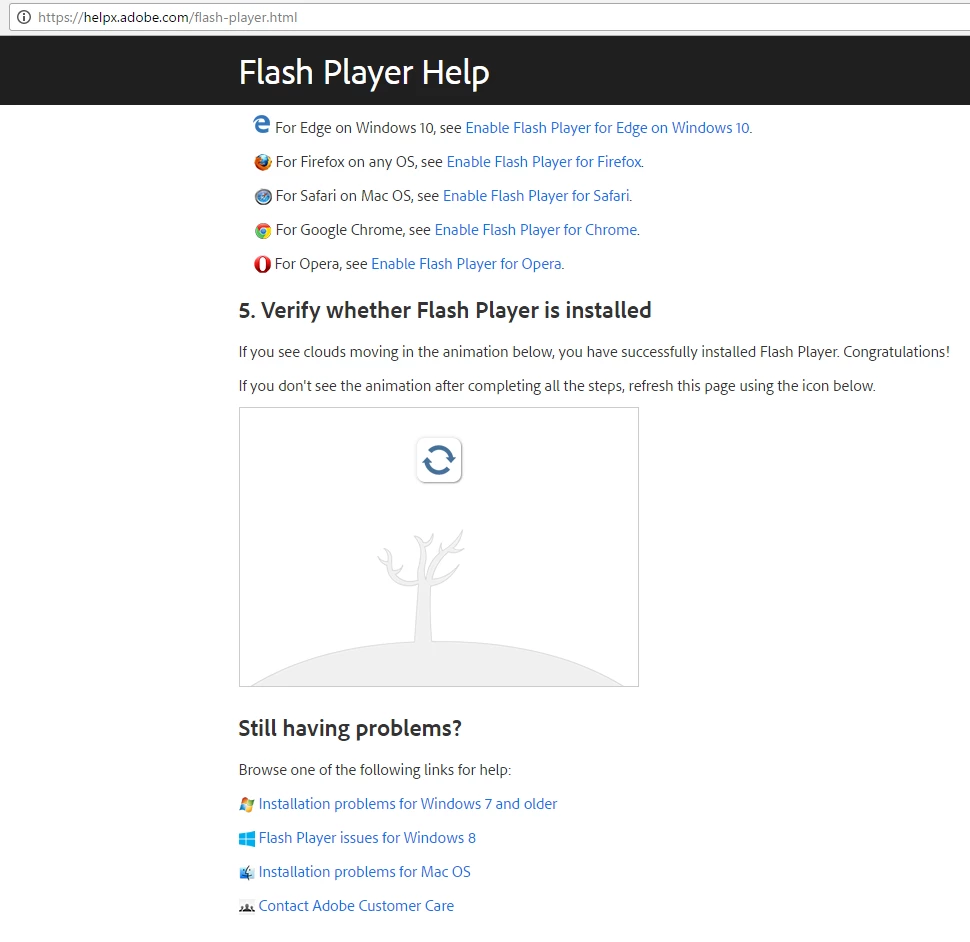
Are there any other steps to try and fix this problem?

    This topic has been closed for replies.

    2 replies

    paidtube
    Participant
    March 13, 2017

    Hi Future2063

    I had that kind of problem when installed win10 as well.

    Unfortunately it was very crucial for me because i was working on my video website

    as you can guess it was very important for me all my website depending on flashplayer.

    Here %100 solved my problem

    Please try also delete cache files

    1- First step.

    Delete chrome / or uninstall.

    After uninstall flash player.

    Delete all files related to folder.

    2- Second step

    Delete 3132372 KB from windows update.

    Install  3133431 KB from windows update

    3- Third Step

    Install Chrome and  Install Flash player

    4- Fourth Step

    Go to your url bar and enter

    chrome://plugins/

    If any other flash player appears except Pepperflash please disable the others.

    And also do not forget to tick always allowed to run as well.

    jeromiec83223024
    Inspiring
    March 10, 2017

    If you *just* installed, Chrome defers the initial Flash Player installation for a few minutes.  This helps them balance load across their network for people installing Chrome for the first time.

    If that's not the case, this should just work. 

    You can try going to Menu > Settings > Privacy > Content > Flash > Allow Sites To Run Flash