
June 22, 2017
Question

Flash player keeps being blocked

  • June 22, 2017
  • 2 replies
  • 4926 views

Hey there.

This discussion to ask for help because I do not know what to do anymore.

I did everything every sites tells me do to do: I changed in the contents to allow it on every site, I've allowed it on sites itself, re-installed,..

But for some reason it keeps being blocked.

Help?

A screenshot for proof that I did allow it
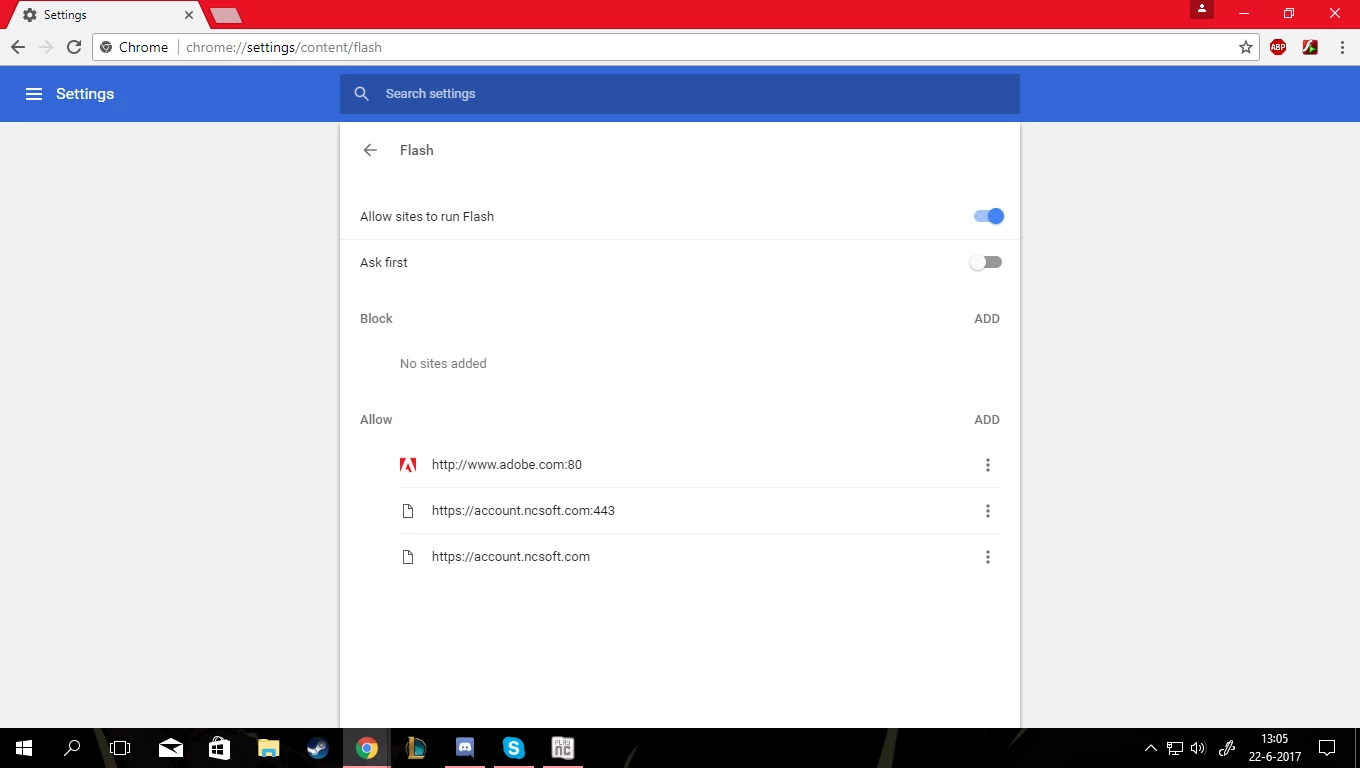
And A screenshot to show that it keeps being blocked
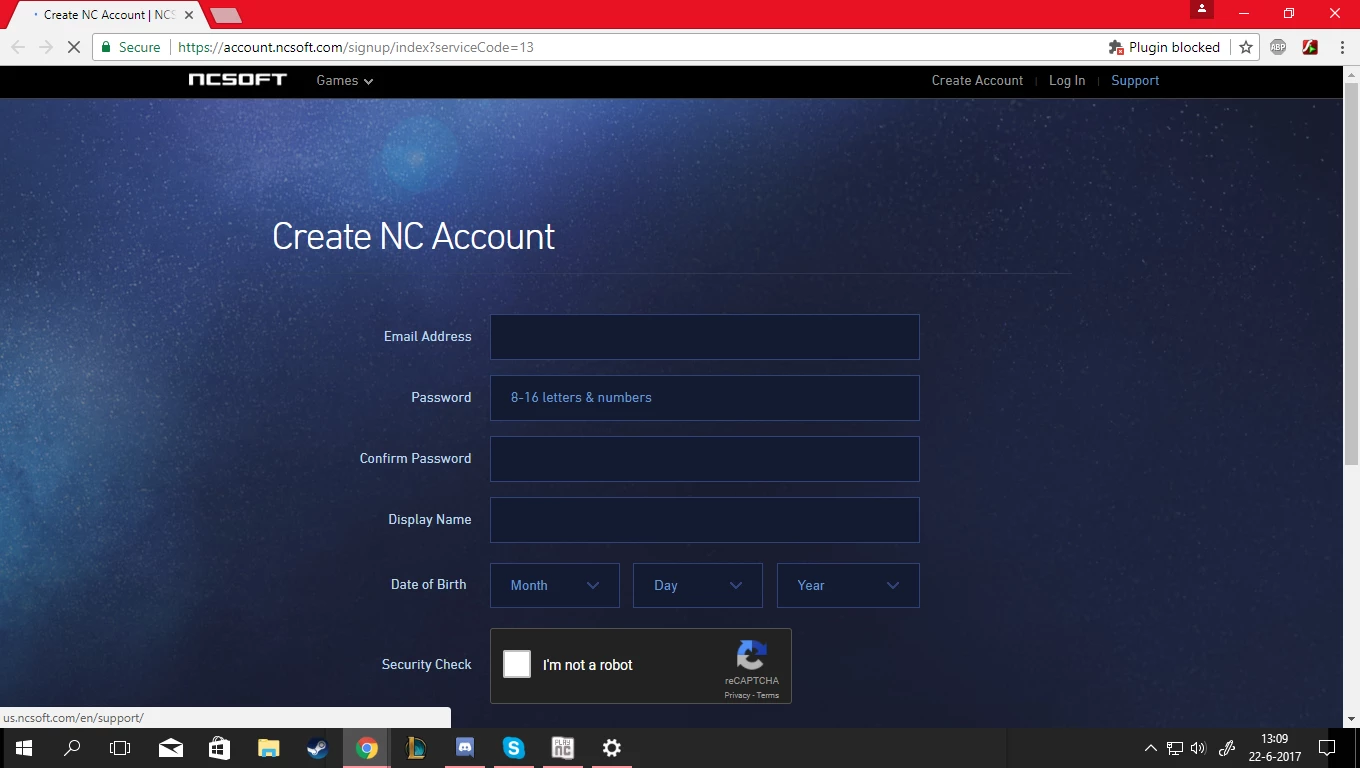
Google Chrome: Version 59.0.3071.109 (Official Build) (64-bit)

Pc: 64-bits operating system
Thanks in advance
James

    This topic has been closed for replies.

    2 replies

    _maria_
    Community Manager
    Community Manager
    June 22, 2017

    Please do the following:

    1. Launch Chrome
    2. navigate to chrome://flags/#prefer-html-over-flash
    3. What is this option set to?
    4. navigate to chrome://flags/#run-all-flash-in-allow-mode
    5. What is this option set to?
    ridhij4208356012135538
    Adobe Employee
    Adobe Employee
    June 22, 2017

    Hi,

    Please go through Adobe Flash isn't working - Google Chrome Help for Chrome related issues.

    Thanks!