Inspiring
August 3, 2010
Question

Flash player not installing

  • August 3, 2010
  • 1 reply
  • 2713 views

I am unable to find a similar system in the recent posts with the same problem so I am starting a new thread.  Flash Player 10.1.53.64 is not installing properly. It does not verify at http://www.adobe.com/software/flash/about.  I have gone through the troubleshooting section & done everything that is listed there.  I have downloaded the .exe & run the install manually, without the DLM and the results are the same. I've tried it with & without the Mcafee Security Scan Plus add on.

I am running

Wndows 7 Home Premium

On a Dell with processor Intel Core i7

Video card is an ATI Radeon HD4670

6GB of RAM

322 GB free on a 600GB drive

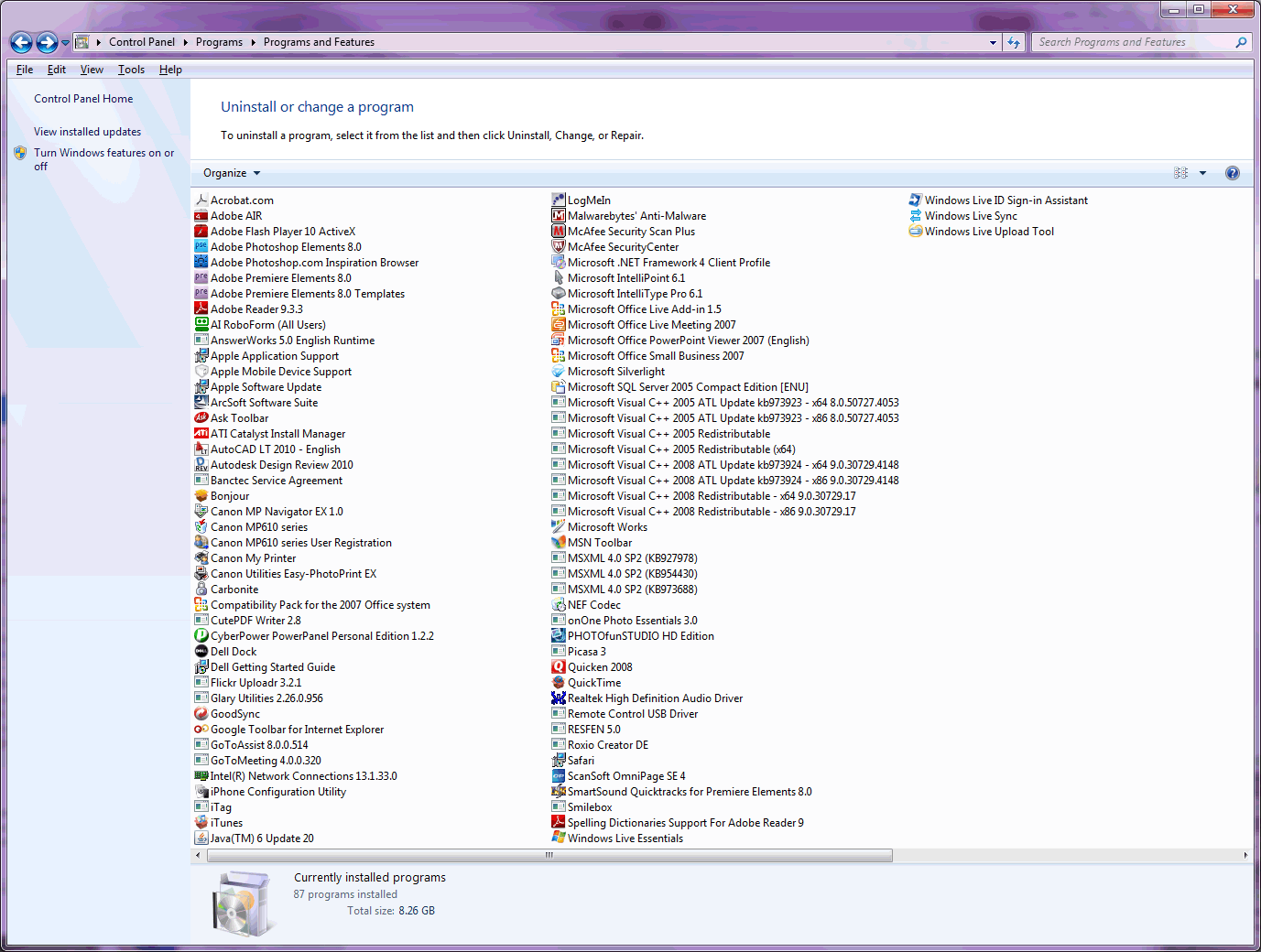
Please let me know next steps. I am unable to complete some photo book orders I had scheduled for today, and am hitting a wall with several basic websites. This is the software currently loaded on my system:
    This topic has been closed for replies.

    1 reply

    pwillener
    Legend
    August 4, 2010

    The screenshot you've uploaded appears very tiny and blurred (it may be this forum software doing that), so I cannot see exactly what you have.  But it appears as if I see something like 'Adobe Flash Player 10...' - what is it?

    And what is your web browser, b.t.w.?

    Can you see your Flash Player version at http://kb2.adobe.com/cps/155/tn_15507.html ?

    bgwgAuthor
    Inspiring
    August 4, 2010

    Sorry about the screen shot. It did show Flash 10 loaded at the time I took the screen shot but I've had it on & off my machine 20 times today.  Using IE 8,  32 bit.

    Here's the hodge podge of steps I stumbled upon & did to get my flash to install.

    Within IE  went to Tools-Manage Add-Ons--Show all (bottom left) & Enabled "Shockwave Flash Object".

    Downloaded the install.exe, uninstall.exe from Adobe & saved to my desktop but I have to say they are hard to find if you aren't troubleshooting.  Uninstalled Adobe's Download Manager. Uninstalled the McAfee gimmick they added on for "FREE"! Disabled anything I thought might be using flash (LogMeIn) & my McAfee Virus protection. Uninstalled Flash 10.x

    Shut down & restart. Repeat the disabling of Log Me In & disabling of virus protection.

    Run the install.exe without the mcafee & without their DLM.

    It worked.  Not sure which thing was the magic.  I had previously tried downloading with & without their mcafee add on but I was using Adobe's DLM, which from some other posts, sounds like it is problematic, I was never able to verify my install from that webpage link you posted that shows the version. Now I can.  Hope this is helpful to someone.

    pwillener
    Legend
    August 4, 2010

    Thank you for the feedback!