



Question
Flash player not working in http://animeid.io/?
- Operating system version: Windows 10 1803
- Web browser and version: Mozilla Firefox 60.0.1 (64 bit)
- Flash player version: 29.0 r0
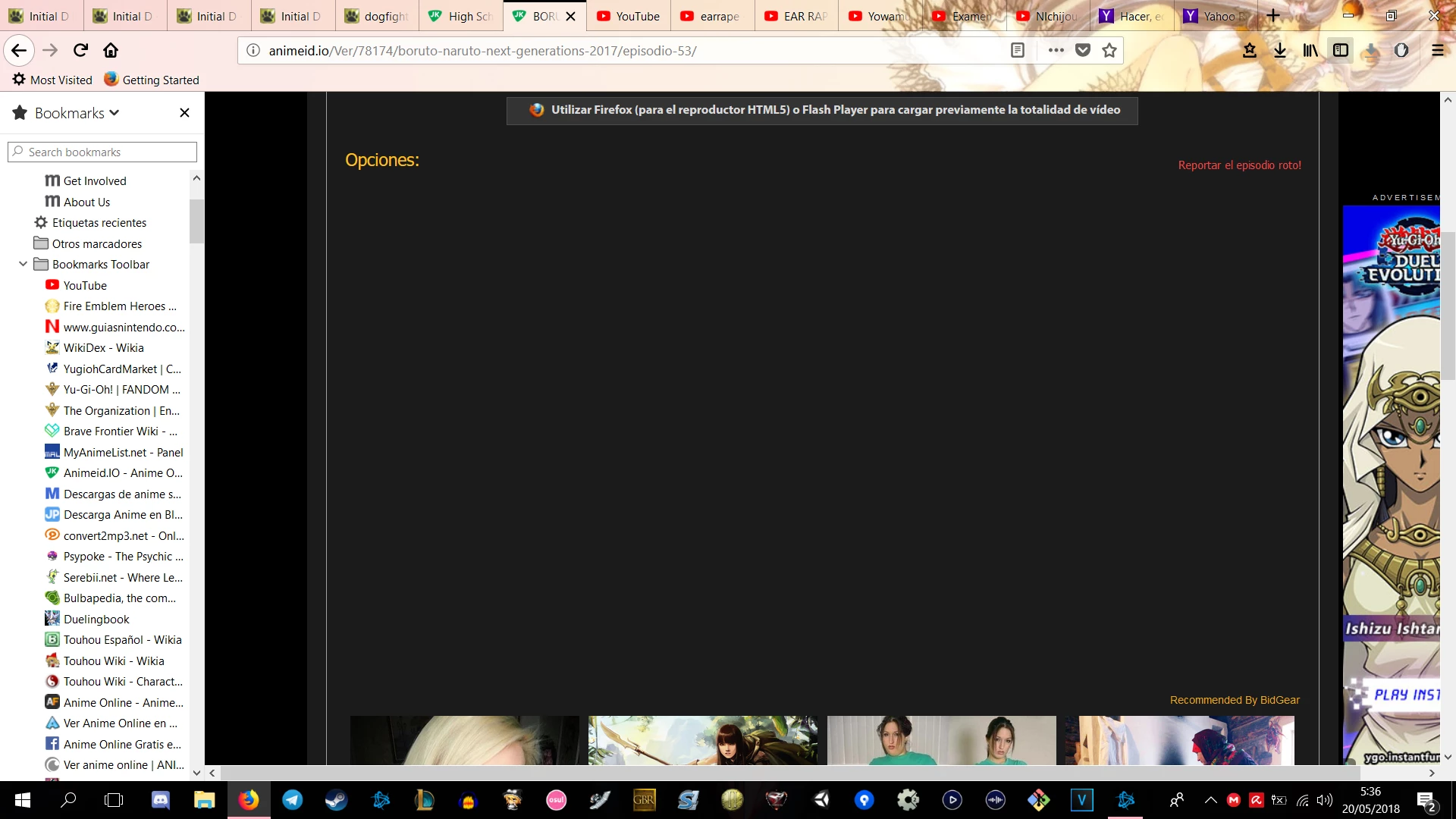
- Explain your problem in step-by-step detail if possible: Everytime I try to see any video in this page, the player doesn't appear on the screen and a message appears just up where the player is meant to be, saying: Utilizar Firefox (para el reproductor HTML5) o Flash Player para cargar previamente la totalidad de vídeo (Which by the way I think means ''Use firefox (for the HTML5 player) or Flash Player to previously load the entirety of the video''), I've tried everything, thinking it could be the adblock, refreshing the site, re-installing firefox, doing a clean reinstall of firefox, rebooting my PC, and I've run out of ideas, beacause i need it to run on firefox, this way i can download it with the add-ons. (attached screenshot of what exactly happens when i click on a video)
- A direct link to a web page that demonstrates the problem: http://animeid.io/ (Happens in every video of the page, just click on one to try it)
 AdChoices