



Flash Player stopped working
Hello,
I have Windows 10 and I'm using Chrome as a browser (updated to the latest version).
A week ago I downloaded the latest version of Flash Player (I need it for an online master on the website Master online in Global Marketing, Comunicazione & Made in Italy) and it worked fine. Yesterday I tried again and this error message appeared, saying that my Flash player version is too old:
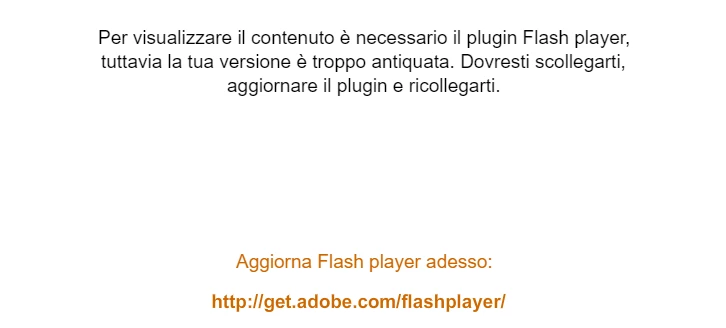
I tried again and again to update Flash player, I refreshed the page, I tried to follow the following instructions: Use or fix Flash audio & video - Computer - Google Chrome Help and Risoluzione dei problemi audio, video o giochi di Flash Player | Windows to solve the problem but it still doesn't work, even after I restarted my pc.
What can I do to solve the problem?
Thanks!
 AdChoices