


Question
Flash Player, webcam and mic settings not working
Hi there,
I'm trying to use Flash player to stream my Cam and mic however it won't work. The site can access my webcam and mic and I can click "allow" however there should be an eyeball setting in the Flash player settings that will let me "remember" my decision...
any ideas why that icon isn't there?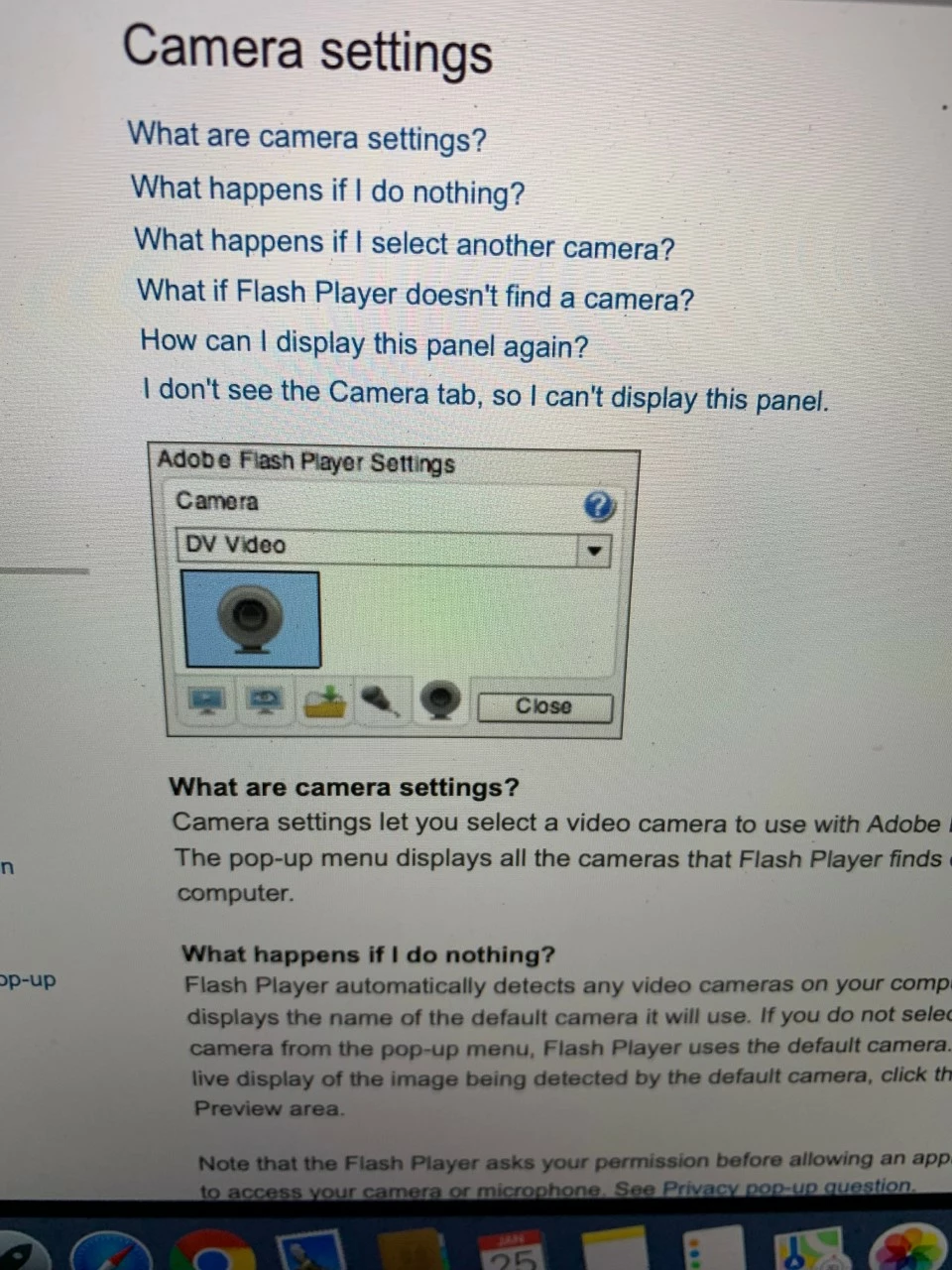
here's a pic of the settings window you SHOULD have. second icon image is the computer screen with eyeball. I only get the play button icon, the mic and cam icons.
plz help.
 AdChoices