


Flash player website continuously loading, never finishes
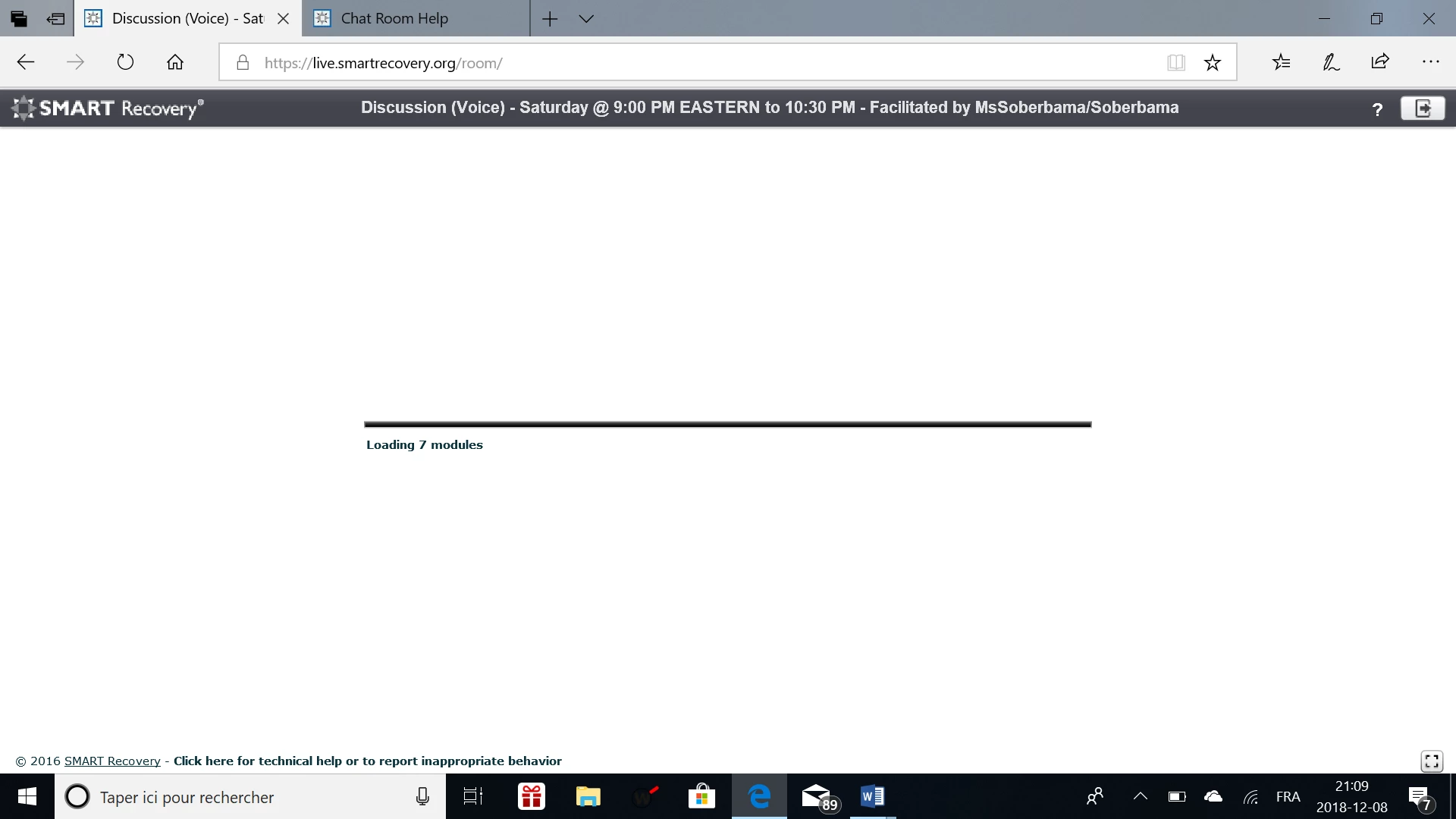
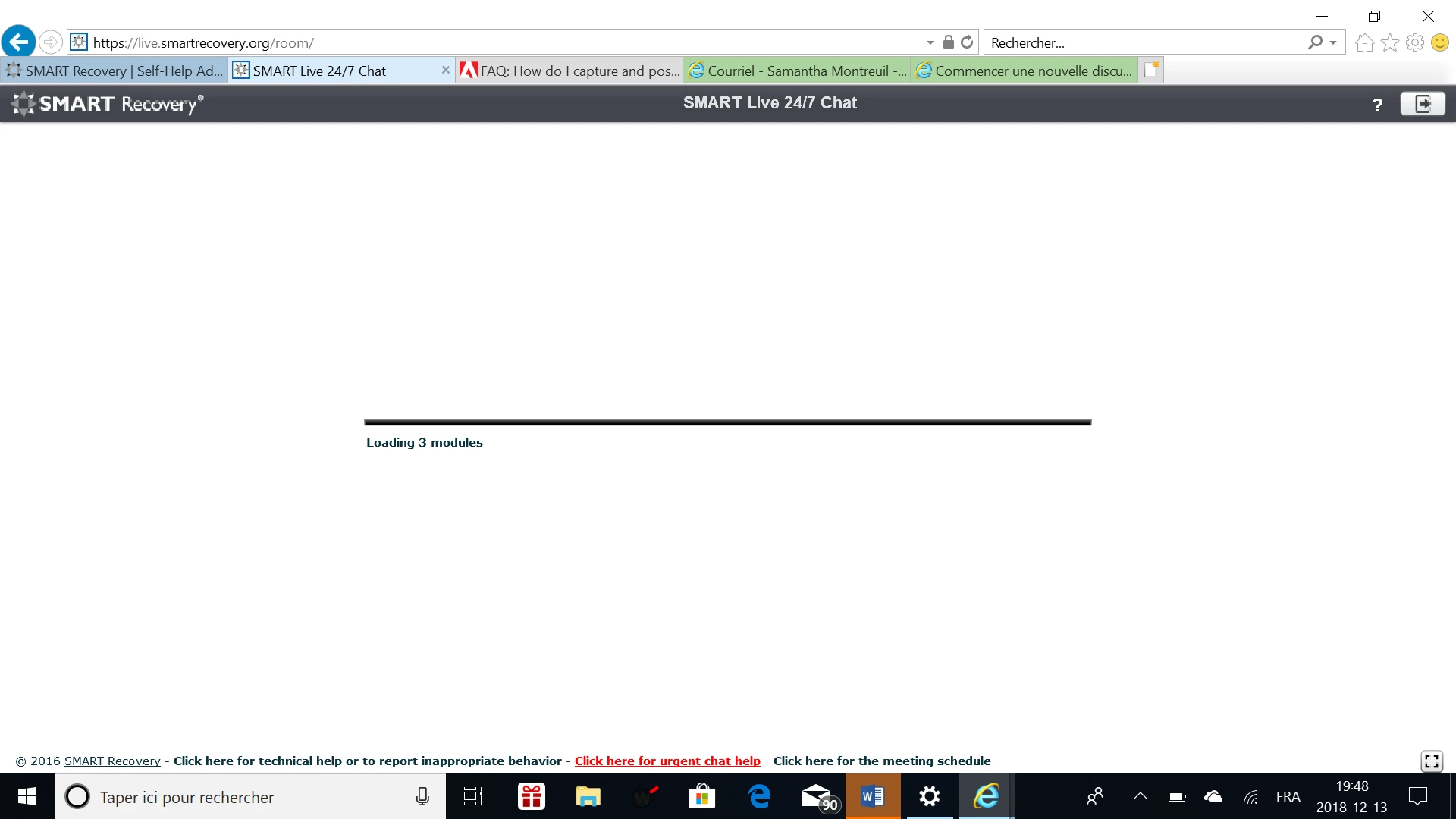
I have Windows 10, and have tried loading a chat room and online meetings. It uses flash player and when I click on the link to enter the chat room or online meeting room, the screen indicates that it is loading modules, but never gets past that screen. When I contacted the website admin, they said that it was likely that my flash player wasn't up to date. However, I checked and all updates have been installed.
I have ensured that Flash Player in enabled, up to date, and that Activex settings in IE are not on. I have tried restarting my computer. Not sure what else to do. I am in the middle of training and need to get this back up and running as soon as possible.
Any help you can offer would be greatly appreciated.
URL:https://live.smartrecovery.org/room/
 AdChoices