audreys22216518
Participant
September 16, 2018
Question

Flash player won't install on mac
  • September 16, 2018
  • 2 replies
  • 5296 views

I've tried to install plash player multiple times with no luck. I'm getting no error messages and am having no issues with the installer but once I go onto the help site it says it's not installed and when I try to use a website that requires flash (for school) it doesn't work and says I don't have flash installed.

This topic has been closed for replies.

2 replies

_maria_
Legend
September 17, 2018

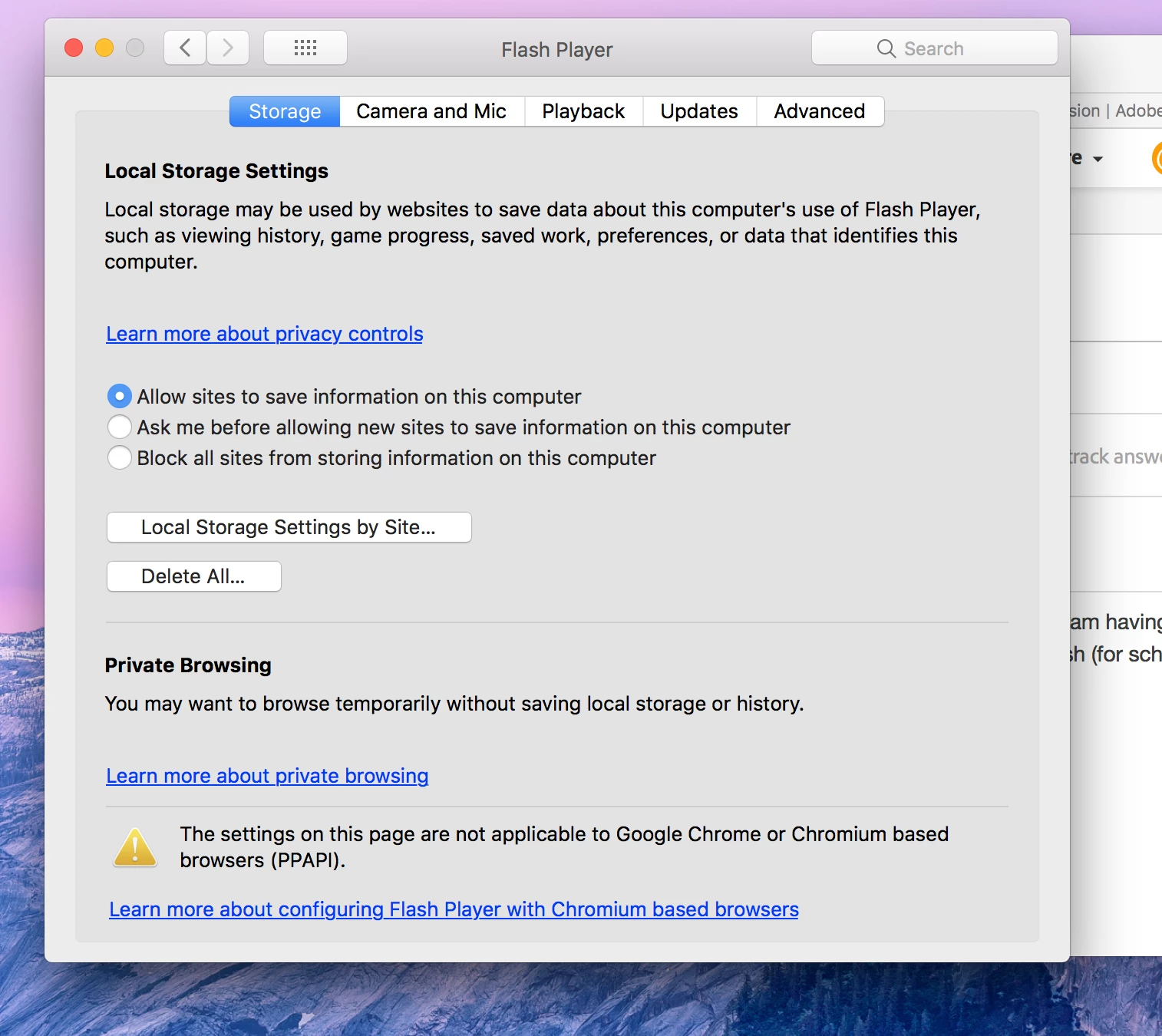
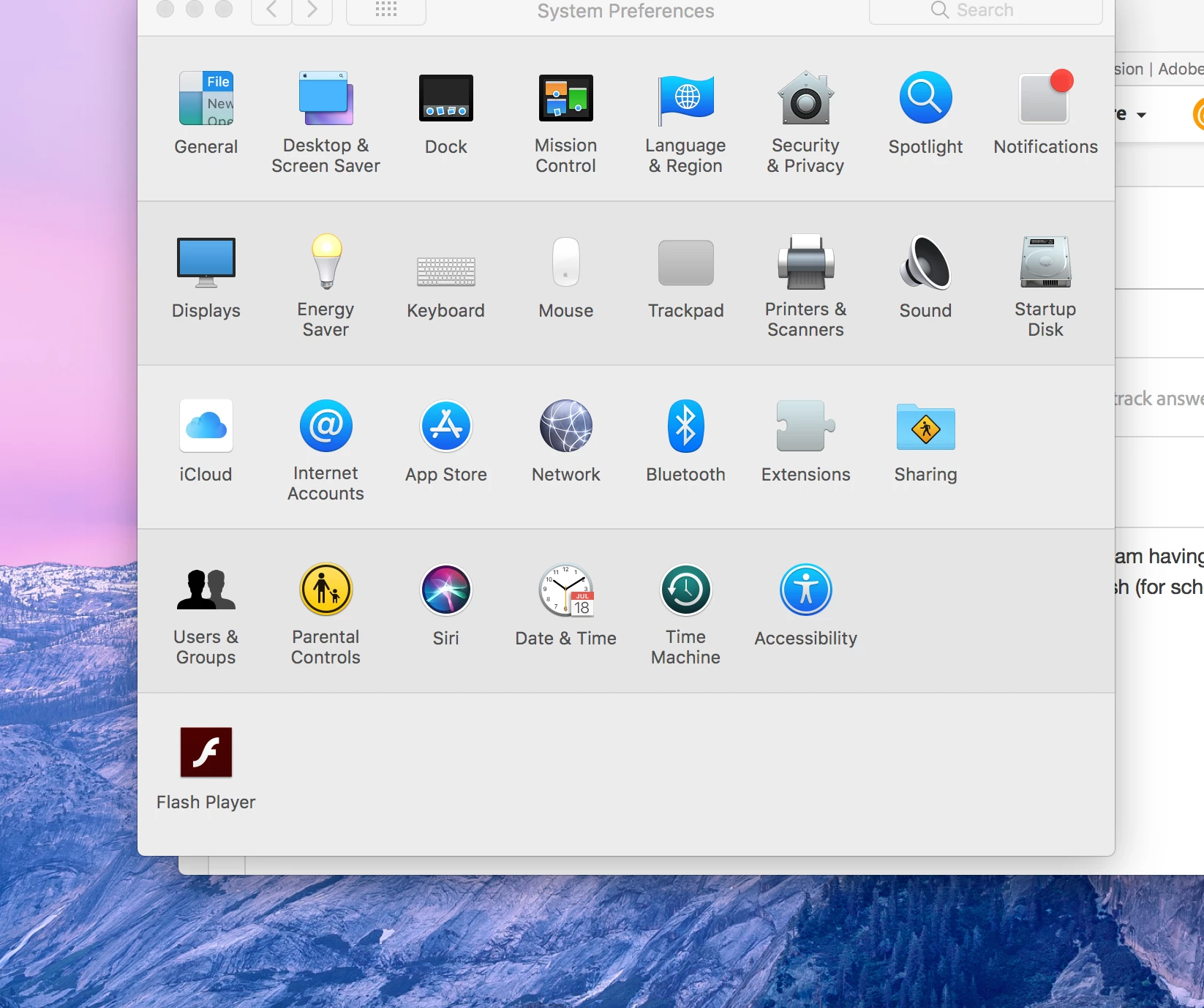
Based on the screenshot you have Flash installed.  The Flash Player Settings Manager, in System Preferences, is only present when Flash is installed.  Most major browser vendor's disable Flash by default, or the content creator hasn't updated their content to conform to recent browser changes with regards to Flash detection.  This is a browser and/or content issue.

The tech note Flash Player Help  contains links to enable Flash in the various browsers.  If this doesn't work, please provide the follwoing:

  • Mac OS version
  • Browser, including version
  • Flash Player version installed:
    • In the Flash Player Settings Manager, navigate to the Updates tab
    • Post a screenshot of the updates tab
  • Direct link to the content that is not working (this is the exact link to the content, not the top-level site URL).

Thank you.

Participant
September 18, 2018

If this doesn't work, please provide the follwoing:

  • Mac OS version 10.13.6
  • Browser, including version safari
  • Flash Player version installed: 31
  • Direct link to the content that is not working (this is the exact link to the content, not the top-level site www.youtube.com
_maria_
Legend
September 18, 2018

Thanks for providing the info. 

YouTube doesn't use Flash Player anymore (stopped using it years ago).  If you right-click on the content it'll display the HTML5 context menu, not Flash Player context menu.

Kajal_Singh
Adobe Employee
Adobe Employee
September 17, 2018

Hi,

On which Mac platform you are trying to install Flash Player? Please download and install Flash Player from Adobe Flash Player Install for all versions . Use Flash Player Help to check whether Flash Player is successfully installed on your system.

Thanks!