Participant
August 26, 2016
Question

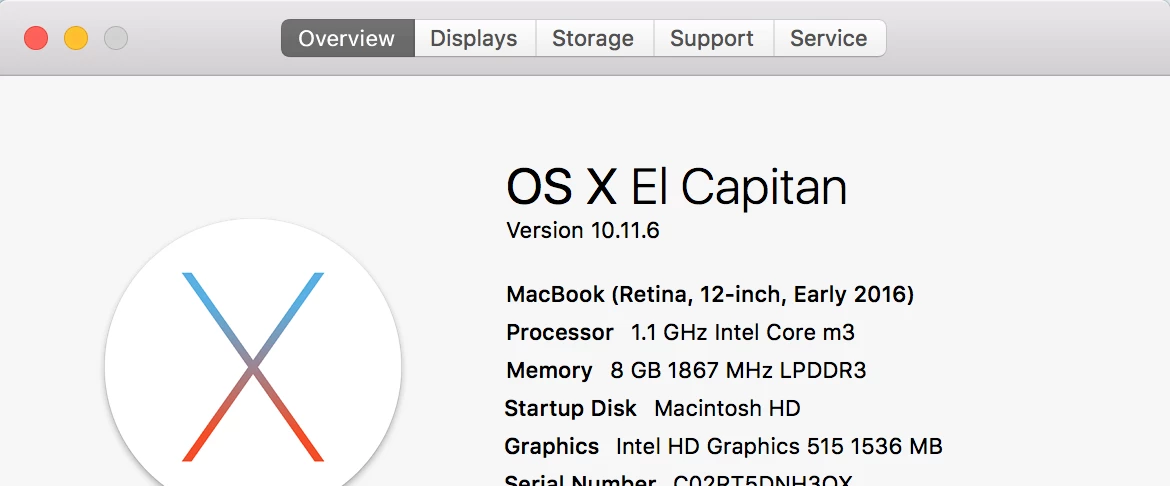
Flash player won't install on Mac OS ver. 10.11.6

  • August 26, 2016
  • 1 reply
  • 4285 views

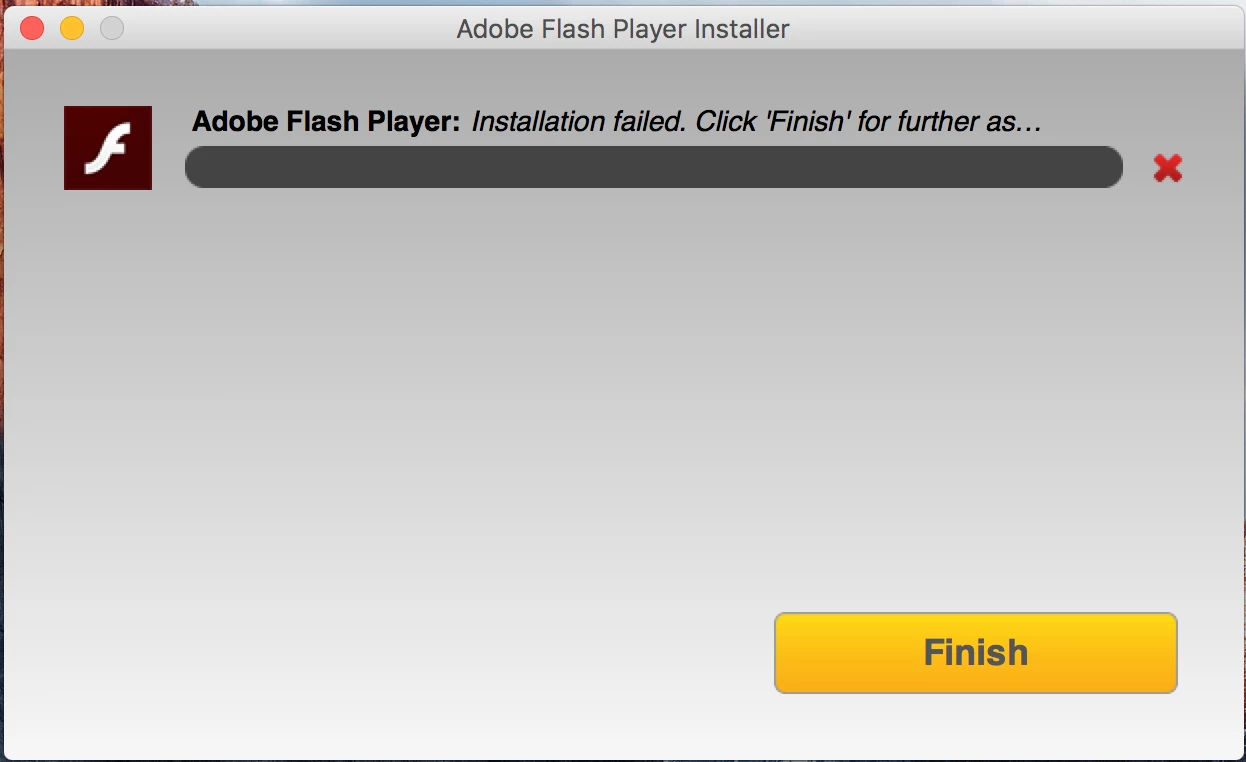
I've been trying to install flash player, but it isn't working. I've followed all the steps at these links ( Flash Player Help & https://helpx.adobe.com/flash-player/kb/installation-problems-flash-player-mac.html ) but nothing has helped fix the issue. I've also tried restarting the computer, but it hasn't helped. Every part of the prices works fine until the installation window reaches 90% progress, then it fails every time. I've included screencaps about my Mac and also of the failed load window. I just got this Macbook last week and haven't really used it at all beyond setting it up, so I'm confused as to why this is happening!
This topic has been closed for replies.

1 reply

_maria_
Legend
August 26, 2016

I'll need to review the install log files to troubleshoot the error.  Please review the FAQ Where do I find the Flash Player installation log on the Macintosh?  and provide all 4 files listed: Adobe_ADM.log, Adobe_GDE.log, FlashPlayerInstallManager.log, and install.log.  Please review the FAQ before doing anything and configure the system as instructed before attempting the installation again to capture, and submit, the various log output data for the same installation attempt.  Once you have all of the log files, upload them to cloud.acrobat.com/send using the instructions at How to share a document and post the link to the uploaded files in your reply.

Thank you.

veb9Author
Participant
September 7, 2016

Shared Files - Acrobat.com

I was able to find the Adobe_ADM.log and the Adobe_GDE.log. However, there was no FlashPlayerInstallManager.log in the ~/Library/Logs folder. Also, I opened /var/log from the Console utility and placed the markers in the install.log, but no new data was added when I ran the Installer.

_maria_
Legend
September 7, 2016

Thank you for posting the log files.  The error is in the online installer, which downloads and installs Flash Player silently in the background.  I'm not familiar with the error and will need to forward it to the online installer team for review.  In the mean time, please use the offline installer posted at the bottom of the Installation problems | Flash Player | Mac page in the 'Still having problems' section.