Hi,
I know it's a little late, but this is the solution to your issue:
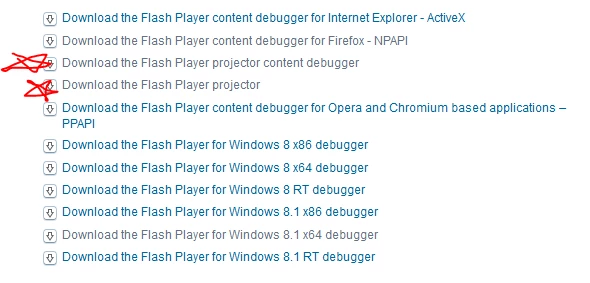
go to Adobe Flash Player - Downloads and download one of the two "projector" items shown here:
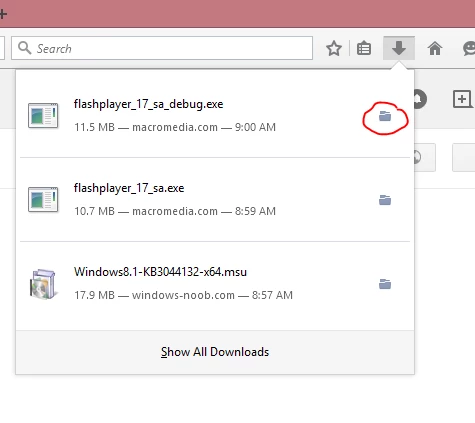
Find the file that you downloaded (in Firefox you can click the little folder icon next to it):
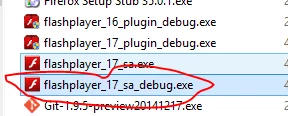
move this file somewhere that makes sense so it is not in your main downloads folder.
I usually do something like "C:\bin\adobe\flash\debuggers"... it is a bit linux-ish but I like to organize my command-line and stand-alone tools under the c:\bin directory just to keep a tidy house so to speak...
right click on any swf and select "Open With":

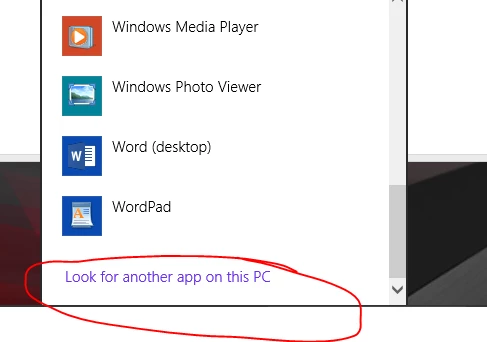
Click more options and then "look for another app on this PC":
Browse to the location where you stored the standalone player:
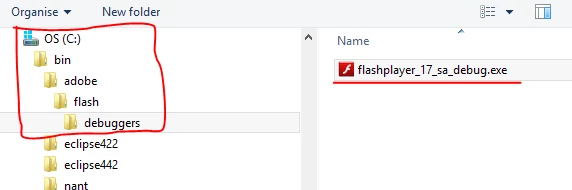
select it and then click "open"
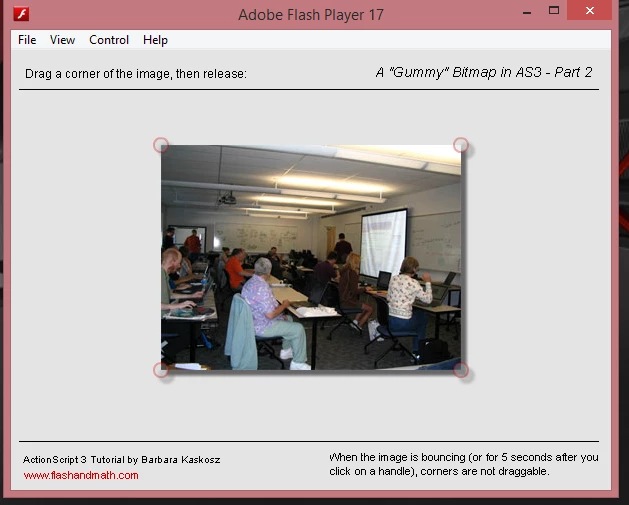
There you go, you will open the swf in the desktop with the standalone player:
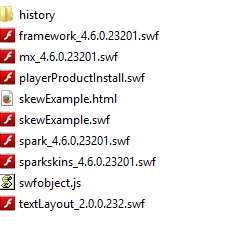
And all swf files will now show a flash player icon!

 AdChoices