Participant
December 15, 2016
Question

Flash Plugin Suddenly no longer working

  • December 15, 2016
  • 1 reply
  • 458 views

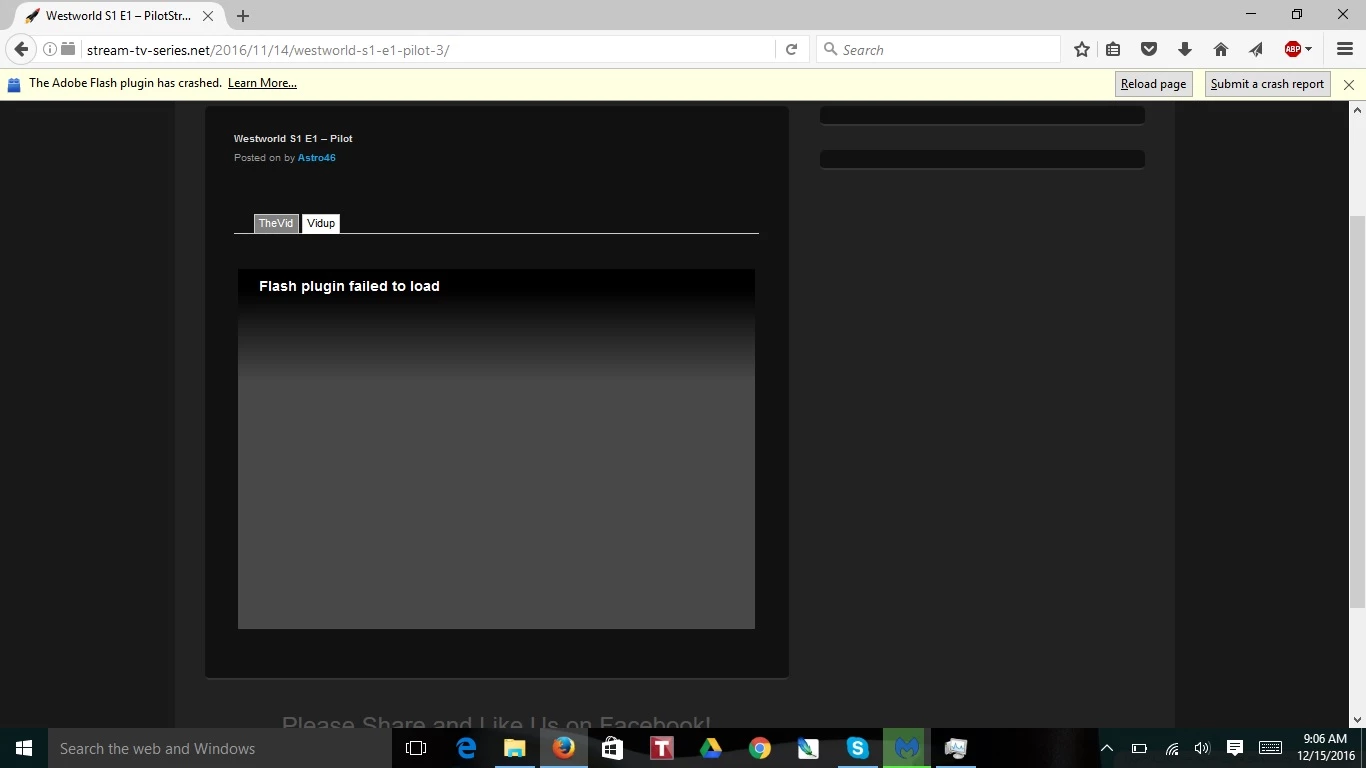
Last night flash player crashed while watching videos and I can't get it to work again. I cannot use websites using flash on Mozilla Firefox or google chrome, but the sites work on Microsoft Edge. I have browsed the other forums and tried the suggestions but I'm having no luck. Here is what I have done so far:

1. Updated both Firefox and adobe flash.

2. Deleted and reinstalled both firefox and adobe flash.

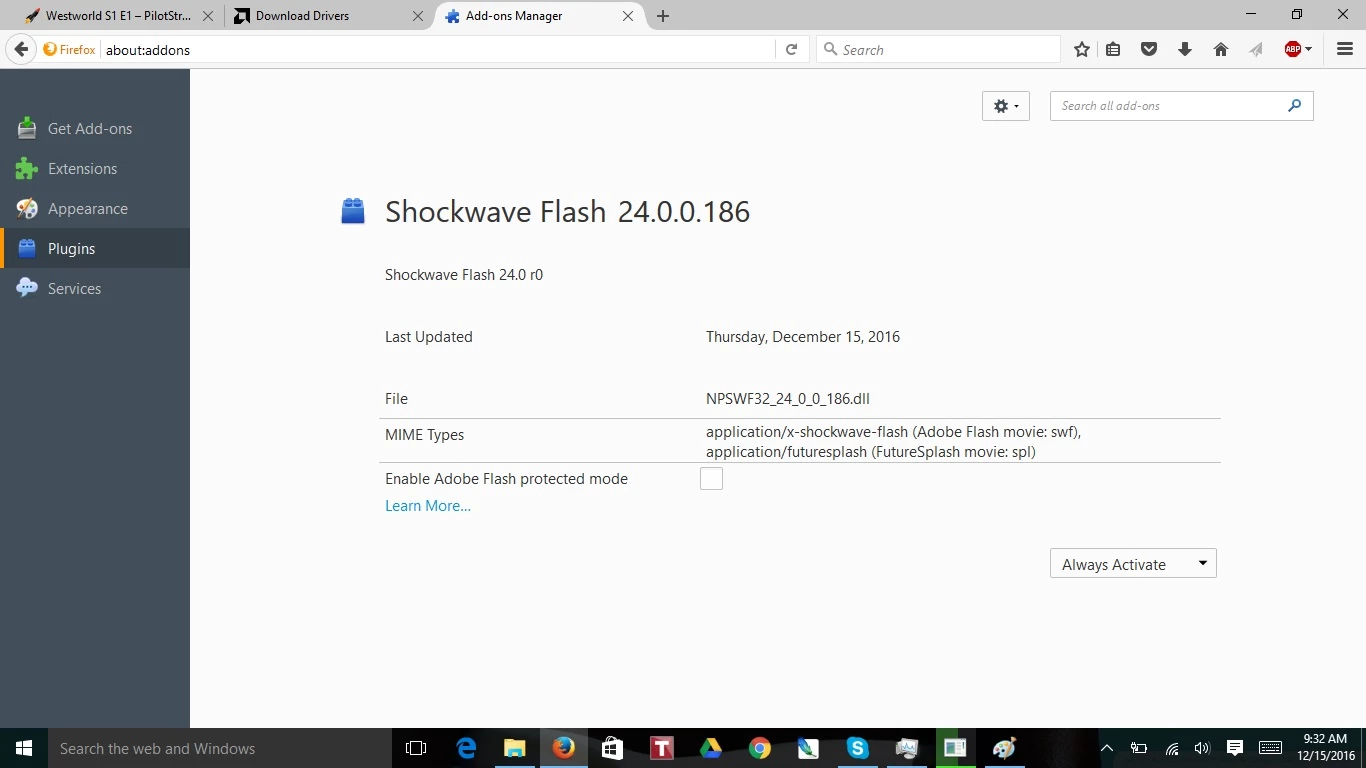
3. Made sure the plugin was active in the plugin menu.

4. Disabled adobe's "protective mode", as suggested by Mozilla Firefox troubleshooting page.

I have Windows 10, 64 Bit

Here are some screenshots that may be helpful:
This topic has been closed for replies.

1 reply

jeromiec83223024
Inspiring
December 15, 2016

Firefox, IE/Edge and Chrome all have separate, distinct copies of Flash Player.  It's interesting that both Firefox and Chrome broke.

The URL that you've provided actually gets flagged as a malware distribution site (*someone* is making money on that pirated HBO content... it's probably just with CPU time on your machine, or your personal data), so that may be part of what's going on here.  You might want to run a reputable virus scanner and anti-malware package on your machine to catch anything obviously wrong.

Also, because you saw a simultaneous failure in multiple discrete applications (those three copies of Flash Player really are three distinct and very different pieces of software targeting significantly different browser plug-in interfaces) I'm thinking that there's something underneath us that's at the heart of this. 

This would be a great time to make sure that the filesystem is in good shape.  At the very least, it will help to ensure that the other steps you take to repair the problem are actually doing what you expect.  As always, before performing any disk maintenance, it's always a good idea to make sure any critical data is backed up, etc.

Check your hard disk for errors - Windows 7:

https://support.microsoft.com/en-us/kb/2641432

Mozilla's recommendation to disable Protected Mode in Flash is pretty misguided.  It's unfortunate that they continue to recommend that approach, as it leaves you significantly more vulnerable to malware.  You're basically rolling back to the state of browser security circa 2007. 

A better choice, which I'd highly recommend, would be to upgrade to the 64-bit variant of Firefox.  It includes a native NPAPI plug-in sandbox, which eliminates the need for the bolt-on sandbox that we built for 32-bit Firefox.  Mozilla doesn't provide 64-bit Firefox by default.  You'll have to download it here.  It will get you better performance and stability with Flash in general.

Just get the one from the x64 column here: https://www.mozilla.org/en-US/firefox/all/

At that point, you should probably just uninstall and reinstall Flash Player for Firefox:

Uninstall Flash Player - Windows:

https://helpx.adobe.com/flash-player/kb/uninstall-flash-player-windows.html

Then using Firefox, grab a fresh copy here:

http://get.adobe.com/flashplayer/

If that works, then we can deal with Chrome.  Flash Player is a built-in component of Chrome, so there's nothing separate to download or install there.  Your option is pretty much just to uninstall and reinstall Chrome.  If you've logged into a Google account in Chrome before uninstalling, it will sync all of your important settings automatically.

Also, if you haven't looked at other sites, that might be a good plan.  A simplistic animation site like http://www.homestarrunner.com/ is a good sanity check for whether it's your machine or the service you're using.