

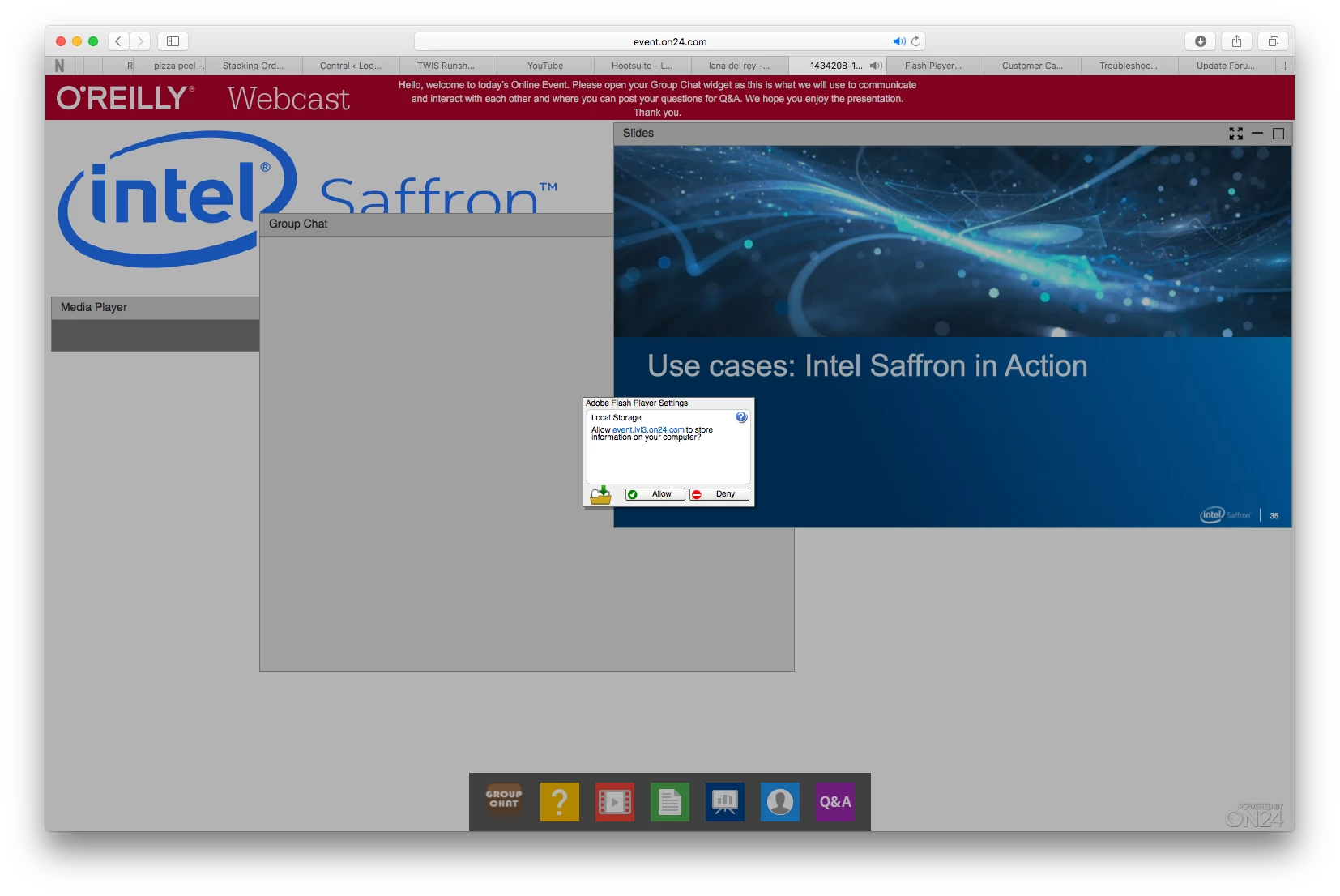
Flash settings won't go away, no matter how much you click "Allow" or "Deny"
Has anyone else seen in Mac OS where every time you go to a new Flash site, the Flash settings panel comes up with "Allow" and "Deny," and it freezes the browser window/tab. No amount of clicking on "Allow" or "Deny" makes it go away, ever. I've reinstalled Flash several times, nothing fixes it. help, please?
This happens in the latest version of all browsers in Mac OS - Safari, Chrome, Firefox (I have all as I'm a Web Developer and need them for testing).
I'm on a Mac Pro, 3.5 GHz 6-Core Intel Xeon E5, 16 GB RAM, Mac OS Sierra 10.12.5, Adobe Flash version 26.0.0.131 both NPAPI & PPAPI (as I have all browser for testing), Safari v.10.1.1 (12603.2.4), Google Chrome v.59.0.3071.109 (Official Build) (64-bit), and Firefox v.54.0 (64-bit).
Any help that could be offered would be most appreciated.
best,
— faddah
portland, oregon, u.s.a.


 AdChoices