
Participating Frequently
April 5, 2012
Answered

Flash stopped working entirely when I updated

  • April 5, 2012
  • 1 reply
  • 2934 views

Hello, I'm Kim, and extremely frustrated with Adobe Flash

Get's get the formalities out of the way first

Running Windows 7 (64-bit)

Firefox 11.0 (Flash not working)

Internet Explorer 8 (Flash running properly, even though, as far as I can tell, I have uninstalled all versions of Flash Player from my machine ô.o)

I do not have multiple users on my computer, I just use the main admin account

When I view http://www.adobe.com/software/flash/about/ in Internet Explorer, it tells me that I have version 11,1,102,55 installed.
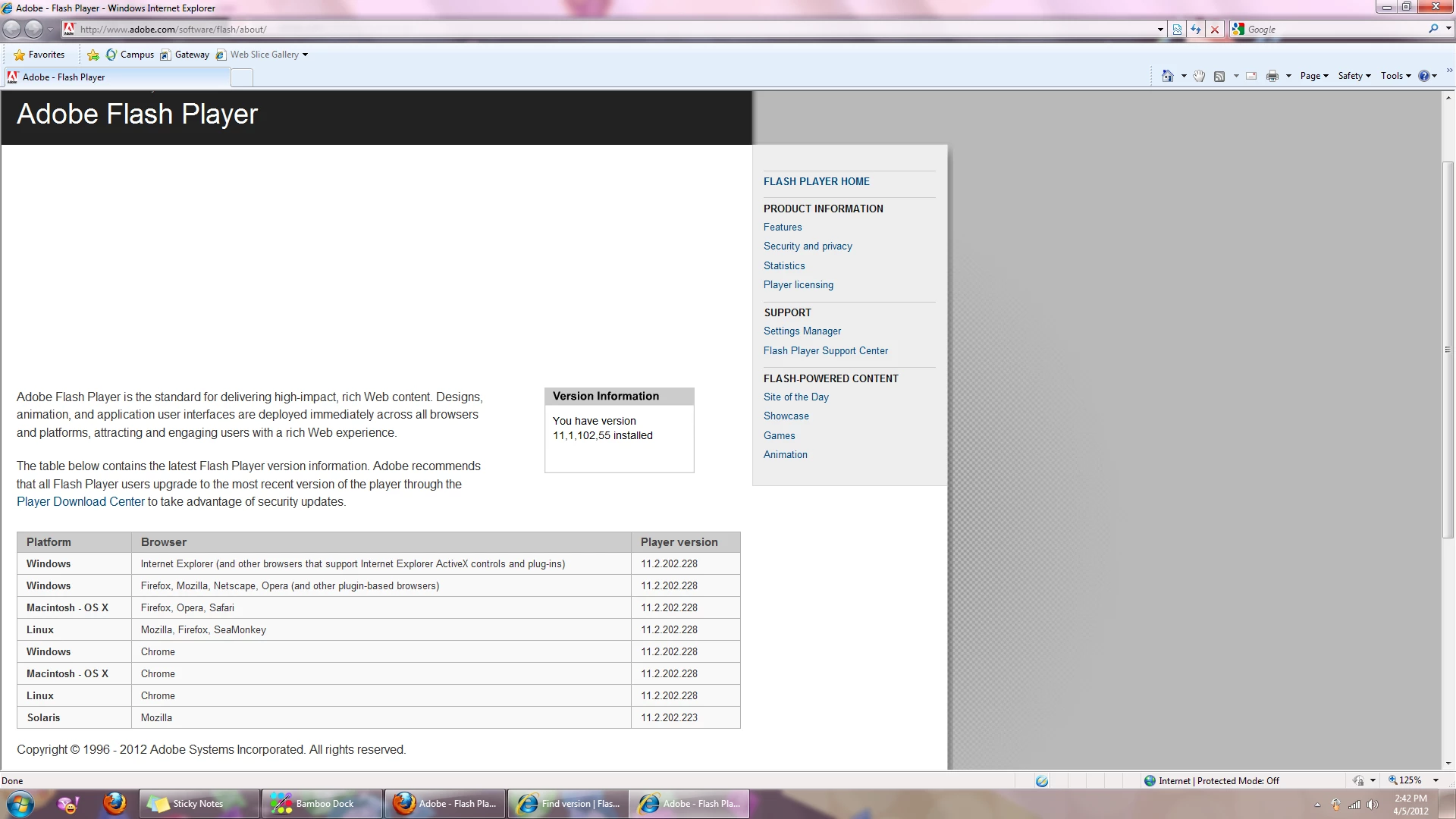
When I view the same page in Firefox, I get no message what soever
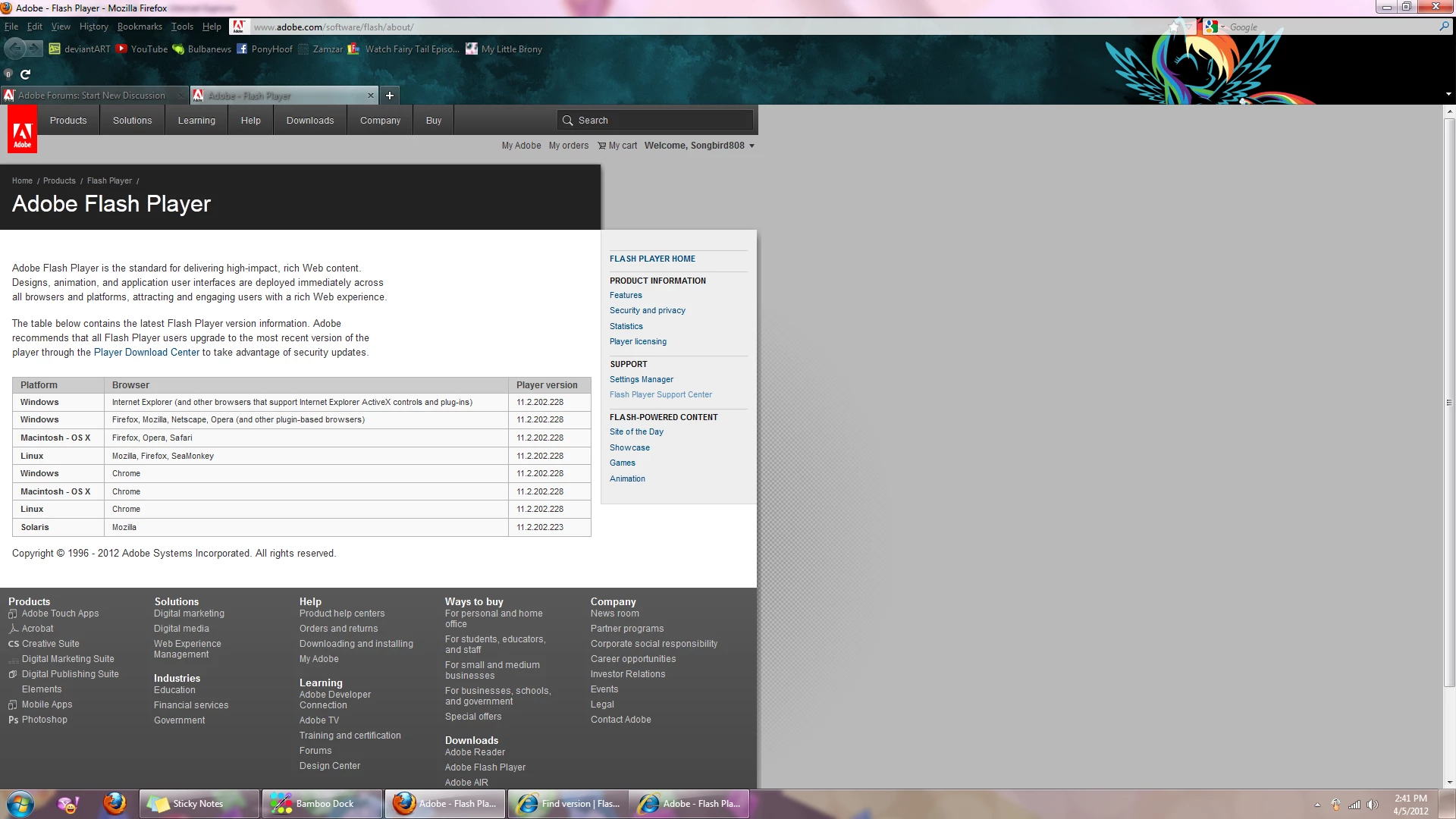
I have downloaded Flash 11.2.202.228 several times, used the uninstaller, even tried older versions. Still, nothing works. When I visit http://helpx.adobe.com/flash-player/kb/find-version-flash-player.html

in Firefox, I see neither the animation nor an error message, but what simply looks to be the first frame of the animation and nothing else.
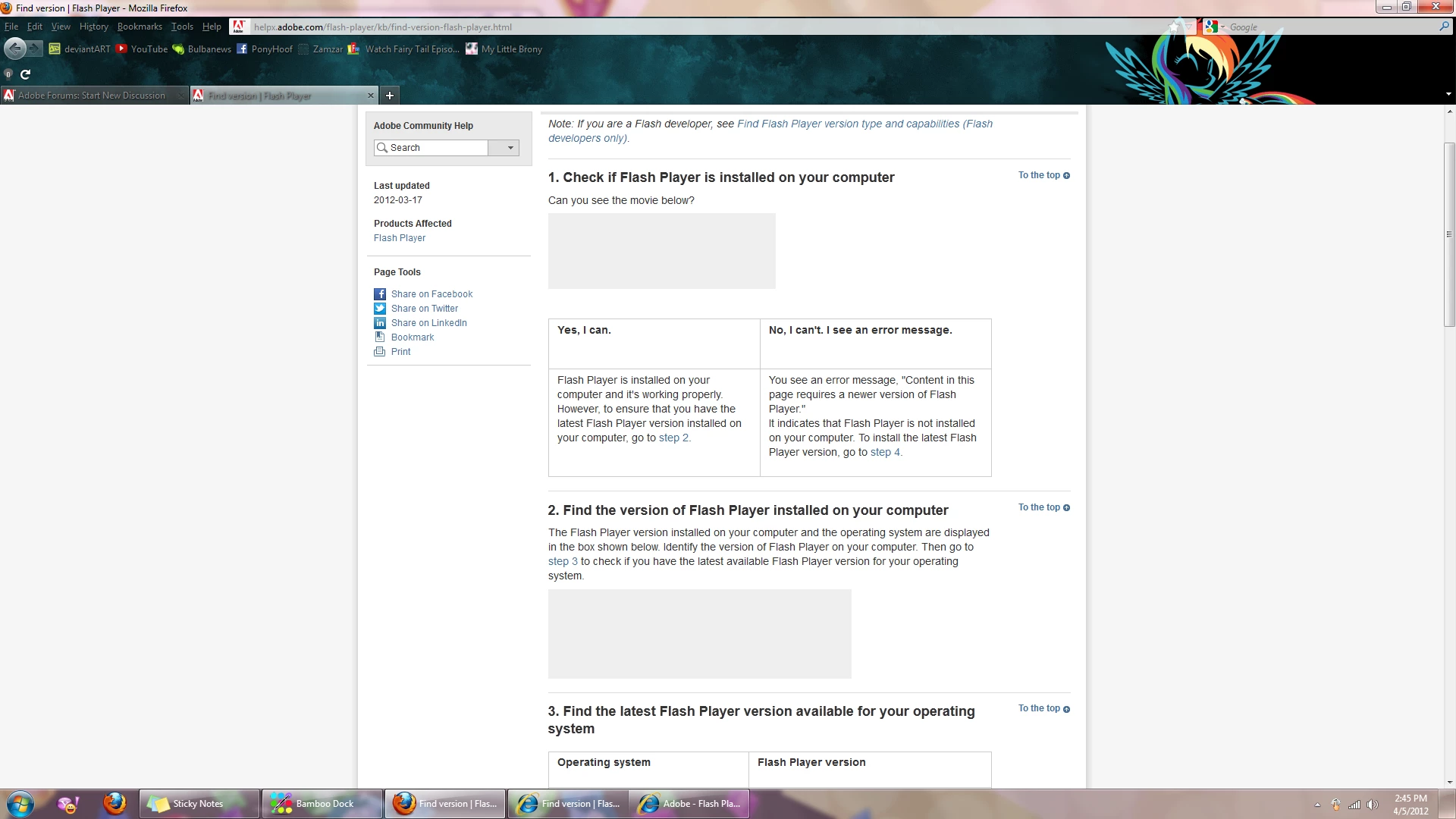
<-Nothing Flashy about this version of flash.

Am I doomed to a life of IE? Is there no hope for me?

This topic has been closed for replies.
Correct answer chris.campbell

Hm, looking at the file that didn't delete when I did a clean install looks like the one that would not delete when I tried. It was apparently in use, though I could not find what program was currently using it. That is likely the problem?

Index of file:///c:/windows/syswow64/macromed/flash/

Up to higher level directory

File:Flash32_11_2_202_228.ocx8573 KB4/5/20123:37:08 PM
File:FlashInstall.log13 KB4/5/20124:04:52 PM
File:FlashPlayerUpdateService.exe248 KB4/5/20123:37:08 PM
File:FlashUtil32_11_2_202_228_ActiveX.dll415 KB4/5/20123:37:08 PM
File:FlashUtil32_11_2_202_228_ActiveX.exe346 KB4/5/20123:37:08 PM
File:NPSWF32_11_2_202_228.dll8592 KB3/29/201210:20:38 AM
File:mms.cfg1 KB4/5/20124:05:48 PM

I suspect it could be related.  After uninstalling, did you restart windows?  You might have some other application still using this plugin that needs to be shut down.  Another alternative is to use something like Unlocker which can forcibly unlock a file and allow you to delete it.

1 reply

chris.campbell
Community Manager
Community Manager
April 5, 2012

Could you try running through the steps outlined in this FAQ?  In particular, note the steps to manually delete folders.

How do I do a clean install of Flash Player?

Participating Frequently
April 5, 2012

I followed the steps to manually delete the folders as described, then installed

Adobe Flash Player 11.2.202.228

Windows 64-bit , English, Firefox

Nothing has changed.

chris.campbell
Community Manager
Community Manager
April 5, 2012

Ok, next thing to try.  Do you see "Shockwave Flash" displayed in the list when you type "about:plugins" in the Firefox address bar?  Or do you see it listed in the Plugins tab of the Add-ons Manager dialog accessible in the Firefox menu?