



Question
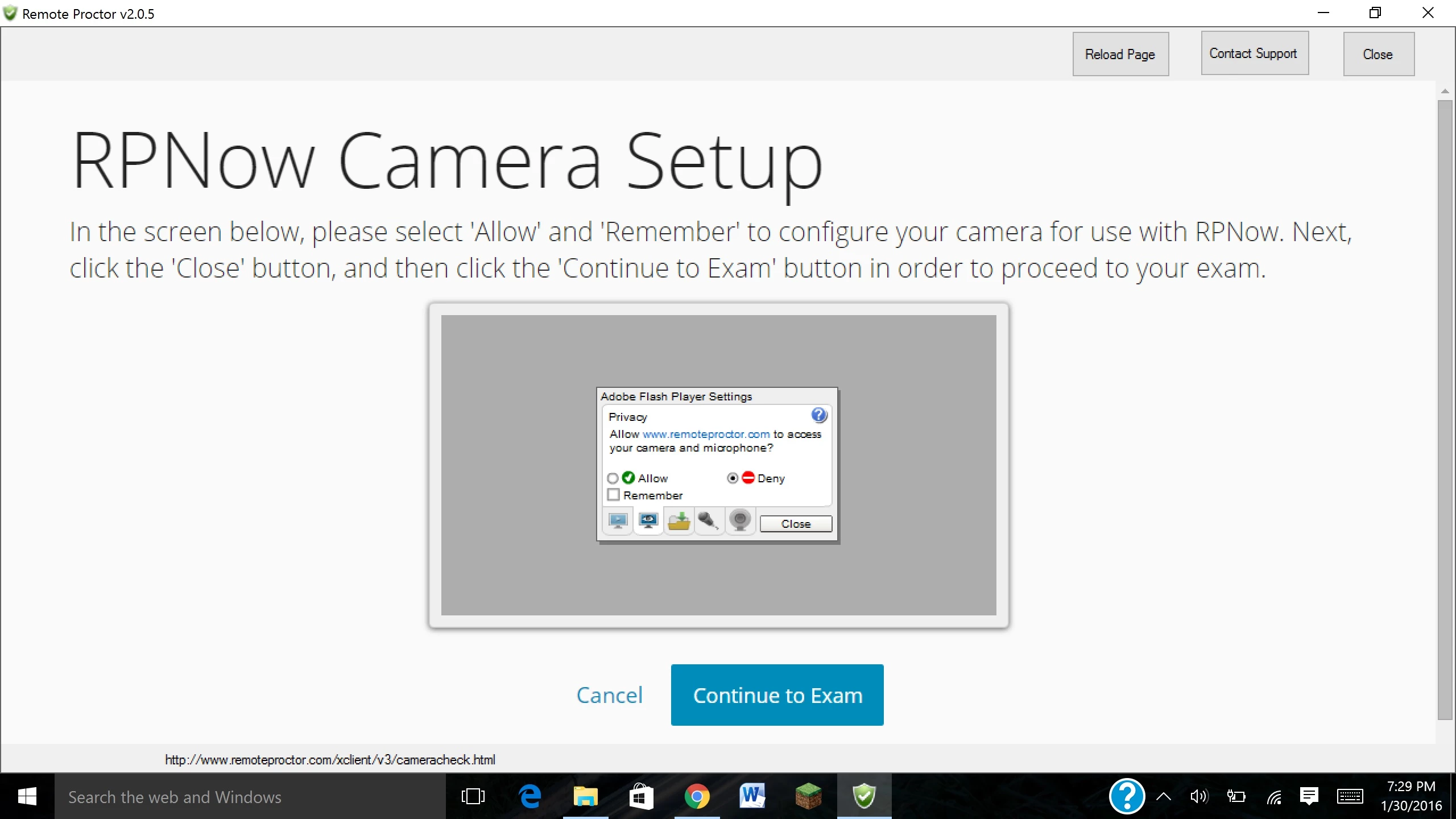
Flash won't let me "allow" use of webcam/microphone in Remote Proctor
I'm trying to take an exam online using Remote Proctor and when I try to set it up, Flash won't let me click on "allow," or any other choice.
My info:
Windows 10
Chrome and Edge browsers have built-in Flash
Flash version 20
Things I have tried:
uninstall/reinstall Flash from my computer (not sure this does anything since it's within Chrome/Edge browsers)
Tab to highlight the "allow" choice and spacebar/enter (nothing happens)
Here is where I get stuck:
 AdChoices