rikkek6
Participant
July 17, 2016
Question

Flash won't update (or clean install)

  • July 17, 2016
  • 5 replies
  • 2162 views

Hi

On my Macbook pro from 2011 with El Capitan I have been notified on e.g. YouTube that my flash player needs to be updated. I only have the Safari browser installed

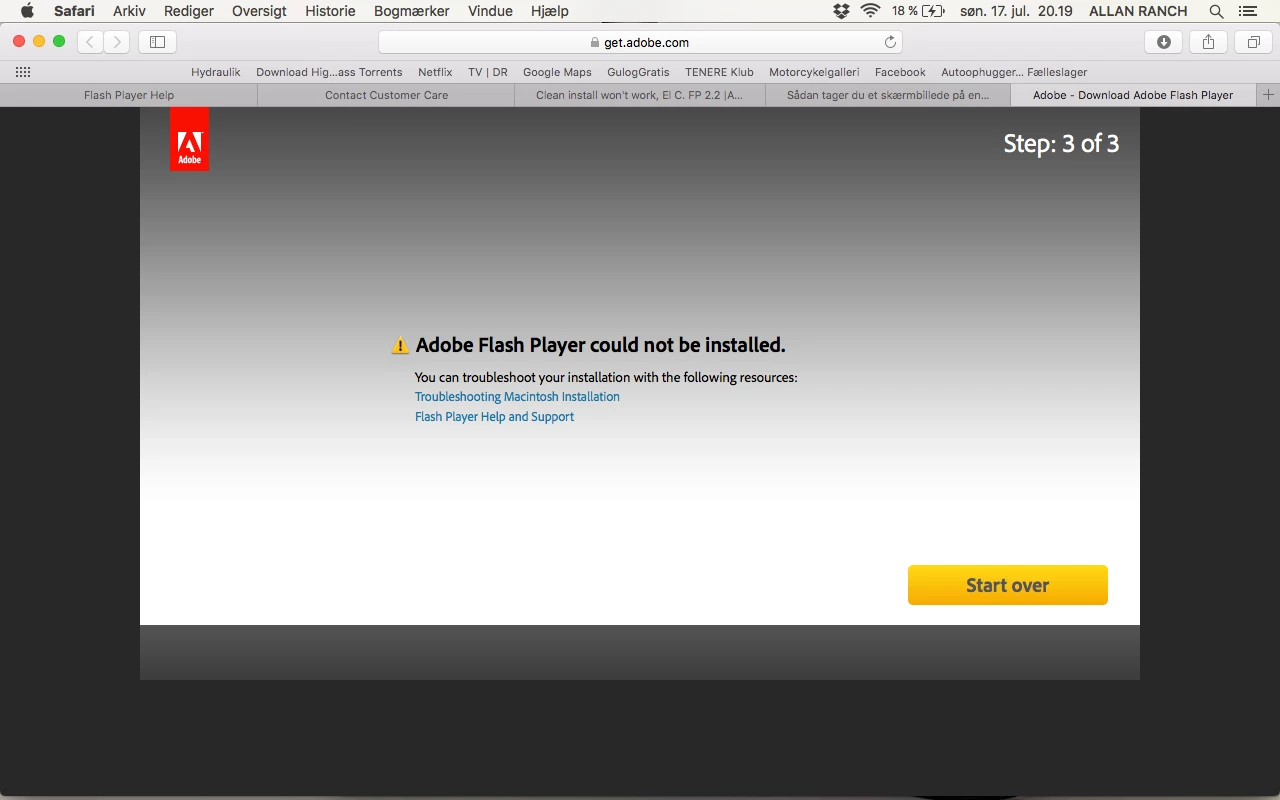
When I try to install it, it comes with this error message:
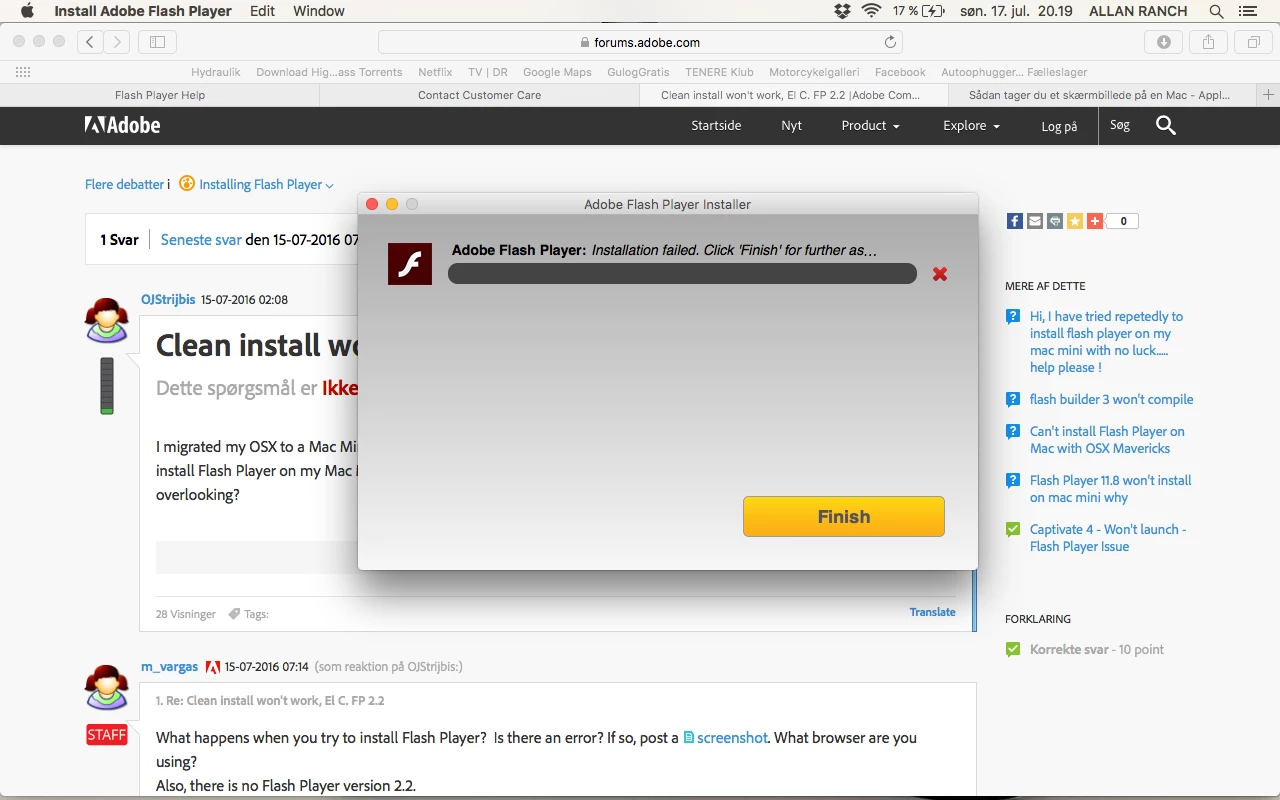
I have also tried running a "Clean Install" and checked my Plug-ins, Library folder etc. for anything Flash-related before reinstalling. Even after uninstalling and deleting all files, rebooting etc. it won't let me reinstall Flash...

Hope someone can help in here.


Best, Rikke (Denmark)

This topic has been closed for replies.

5 replies

mo_andrieu
Participating Frequently
July 22, 2016

I tried all the suggestions, but kept coming up empty. Finally had it when I couldn't watch a video and decided to open Safari - which I'm not a fan of (can't remember why, maybe an online game I like won't function there). Anyway, I watched the video and then decided to see if I could download Flash Player from there. I have no idea why, but when the install popped up and I started it up, it worked. Wish I had a good reason to share with anyone else, but maybe the solution was just using a different browser. Thanks to everyone for your help.

_maria_
Community Manager
Community Manager
July 22, 2016

@mo_andrieu

Firefox and Safari don't share cookies.  If you kept getting the 413 header length to large error on Firefox it means the  *adobe.com cookies weren't cleared.  Firefox and Safari do share the same plugin type (NPAPI).  It should work on both browsers.

--

Maria

_maria_
Community Manager
Community Manager
July 18, 2016

@rikkek6


I apologize for others hijacking your topic for non-Mac issues.  For your issue, I'll need to review the online installer log files.  Please review the FAQ Where do I find the Flash Player installation log on the Macintosh?  and provide all 4 files listed: install.log, FlashPlayerInstallManager.log, Adobe_ADM.log, and Adobe_GDE.log. Upload the files to cloud.acrobat.com/send using the instructions at How to share a document and post the link to the uploaded files in your reply.

Thank you.

--

Maria

Amrita Gangwani
Adobe Employee
Adobe Employee
July 18, 2016

Hi,

You may try the offline installer. Follow these steps

1)Download the uninstaller from: https://fpdownload.macromedia.com/get/flashplayer/current/support/uninstall_flash_player_osx.dmg

2) Open the page: Installation problems | Flash Player | Mac

Under the heading "Still having problems" click on the specific link to NPAPI plugin.

3) Ensure all the browsers are closed. Run the uninstaller and then the offline installer.

Participating Frequently
July 18, 2016

Amrita - this is great but do you have any advice for us on Windows?

Carm01
Legend
July 18, 2016

@stever53186 

I believe the OP of this thread was for MAC OSX not windows, you might want to consider starting a new thread or search for your answer as i am sure there is something out there if you search.

Best Regards

Please be sure to mark my post here helpful or answered if I assisted you

Thanks

mo_andrieu
Participating Frequently
July 17, 2016

I commented on the other post you left, but because I'm having a similar situation with Firefox, I'm hoping to find an answer.

mo_andrieu
Participating Frequently
July 17, 2016

I'm having a similar problem but with Firefox. It downloads and when I click the icon to install, it acts like it's going to do something, but no installation box pops up. This has been going on for weeks.

Participating Frequently
July 18, 2016

Mo, are you using:

+    Firefox 48.0b7

+    Vista

?

mo_andrieu
Participating Frequently
July 19, 2016

I'm using 47.0