

Flashplayer 23.0.0.205 installation stops at 5% on Windows 10 64-bit
I'm trying to install Adobe Flashplayer 23.0.0.205 on my Windows 10 64-bit PC. I currently have Flashplayer 23.0.0.185 installed. I'm running Mozilla Firefox 49.0.2. Flashplayer is enabled in Flashplayer ("Always Activate"). I set my anti-virus software to allow downloads from Adobe, and did not have problems with my last update of Adobe Flash on 10/12/16.
After downloading the installer today, I closed all browser windows before launching the installer. The version of the installer I downloaded is flashplayer23_xa_install.exe; it's a 1.14 MB file. When I launched it, it opened a window saying it's downloading:
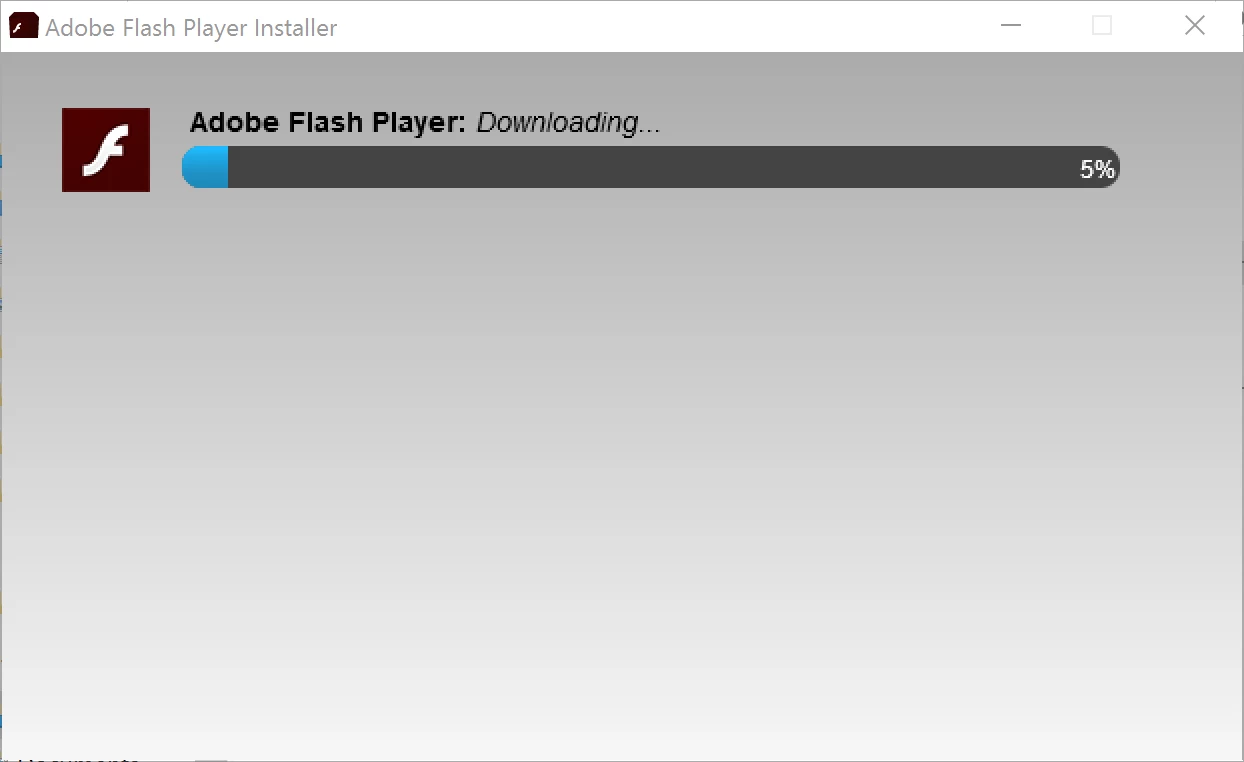
It never gets past 5%. After a few minutes, the display shows an error message:
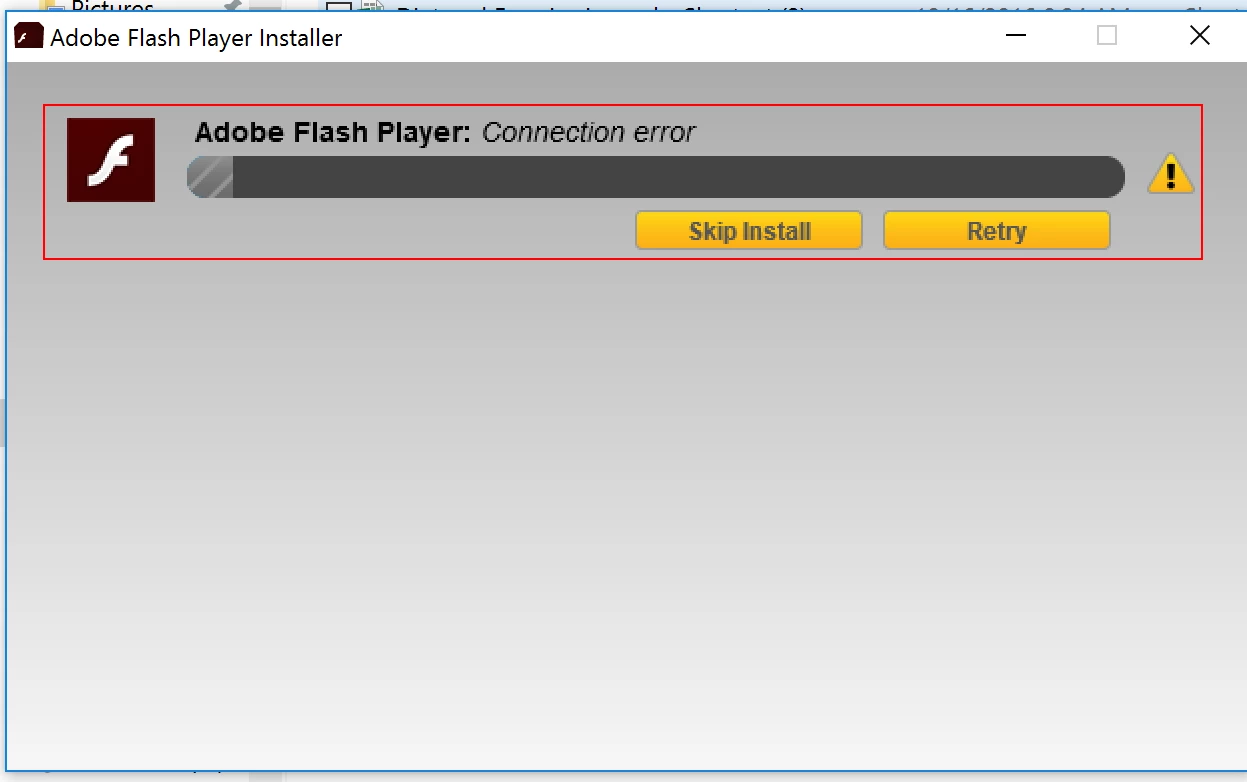
There is no problem with the internet connection. This happens each time I try to install. After hitting "Retry" and having the same thing happen again, I get a message saying the installation failed. The installer executable, flashplayer23_xa_install.exe is then deleted from my system.
I looked at the forums and hunted for the installation log files. I checked C:\Windows\system32\Macromed\Flash\FlashInstall.log and C:\Windows\syswow64\Macromed\Flash\FlashInstall.log. In both folders, the versions of the FlashInstall.log that I found were for the last completed update, which was v.23.0.0.185 from 10/12/16. It does not appear that a FlashInstall.log file was created for any aborted installation attempts of v.23.0.0.205 from today, 10/26/16.
Looking for help getting this to work.


 AdChoices