


Participating Frequently
December 26, 2018
Answered

Flashplayer update problem

  • December 26, 2018
  • 2 replies
  • 1218 views

I have tried several timens to update Flashplayer. I receive the .exe file but whwn I open it I receive tjhe message "connection error"

My OS is Windows 10

I use Opera browser but receive the samen error message in Firefox
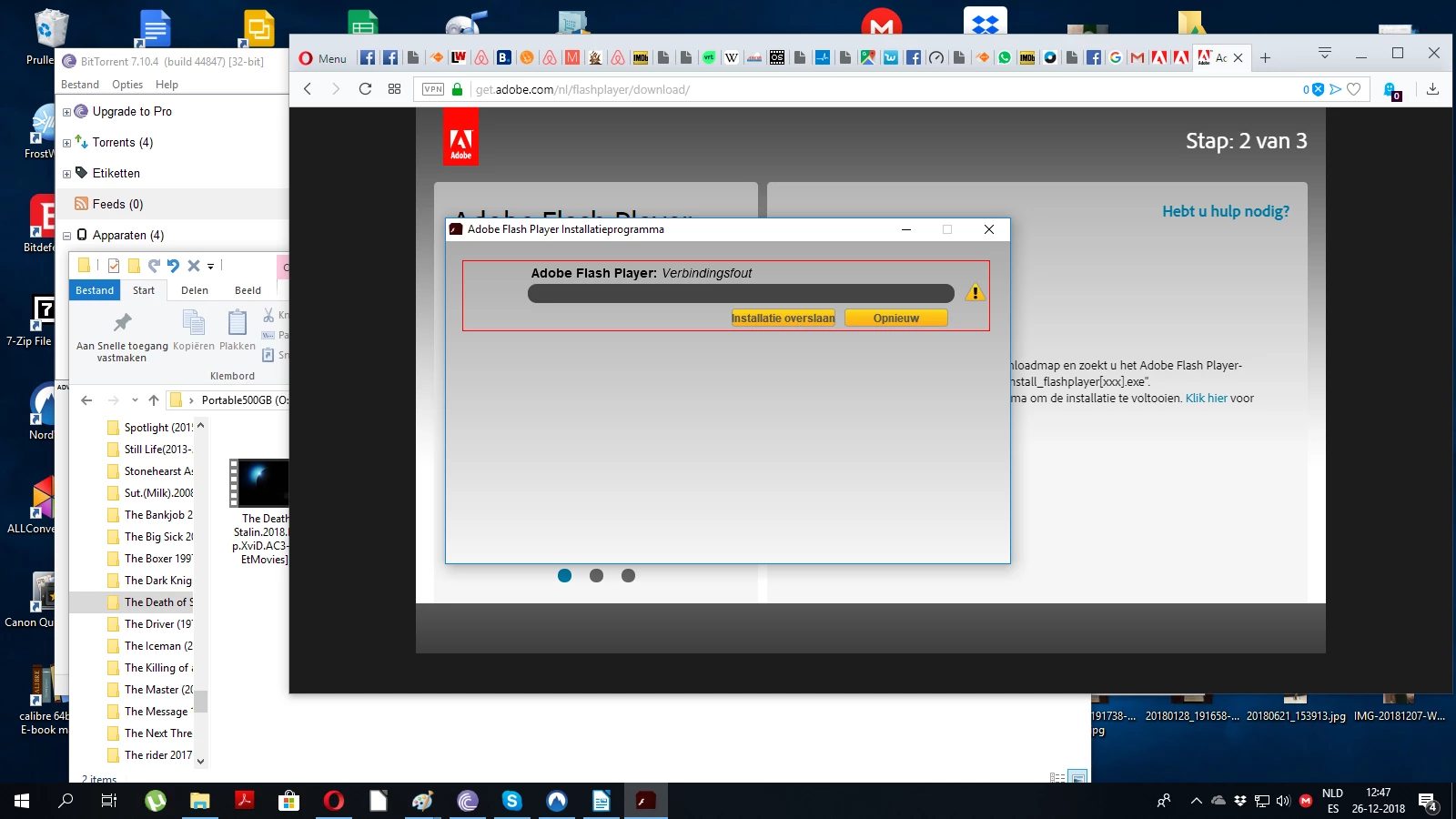
what can I do?

    This topic has been closed for replies.
    Correct answer _maria_

    Hi Maria, I use VPN service but also tried without VPN


    Can you clear the browser cache and try again (without the VPN).  If it fails again, please provide new log files (Adobe_ADM.log & Adobe_GDE.log).

    Thank you.

    2 replies

    bestphoneunder15000
    Participant
    December 28, 2018

    I also have the same issue.

    Using Windows 10 and getting error message on Firefox.

    _maria_
    Community Manager
    Community Manager
    December 26, 2018

    We'll need to review the online installer log files to troubleshoot the error.  The 2 files are Adobe_ADM.log and Adobe_GDE.log saved at C:\Users\<YourUserID>\AppData\Local\Temp\Adobe_ADMLogs

    Upload the 2 files to cloud.acrobat.com/send (see How to share a file using Adobe Document Cloud​) or some other file sharing service of your choice that doesn't require user account to access.  Post the link to the uploaded files in your reply

    Note: Adobe's North American offices are closed through January 1, 2019.  Replies from staff members will be delayed.

    henkstaalAuthor
    Participating Frequently
    December 27, 2018

    The mentioned files are not on my PC. I only have the flashplayer install.exe file. When I start this file it says downloading and connection error.

    Legend
    December 28, 2018

    The files mentioned are in a hidden folder. Did you look there?  Windows Key + R type

    %Temp%\Adobe_ADMLogs

    including both % signs