

Question
Following steps but get message that Flash is not installed
I've followed all the steps but when I check that Flash is installed I get the following message:
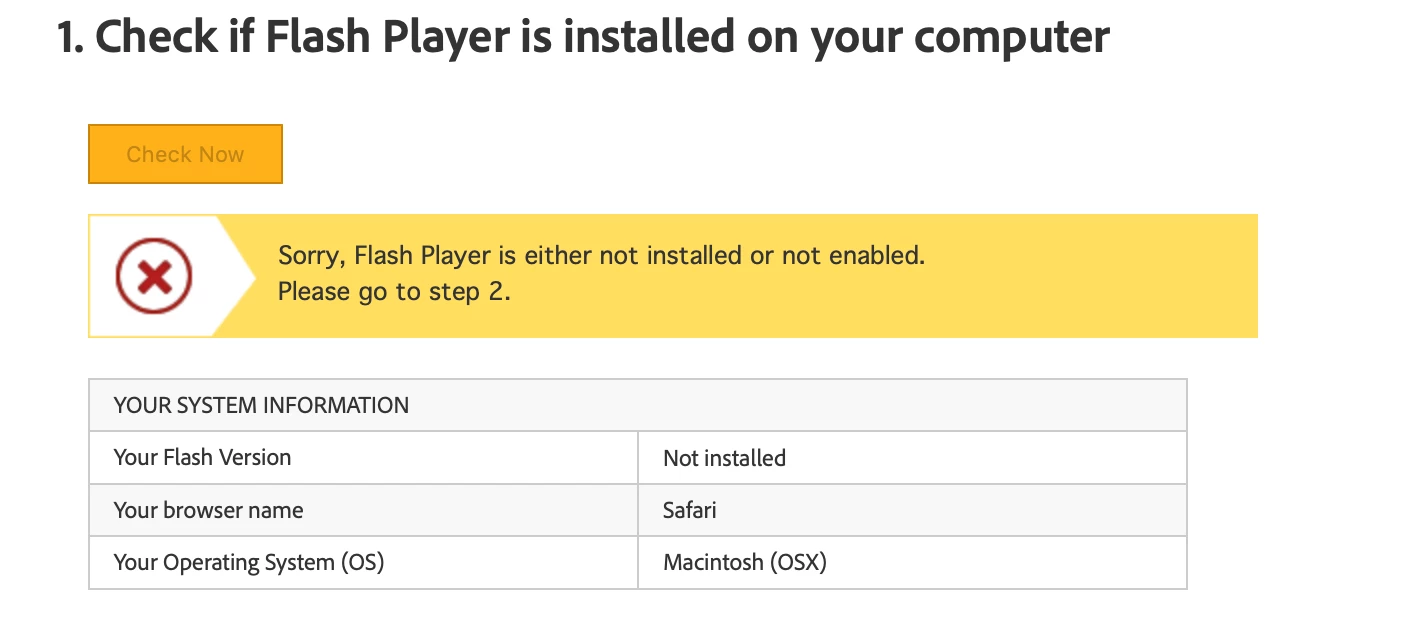
I've double checked everything and can't work out why it isn't installed/enabled.

I've followed all the steps but when I check that Flash is installed I get the following message:
I've double checked everything and can't work out why it isn't installed/enabled.
Already have an account? Login
Enter your E-mail address. We'll send you an e-mail with instructions to reset your password.
 AdChoices