
Participant
Jan 19, 2021 4:47 PM UTC
Answered

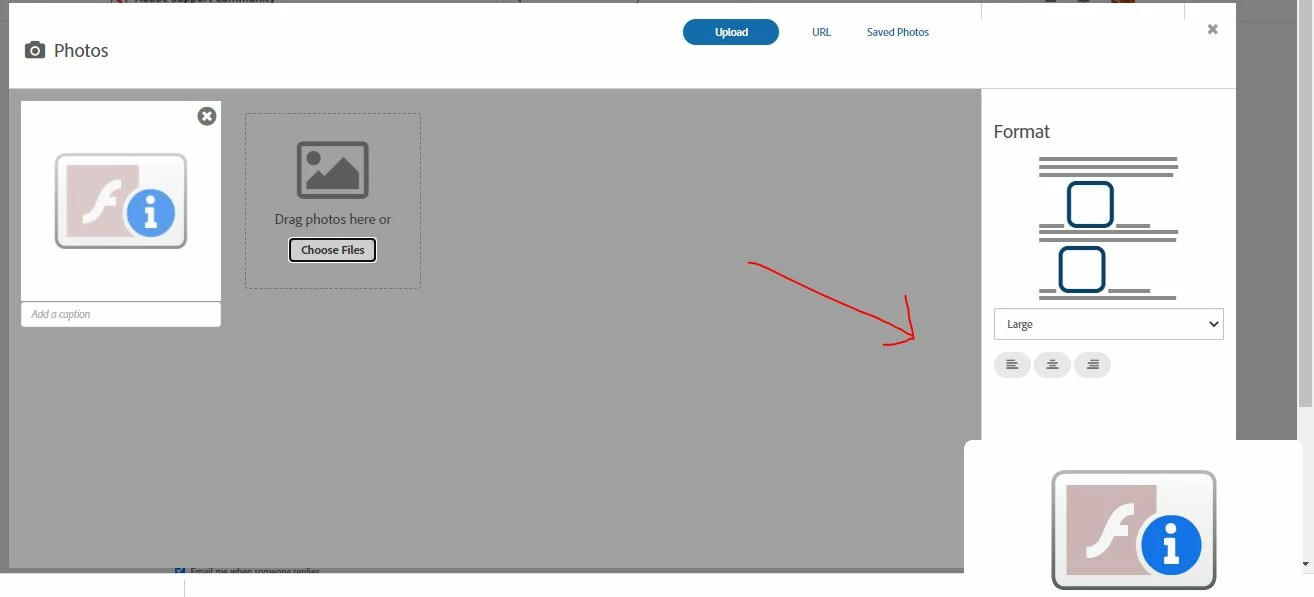
Grey Flash Player Image appears on lower right side of screen

Need to remove square image of grey flash logo with a white lowercase i in blue circle, that keeps appearing on lower right side of my pc screen. I am unable to see things in the lower right side of my pc scren due to this image that keeps appearing. When I right click this image it says it is Flash Player 32.0.0.445. If I restart my computer it goes away for a while, then reappears 30-40 minutes later and I don't know how to remove this which I need to as it is blocking the view of the lower right side of my computer screen. As far as I know, flashplayer has been unistalled on my pc so I don't know why this image is appearing. Need to know how to remove this.

This topic is closed to new replies. Start a new post to keep the conversation going.
jeromiec83223024
jeromiec83223024Correct answer
Inspiring
Feb 1, 2021 10:54 PM UTC

I've seen a few posts indicating that this is a paid greeting card product called SmileBox.  Does this sound familiar?

3 replies

jeromiec83223024
jeromiec83223024Correct answer
Inspiring
Feb 1, 2021 10:54 PM UTC

I've seen a few posts indicating that this is a paid greeting card product called SmileBox.  Does this sound familiar?

Translate
Participant
Feb 2, 2021 11:32 PM UTC

Hi,

Yes, Smilebox had been installed which I removed and now the issue has been resolved. Thank you!

Translate
jeromiec83223024
Inspiring
Jan 19, 2021 6:51 PM UTC

That icon is letting you know that it's time to uninstall Flash Player.  Beyond that, I don't have enough detail to guess as to why it's sitting in the corner of your screen.  It looks like a picture-in-picture video thing, where maybe they were using Flash for video playback, but there's not enough context available to make an educated guess. 


Anyway, you can uninstall Flash Player using our uninstallers: 


Uninstall Flash Player - Windows:
https://helpx.adobe.com/flash-player/kb/uninstall-flash-player-windows.html


Uninstall Flash Player - Mac:
https://helpx.adobe.com/flash-player/kb/uninstall-flash-player-mac-os.html


If that doesn't help, more context would be useful:

https://forums.adobe.com/thread/1195540

Translate