


Participant
January 5, 2018
Question

HELP!!! Don't installation Flash Player, goes white screen

  • January 5, 2018
  • 3 replies
  • 298 views

Кто знает русский язык, пожалуйста напиши ответ проблемы на нём(Who knows Russian language, please write the answer to the problem).

------------------------------------------------------------------------------------------------------------------------------------------------------------------

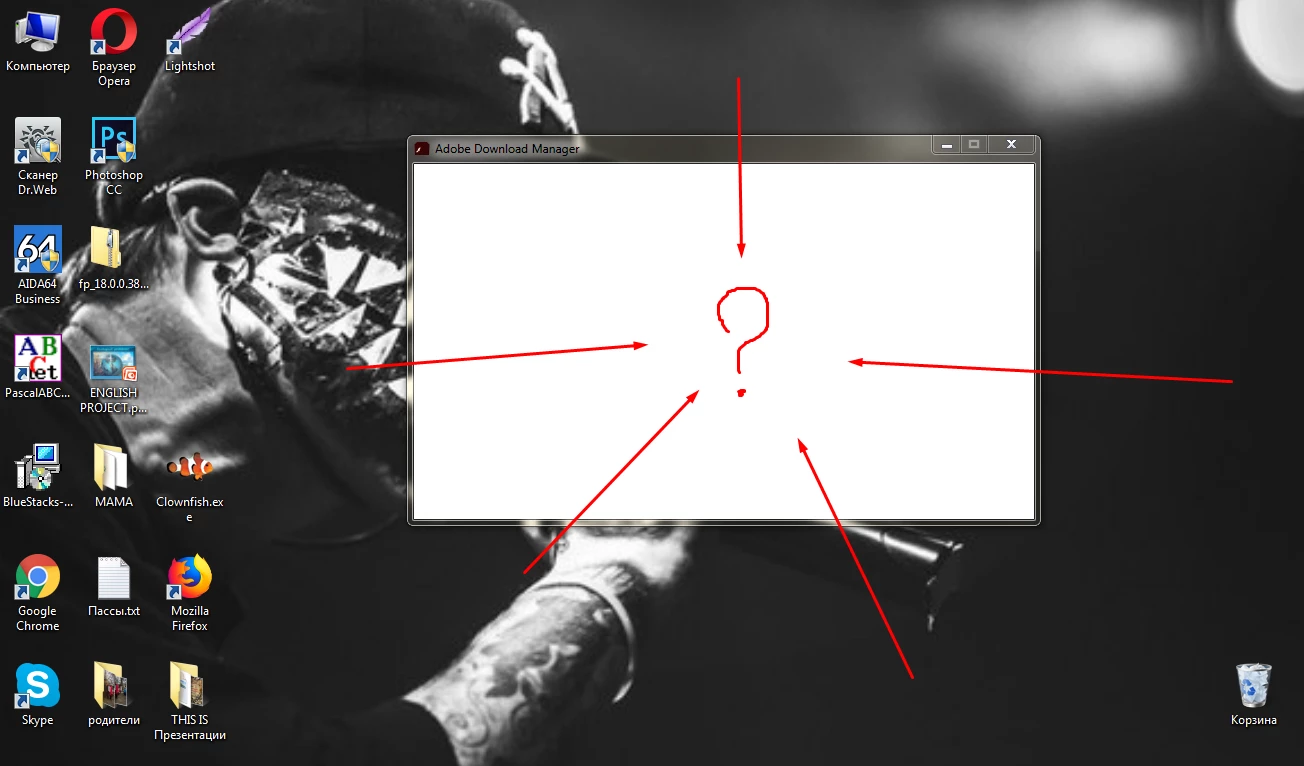
I have not installed the latest version of the flash player goes white screen after loading, when the file is opened(picture 1).
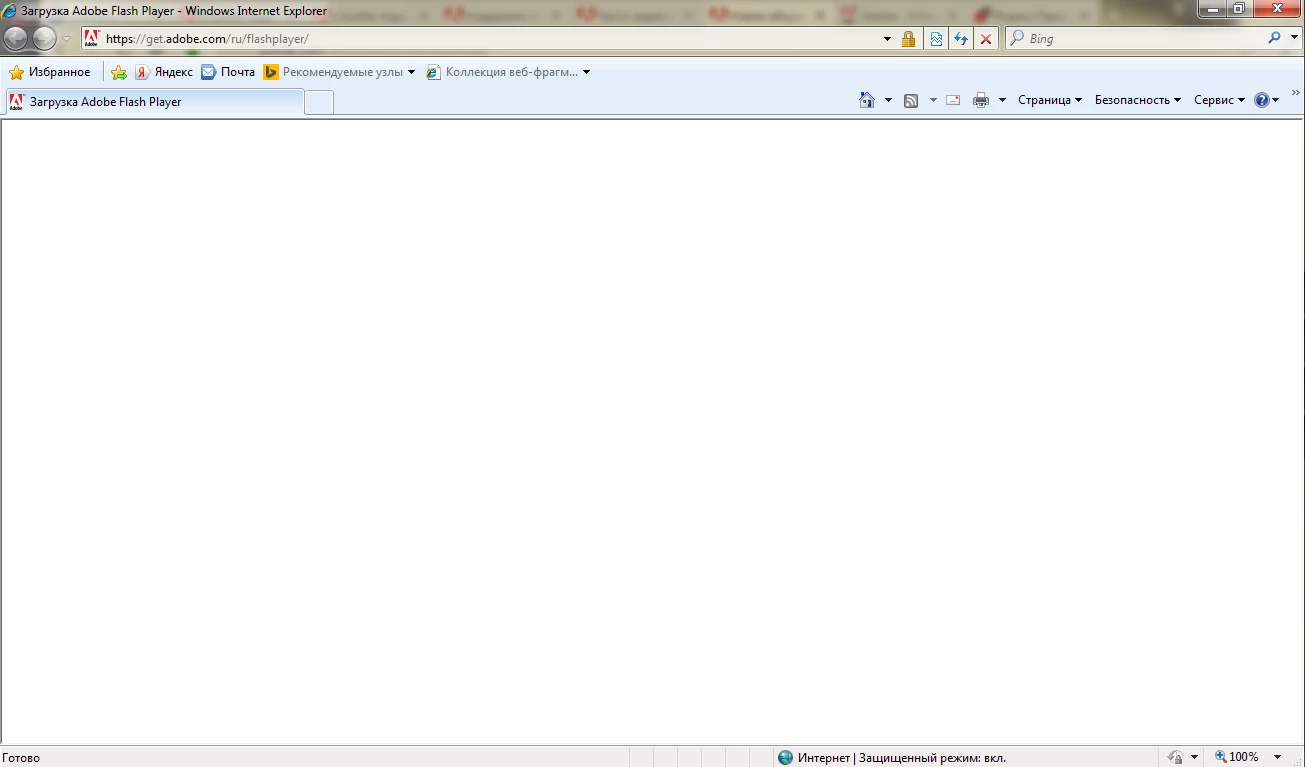
Then open the browser Internet Explorer(pic. 2).
      Help to download flash player!!!

    This topic has been closed for replies.

    3 replies

    Participant
    January 5, 2018

    Thanks  it worked, apps, music!!!

    I use anti-virus: Dr. web and Scanner Cezurity

    What proxy server do not know, and therefore probably don't use it.

    THANK YOU!!!!!

    _maria_
    Legend
    January 5, 2018

    For the blank Flash Player installer dialog window, please do the following:

    1. Right-click on the installer file and select Properties
    2. In the General tab click the Unblock button
    3. Click Apply
    4. Click OK to close the window
    5. Double-click on the installer file to launch the installer

    For the blank get.adobe.com/flashplayer page, we've not seen this before. Are you using a proxy server, anti-virus, etc?  If so, please provide this information in addition to the system information requested by my colleague.

    Thank you.

    divya010193
    Adobe Employee
    Adobe Employee
    January 5, 2018

    Hi,

    Please specify :

    Thanks!