



How can we prevent a intranet site checks for the latest Flash PLAYER Version?
Hi there,
we´re a company with about 2000 Win10 Clients and different Browsers like Firefox ESR and Google Chrome for work (all in latest Versions).
Like (hopely) all Companies, we are using different Groups for testing new Software like Flash Player. Therefore it takes about one Week for testing.
Unfortunately, there are a couple of intranet sites (e.g. webinar) which check the Flash Player Version via Javascript.
The user gets a message like "You´re using an old version, please download the latest version HERE": 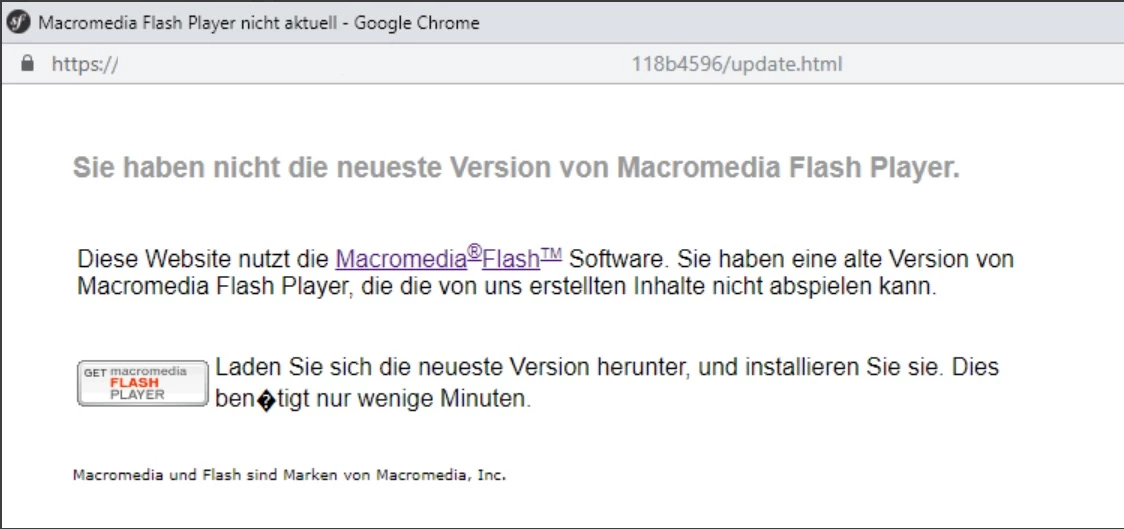
The Download is blocked by our Firewall, the User has no rights to install some Software. Every time Adobe releases a new version of the Flash Player, hundreds of users are calling our service desk and reports a message like above.
I think about blocking the adress "https://fpdownload.macromedia.com/pub/flashplayer/masterversion/masterversion.xml " (found it in the admin guide) so a javascript gets no XML master file list containing the Flash Player Versions.
Do you know another method or e.g. some mms.cfg option to solve this issue?
Thanks in advance!
 AdChoices