
April 26, 2017
Question

How do I stop the endless popups on my iMac after installing flash player?

  • April 26, 2017
  • 1 reply
  • 773 views

I updated to the latest flash player last week and ever since then I get continuous pop ups every time I go online to the point I almost can't do anything. This happens in both Safari and Chrome. Everything was working fine I until I did the upgrade. How do I fix this? I have attached a few screen shots.
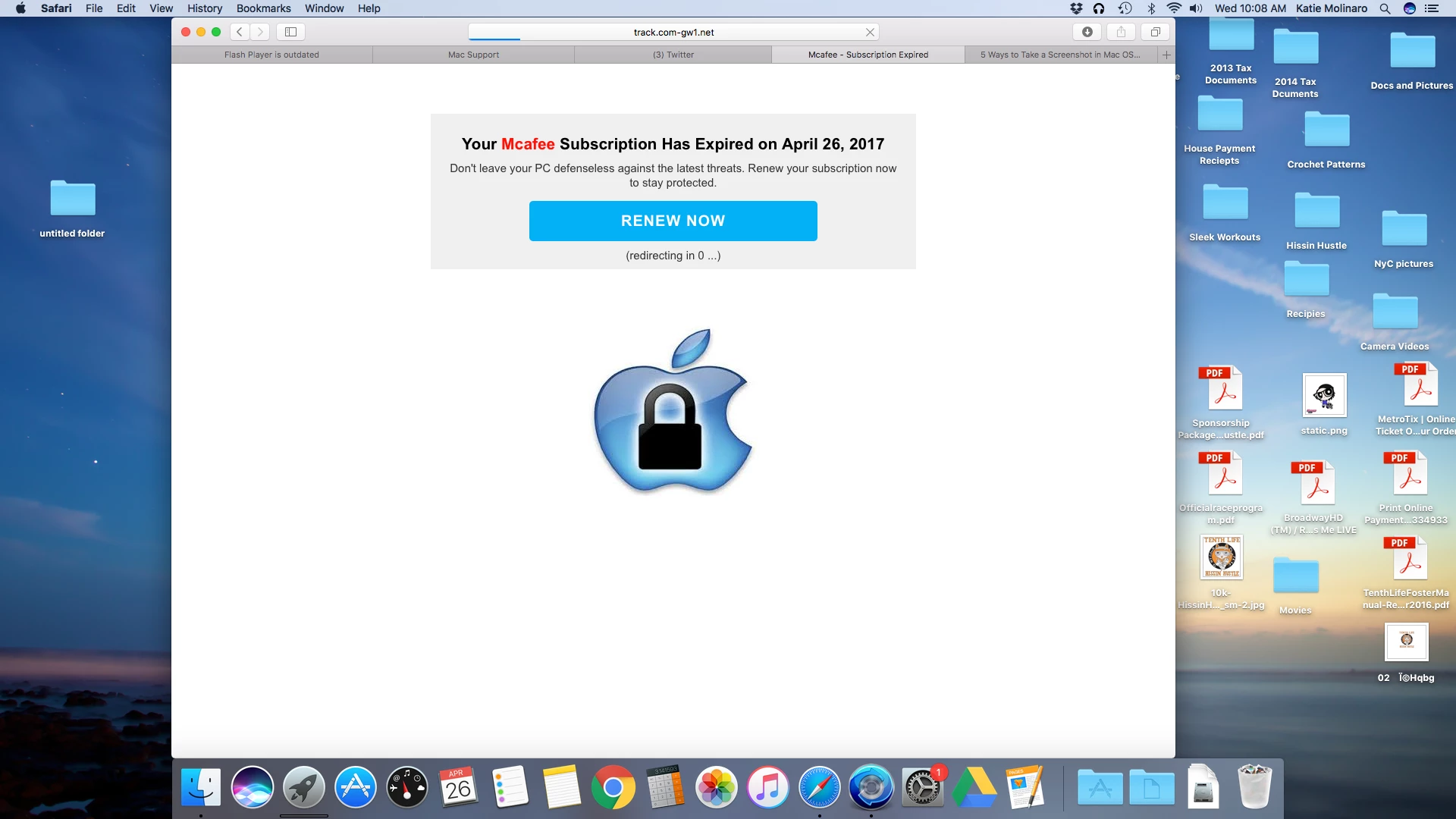
This topic has been closed for replies.

1 reply

_maria_
Legend
April 26, 2017

The official Flash Player installer for Mac, downloaded from Adobe, does not contain any bundled software (the Windows installer do offer optional third party software).  This is being caused by something else. From where did you download the Flash Player installer?  Do you still have installation file you used?

April 26, 2017

I thought I did it from the adobe website at least it appeared to be the adobe website, but this is the one time I didn't pay close attention. I am not sure how to find the file but I can look. If I can't find the file how do I fix this?

_maria_
Legend
April 26, 2017

Some malicious sites look 99.999% like the adobe download site.  The file should be in the Downloads directory (short-cut next to the trash bin in the Dock), unless you modified the default download location and/or deleted it.

I would start by scanning your system for viruses, malware, adware, etc.  Unfortunately providing advise on cleaning a system from these things is beyond the scope of these forums, and my expertise.