
Participant
June 17, 2017
Question

How to install Flash 25 PPAPI on Google Chrome (it is not automatic!)

  • June 17, 2017
  • 2 replies
  • 17732 views

Hi, I have a complex problem. I have a Windows 7 Home desktop and also a Windows 7 Professional laptop. Both have 3 browsers: IE, Chrome, and Firefox. I used to have Opera, but uninstalled it on both computers.

I updated IE with Flash 25 Active X. Then I updated Firefox with Flash 25 NPAPI. I checked Chorme, but it said it was already updated on the Flash page:
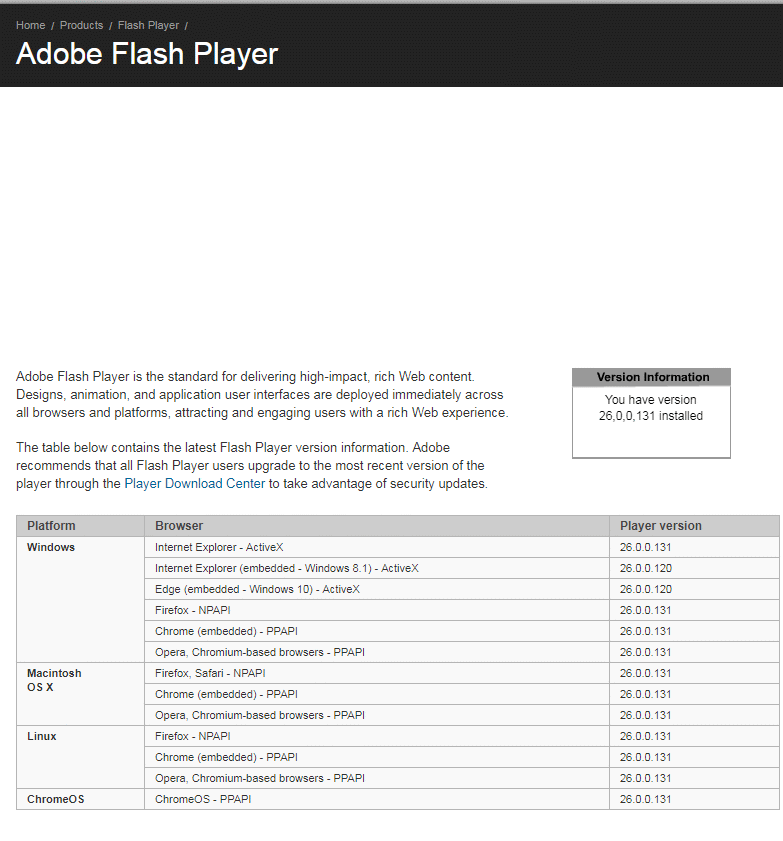
But...it is really not updated! Here is proof from my AV program which checks for available updates:
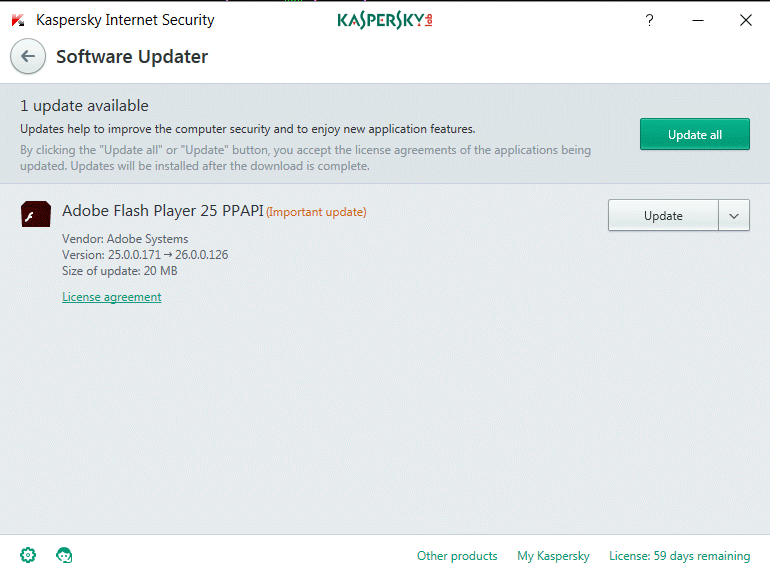
In addition, Adobe itself is sending me messages on both computer that it needs to install a PPAPI update! And I checked on Chrome, by pasting this into the browser url:

chrome://components

The result said Flash was not updated!!!:
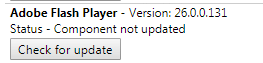
Please...how do I manually update Flash on Chrome without having to rely on Adobe or my AV program to prompt me? I don't want automatic updates. And why do Flash and Chrome tell me I am updated when I am really not?

Thanks!

2 replies

_maria_
Community Manager
Community Manager
June 19, 2017

What browser is this screenshot from:

To verify the version of Flash Player that Chrome is using, do the following:

  • Launch Chrome
  • navigate to chrome://flash
  • Copy and paste, or post a screenshot of the Google Chrome, OS, and Flash Plugin fields, e.g.:

if the Flash plugin version is not 26.0.0.131, go to Adobe Flash Player Install for all versions  to download the latest version.  Note that the  Adobe Flash Player Install for all versions page auto-detects the OS and browser and offers the plugin compatible for the OS/browser combination in use.  If you need to download Flash for a different browser, go to Adobe Flash Player Install for all versions and select the OS and browser you wish to download Flash Player for.

ridhij4208356012135538
Adobe Employee
Adobe Employee
June 19, 2017

Hi,

You are on the latest version of Flash Player. The latest version available is 26.0.0.131. For your IE and Firefox browsers also please update the version to 26.0.0.131 as we recommend using the latest version.

Thanks!