
February 20, 2017
Question

I can not install the flash player updates

  • February 20, 2017
  • 2 replies
  • 279 views

Any time I attempt to install the update, IE crashes, and stops working. I have tried downloading an saving the file, same results. I have turned off Active X, same results. Flash Player is enabled/active, current version 24.0.0.186,,, Windows 7, with IE 11.
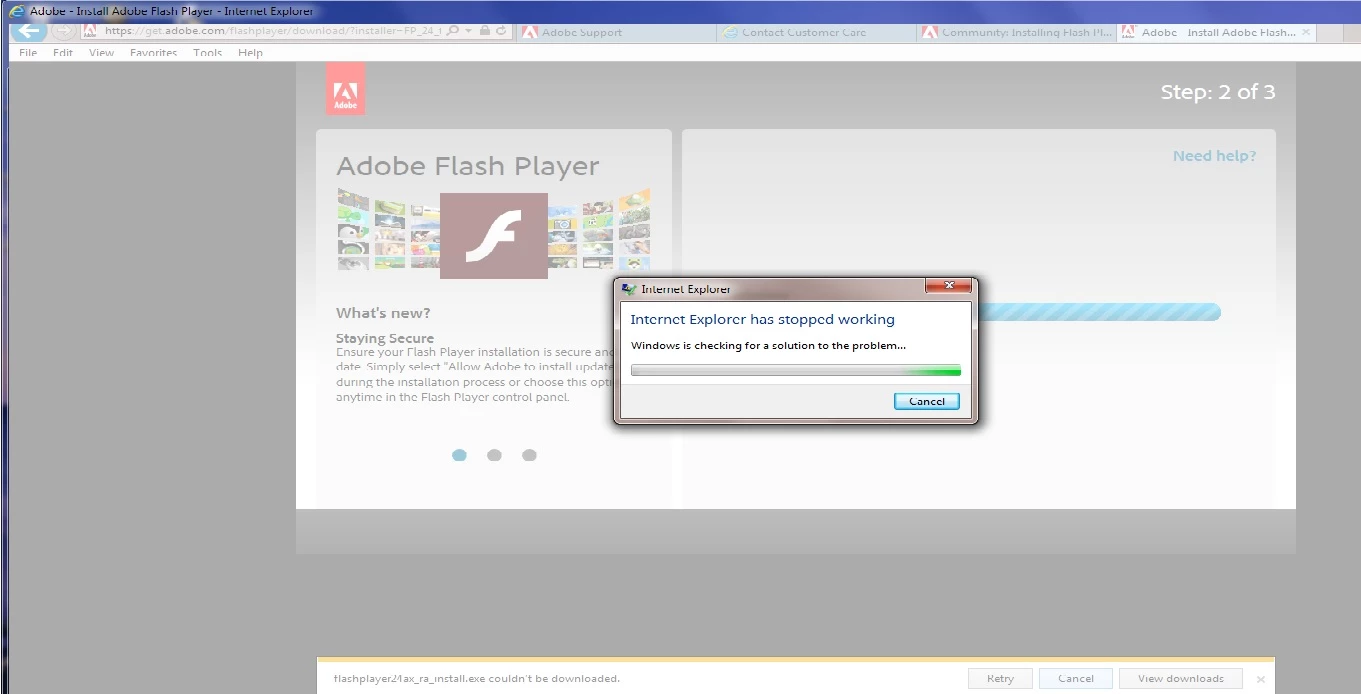
any help would be greatly appreciated.

This topic has been closed for replies.

2 replies

_maria_
Legend
February 21, 2017

Hi waltero


As my colleague mentions, this appears to be an issue with the browser, not Flash Player installer, however, I will forward this to the online installer team to apprise them of the issue.

Have you tried using a different browser to download the file? If not, can you please try?  The download page auto-detects the OS/browser combination and offers the appropriate Flash Player file for the OS/browser combination.  When using a different browser to download the Flash Player ActiveX Control for IE, go to get.adobe.com/flashplayer/otherversions.  In step 1 select the OS (Windows 7) in step 2 select 'FP 24 for Internet Explorer - ActiveX'

-

Maria

divya010193
Adobe Employee
Adobe Employee
February 20, 2017

Hi,

Seems like the problem lies with the browser and not with the flash player installer.

Please try re-installing the browser.

Thanks!