


February 28, 2019
Question

I can't get my adobe flash working on my Ubuntu system

  • February 28, 2019
  • 2 replies
  • 422 views

Hi,

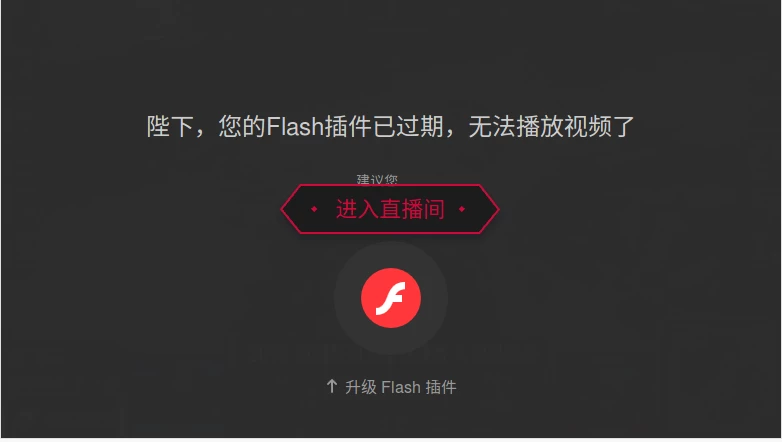
I am having a trouble with my adobe flash. I am using Firefox on my Ubuntu system. My adobe flash doesn't enable on any of the web videos(See Pic_1).
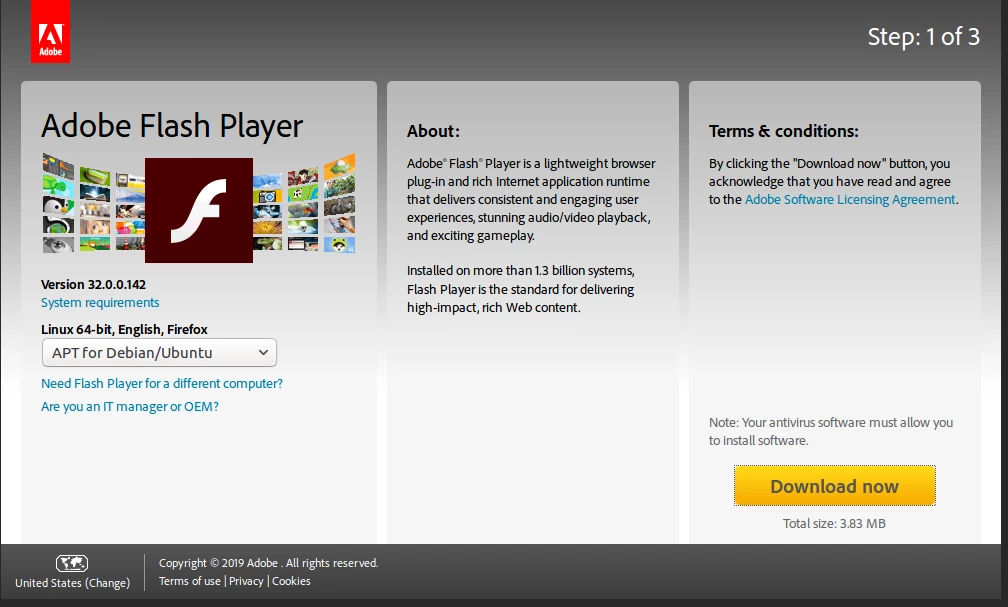
So when I go to the official website to download the newer version of it (See Pic_2).
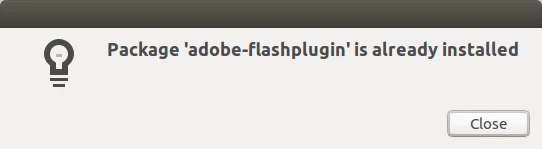
After I finished the downloading, it gave me this error message (See Pic_3).
I have tried sudo apt-get upgrade on the terminal. It is still not working...

What can I do? I would really appreciate if someone can help!

    This topic has been closed for replies.

    2 replies

    jeromiec83223024
    Inspiring
    March 1, 2019

    If you're in China, you'll need to use the distribution from www.flash.cn.

    For assistance with Flash in China, please see Flash Player客服支持-Flash中国官网​, and for support, please contact  help@flash.cn

    jeromiec83223024
    Inspiring
    March 1, 2019
    _maria_
    Community Manager
    Community Manager
    March 1, 2019

    I'm not familiar with the error message you're receiving.  Appears to be something specific to the site.

    Please provide the following information:

    • Direct link to Flash content that is returning the error
    • Ubuntu version
    • Firefox version
    • Flash Player version & path:
      • Launch Firefox, navigate to about:plugins
      • Look for Shockwave Flash entry
      • Copy & paste the Shockwave Flash information, for example: