



I can't update Adobe Flash Player
Hello,
I have a desktop PC running Windows XP SP3. The Adobe Flash Player for the Mozilla Firefox (version:47.0.1) latest version is outdated. I have downloaded the Adobe Flash Player (version:22.0.0.209) file from this page:Adobe Flash Player Install for all versions and I have also followed all the instructions referred to this page:Flash Player Help but I still have a problem. I save the file in the 'Downloads' folder, I double-click on it and then I press 'Run'. The attached screenshot shows the window which appears just after I have pressed 'Run'. I have been waiting for hours to see if something will change but unfortunately nothing has changed. The windows has remained open for many hours when I decided to close it. I have tried many times to update it but I still face exactly the same problem. I'm looking forward for your response.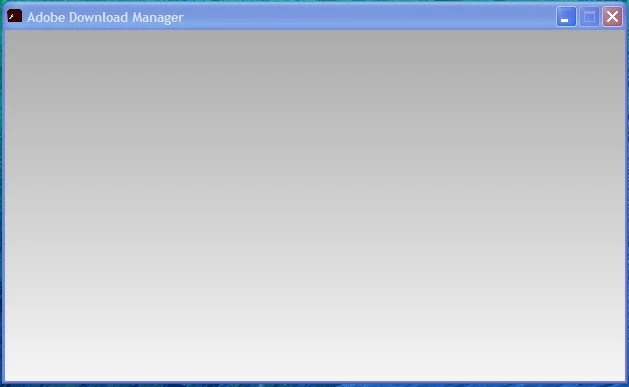
 AdChoices