August 22, 2014
Answered

I cannot download Flash Player.

  • August 22, 2014
  • 1 reply
  • 2320 views

On the Flash Player auto-download page, when I click on "Download," the download bar appears at the bottom of my window for a very brief moment and disappears.  Immediately after, I see this:
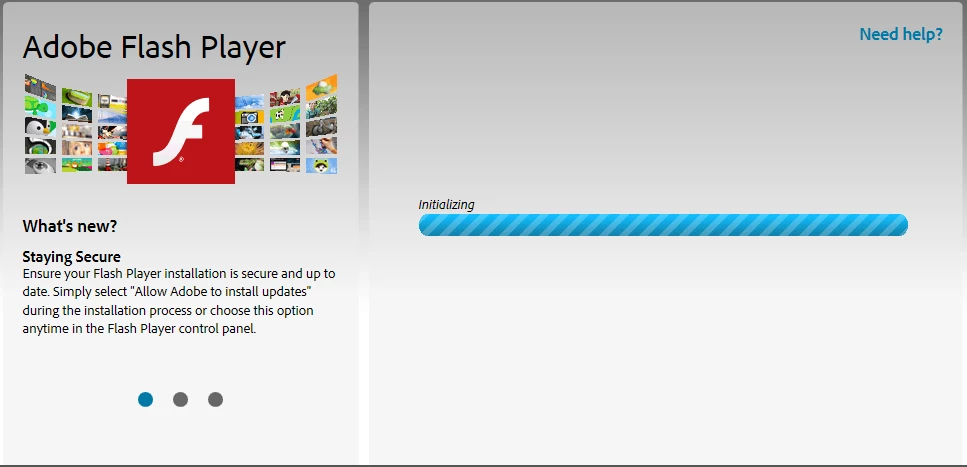
After several seconds, this screen appears:
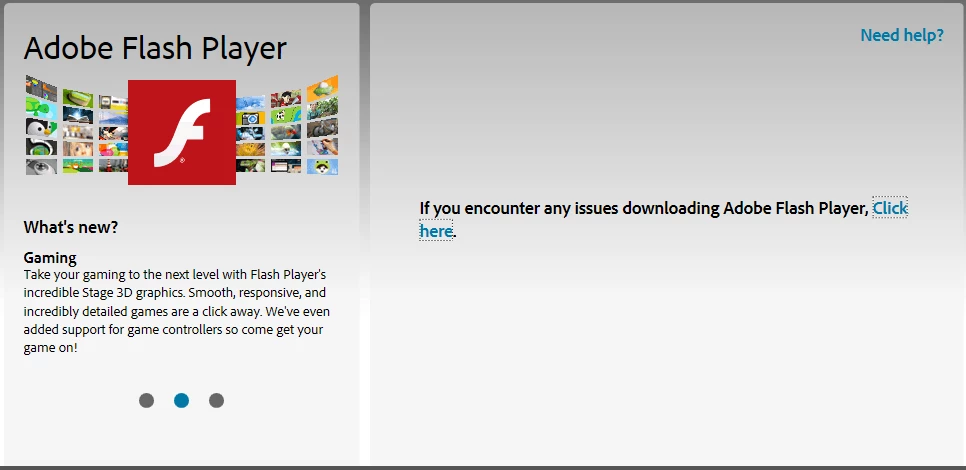
Of course, I "Click here."
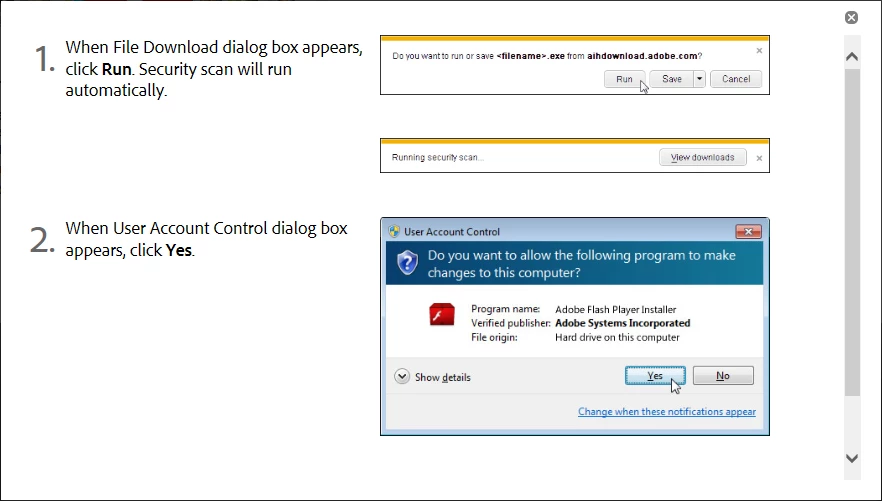
This is what is offered as an answer to download issues???  You have got to be kidding me.  If I had seen anything that looked like this, I would not have had an issue!  *exasperated*


In a (probably) related note:  I have downloaded the offline package and installed it, but that was problematic.  I could not watch many videos.  As far as I could tell, I was not able to view HTML5 video (audio only), although I COULD watch non-HTML5 videos on at least some occasions. 


When I came back to your pages with that installation, your "Flash Player checker" could tell me immediately that it was installed, but the page that tells you what the latest versions are did not do its usual "You have the latest version of Flash Player installed."  An I'm pretty sure that the test picture with the clouds and tree would not run.


I have scoured ever word of every troubleshooting checklist I can find.  Flash is enabled in the browser, Active X filtering disabled.  Hardware rendering turned off (that took me forever to find a video that I could actually play in order to see that option!  lol).  Everything else the lists told me to do.  Clear cookies, cleared cache, and Flash cache.  I also made sure Adobe cookies are enabled, and turned off my antivirus and firewall during the offline installation.  Still could not view video.


Everything was working great until I uninstalled that old version of Adobe for the upgrade.   I was kind of hoping that this wasn't something uncommon, but I have been scouring this forum for about 36 hours and have yet to see a screenshot like mine, of that blue bar of non-progress, anywhere on this site.


I am just about 4 days into a full recovery and don't want to start all over again...   For what it's worth, the Shockwave, Reader, and AIR all installed apparently normally.  Same with Java x32 and x64.


Stumped in Tallahassee.
HP dv7 Pavilion, Windows7 (x64), Internet Explorer 11

This topic has been closed for replies.
Correct answer

Hi Brett,


Thanks for the update on this.  I have asked someone else to take a look, and am waiting to hear back from them.

As for installing previous versions of Flash Player, we post previous versions to the Archived Flash Player versions page.  Scroll down, locate the version you want, download the zip archive (it contains everything from that release), then navigate into the folder with the version number.  The EXE file with 'winax' in the file name is for Internet Explorer and just 'win' is for non-IE browsers  The folder with 'debug' in the name contains player geared towards developers with debugging capabilities, so unless you're a developer, you'll want to avoid using the installers in that directory.

--

Maria


Maria,

Hey, I was finally able to resolve this issue.  I posted the answer in the "Using" forum:  Flash Player Not Working.  I will probably never know what was causing the normal download page to not work, but if it happens again, I have more knowledge now, and will probably be able to track down what I changed that fixed it.  I  did, however, solve the issue of Flash Player not working properly after installation.

Please do not take my attitude in that post personally; you are the only person who it does NOT apply to.  You happen to be the only person who actually responded out of 2 different forums posts over a week on each, and I appreciate it.  You also did what I suggest in that answer, and tried to escalate the issue.  I guess that I cannot help it if you get ignored, also, by whoever is supposed to help you.

Thanks again,

Brett

1 reply

_maria_
Legend
August 22, 2014

Hi Brett,

I'm sorry you're having this issue installing Flash Player.  I'm not sure why you're not being given the option to save the file, as in the help screenshot.  I've forwarded this to the folks who handle the website download content for their assistance.  I'll respond when I hear from them.

--

Maria

August 22, 2014

Thank you, Maria.

The download dialog does appear, but only for about 1/4 second before it is gone, replaced by the screen above.

Brett