Excellent!
The file you downloaded should be a .zip file, which you've obviously unzipped already.
If not, it's here:
Flash Player 10.3.183.90
Inside that should be a few folders. One is named "10_3_r183_90".
Inside that folder is a flashplayer_10_3r183_90_mac_intel.dmg
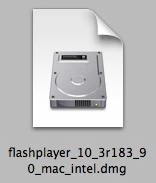
Double click that and it will mount on your desktop, and open a window with the installer.
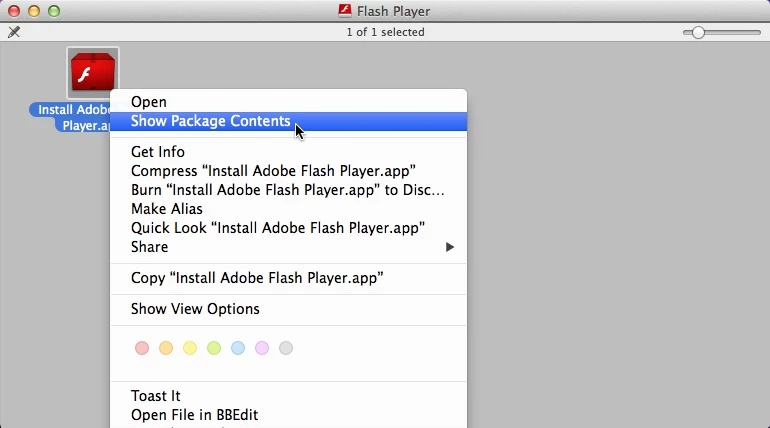
Right click the installer and choose "Show Package Contents"
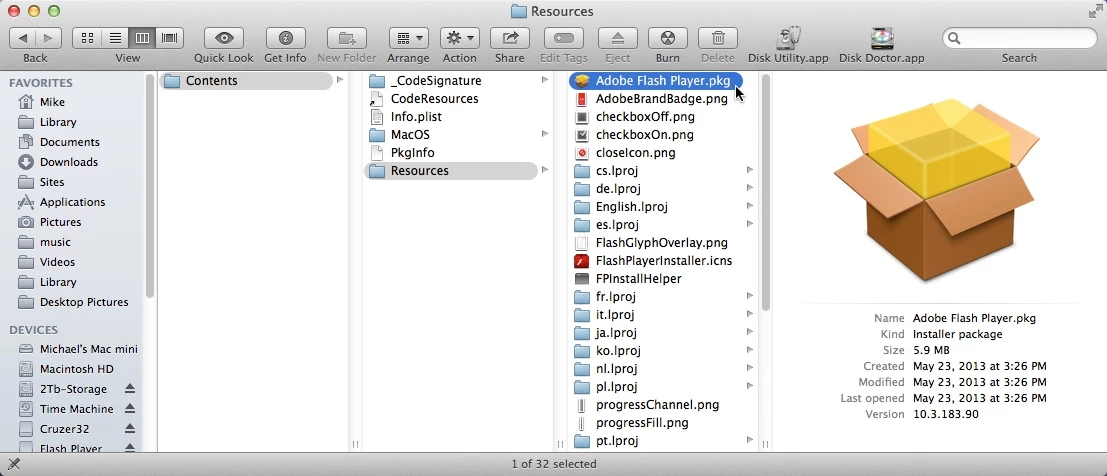
Go to: Contents/Resources and double click the Adobe Flash Player.pkg file
The installer will open, ask for your Admin password, and it will install.
That's the install part.
Trouble is, a lot of websites won't work with Flash Player 10 anymore. -Bad news.
The good news is: because you have an Intel Mac, you can upgrade to OS 10.6 and you'll be able to run a LOT of stuff that 10.5 won't handle.
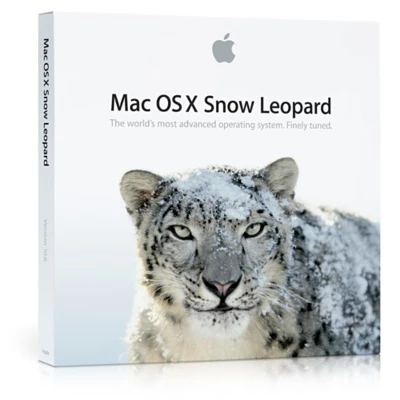
Apple has it for $19.99, and they ship free. http://store.apple.com/us/product/MC573Z/A/mac-os-x-106-snow-leopard
 AdChoices