Inspiring
June 11, 2017
Answered

Install files won't do anything

  • June 11, 2017
  • 2 replies
  • 1138 views

I downloaded the direct install files from the website.  The furthest I have gotten is getting a request for approval to start the install, but the installer never came up.  I don't currently have flash player for any browser installed, and I'd like to be able to view videos smoothly.  Using Vista SP2.

This topic has been closed for replies.
Correct answer Bill_and_Hazel

I have a fresh install of Windows Vista Ultimate x64 SP2.

  • The online installer doesn't launch at all, due to the sha256 digital signature (I have not installed the patch that would fix this).
  • For the offline installer:
    1. I double-click the installer file
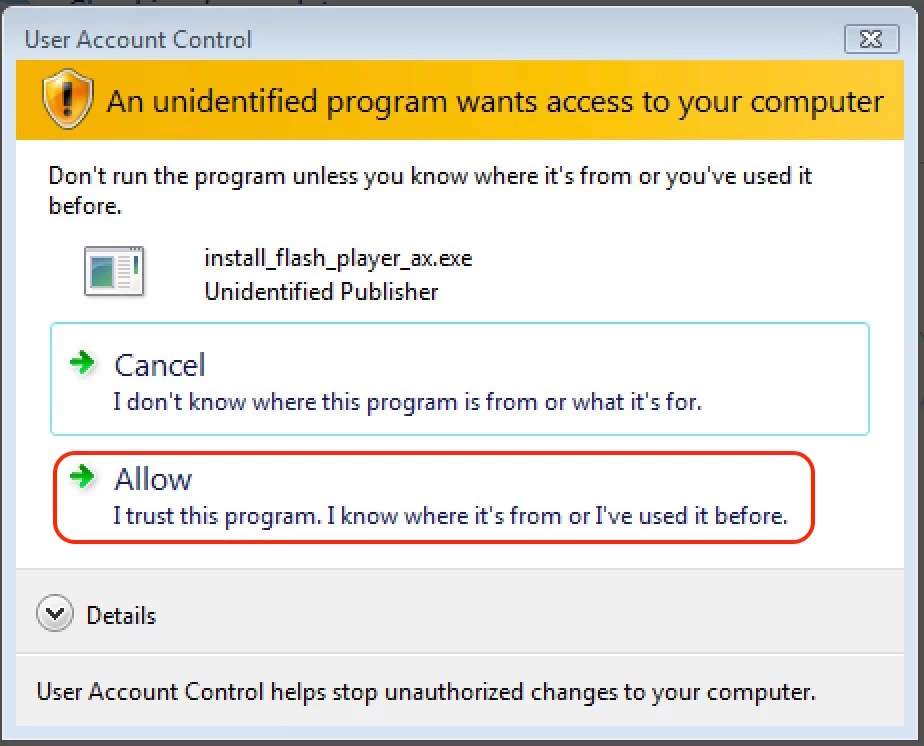
    2. The 'User Access Control' window displays, stating the file is not signed
      • this is due to an update to the digital signature, which is not supported on Vista sp2, but can be ignored by the user.
    3. I click 'Allow' in the 'User Access Control' dialog window
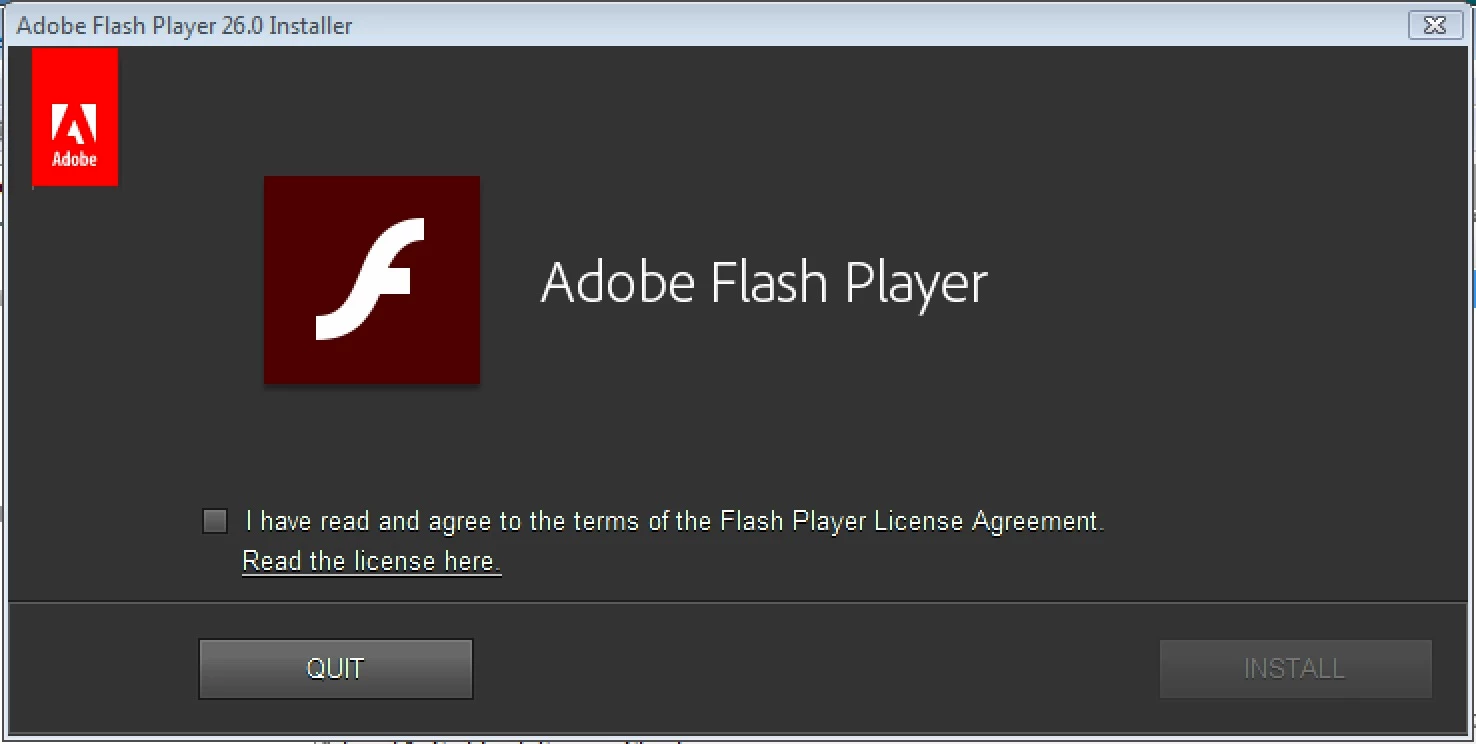
    4. The Installer dialog window displays:

When you say "The furthest I have gotten is getting a request for approval to start the install" are you referring to the UAC dialog in step 3, or something else?

Can you check to see if the previous version, 25.0.0.171, installs?  Previous versions are posted to the Archived Adobe Flash Player versions page.  Scroll down to the 'Flash Player Archives' section.  Download the 25.0.0.171 zip package.  Extract the package and navigate into the 25_0_r0_171 directory. The file names are as follows:

  • flashplayer25_0r0_171_win.exe = NPAPI plugin for Firefox
  • flashplayer25_0r0_171_winax.exe = ActiveX Control for IE
  • flashplayer25_0r0_171_winpep.exe = PPAPI plugin for Opera and Chromium-based browsers

Thank you.

--

Maria


I think those may be the ones I've downloaded, though each of them starts "install_" etc.  I don't get the Allow/Cancel dialogue, only the Windows confirmation dialogue.  I'm going to try the approach you've given me, though, and see if I get anything different.  Thanks.

2 replies

divya010193
Adobe Employee
Adobe Employee
June 20, 2017

Hi,

The issue with the online installer is fixed now. You may now use the online installer from get.adobe.com/flashplayer for installing latest version of Flash Player on Windows XP/Vista platforms.

Thanks!

Inspiring
June 20, 2017

Also, Divya, my install files (the ones directly linked toward the bottom of the FAQ page) still aren't going past getting my permission, which is still more than the normal download file does.  That file doesn't even start.

_maria_
Legend
June 12, 2017

Hi,

If you're on Windows Vista and the installer doesn't launch at all you're system most likely doesn't support sha256 digital certificates.  Depending on your system you may be able to install an update for it to support digital signatures.  See the Microsoft Support document https://support.microsoft.com/en-us/help/2763674/you-cannot-run-an-application-that-is-signed-with-a-sha-256-certificate… for assistance.

--

Maria

Inspiring
June 20, 2017

Thanks.  That link brought up an updater, but all it did is cycle - never pulled in any updates.  Would it be possible to find the actual file itself for SHA 256 certificate correction?  That would help.

_maria_
Legend
June 20, 2017

To confirm, are you saying the Microsoft update never installs?

For the offline installer not getting past your 'permission', I'd like to review the installation log file(s).  The FlashInstall log file is saved at the following location:

  • 32-bit OS: C:\Windows\System32\Macromed\Flash
  • 64-bit OS: C:\Windows\System32\Macromed\Flash AND C:\Windows\SysWOW64\Macromed\Flash (both files are required from a 64-bit OS)

Depending on the Flash Player version you are trying to install the file name will be FlashInstall.log or FlashInstall32.log and FlashInstall64.log.

Upload all FlashInstall log files to cloud.acrobat.com/send using the instructions at How to share a document and post the link to the uploaded file(s) in your reply

--

Maria