


Installation Error
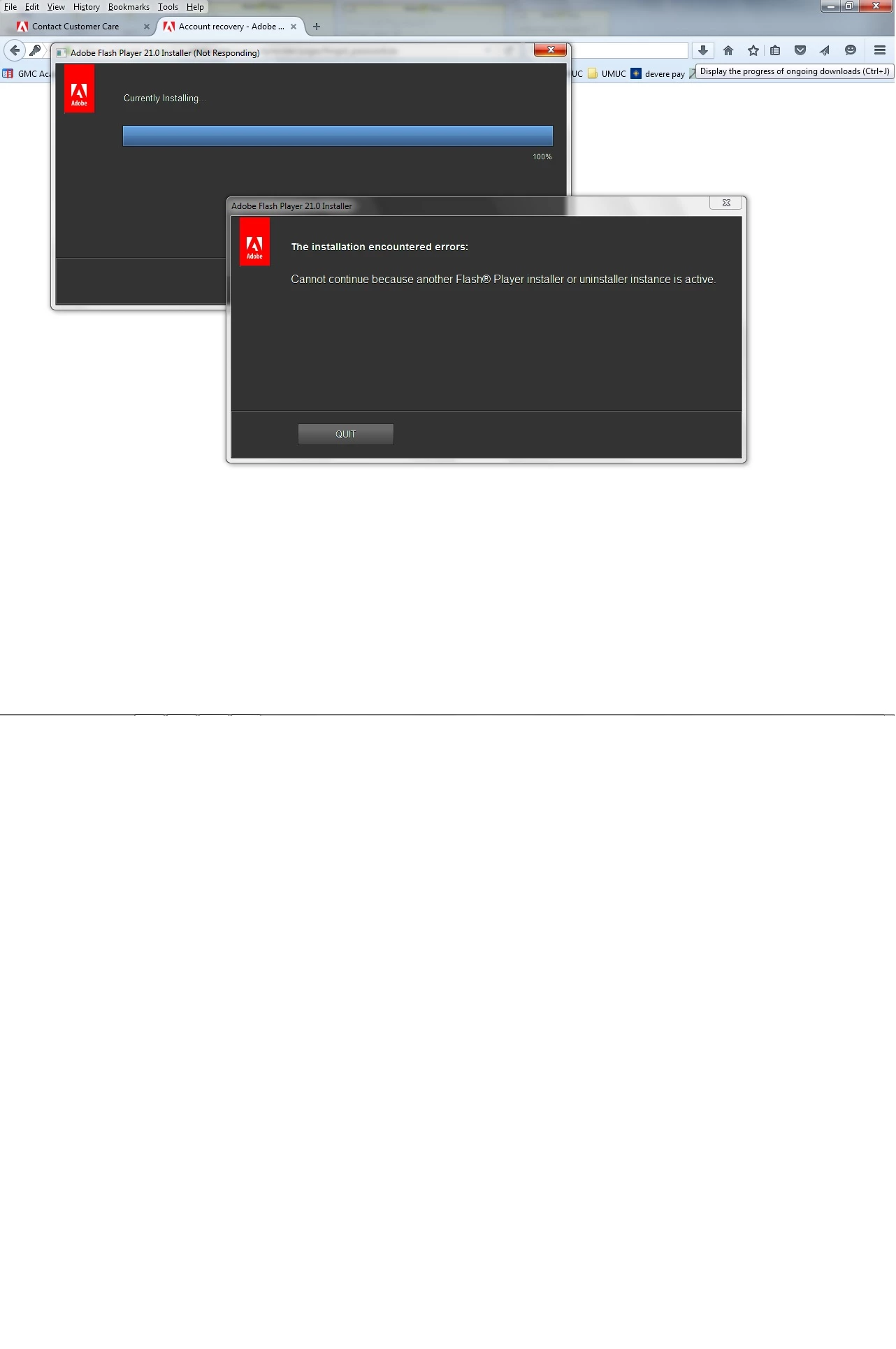
I am trying to install the newest version of flash on my computer. I have a windows PC running windows 7 professional, using Firefox. I have gone as far as to remove the prior versions of flash that I had from my system. Whenever I download the file and attempt to install I get an error message stating it is unable to install because there is an installer already running and can only have one instance. When I downloaded the stand alone installation file, it began installation, then provided me with the same error message. I need to have this installed to run the programs for an online course I am taking and am very frustrated. The error message occurs whether or not firefox is open and the same message occurs when attempting to install from internet explorer.
 AdChoices