


Installing Adobe Flash Player
| Your Flash Version | 21.0.0 |
| Your browser name | Safari (NPAPI) |
| Your Operating System (OS) | Macintosh (OSX) |
I am having problems downloading the newest update of adobe flash player. I started by clicking on the 'install now' on the adobe flash player download page ( Adobe Flash Player Install for all versions ). Then AdobeFlashPlayer_21_a_install.dmg appears in my downloads folder. Clicking on this makes the red icon of the adobe flash player installer appear, so I open this and then click on adobe flash player installer. After being asked if I'm sure I want to open it (and clicking open), and entering my password, a new window pops up saying installation will begin shortly and then barely a second after will say there is an Application Initialization error and the only link on there is Finish which takes me straight back to the Adobe Flash Player Install for all versions web page again. Here is a screenshot of the error message: 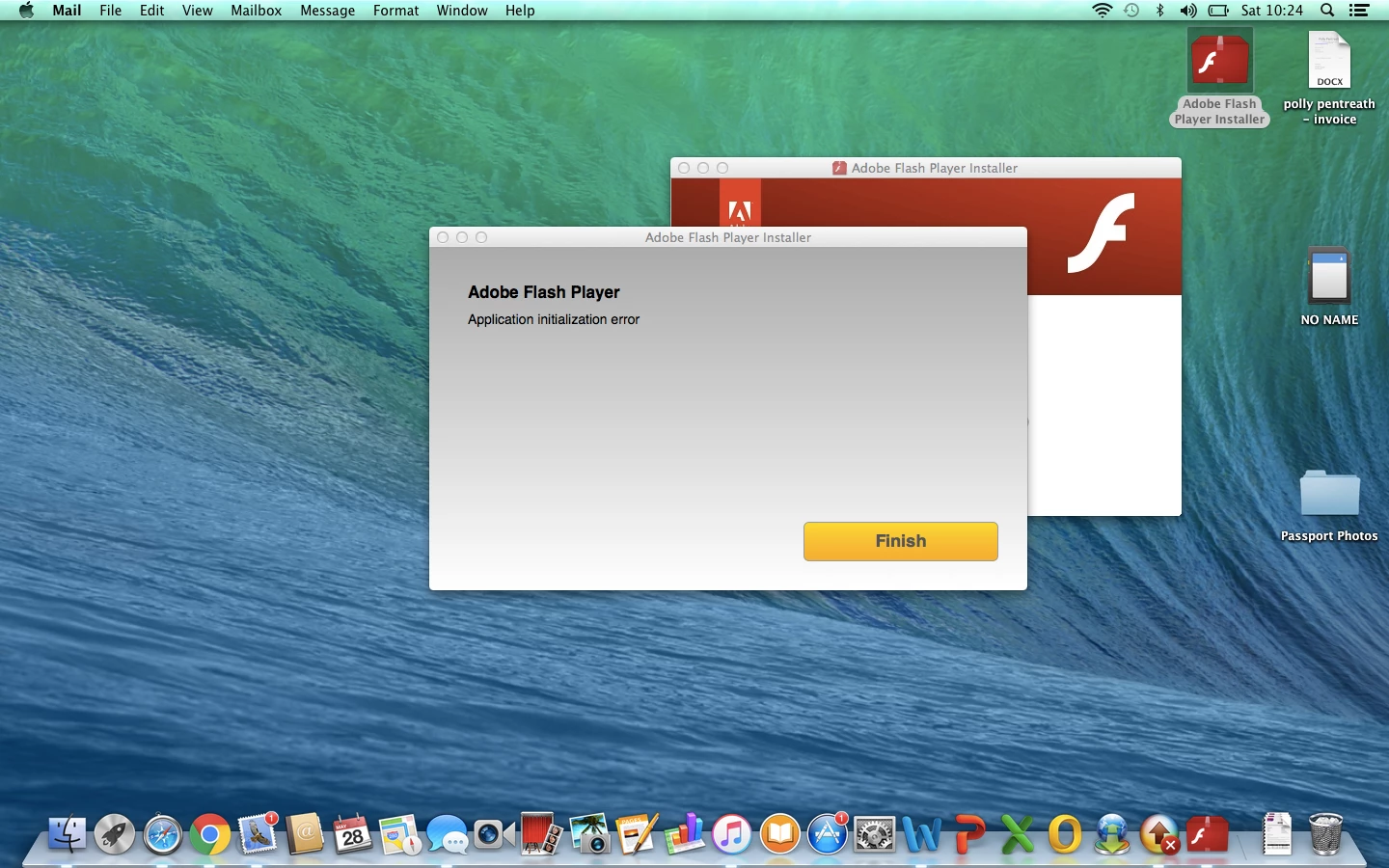
Please can someone help me, I am so confused right now!
 AdChoices