Participant
October 30, 2016
Question

Internet Explorer & Adobe Downlaod Manager : White Screen [23.00.205]

  • October 30, 2016
  • 1 reply
  • 594 views

P.S Sorry my bad English

Display starts to blink//flash with Internet Explorer   then I push the ESC button more more time , and blinking//flashing stops  and shows  Adobe Downlaod Manager (White Screen) and enters this site Flash Player Issues | Windows 10 | Internet Explorer

How  fix it ?

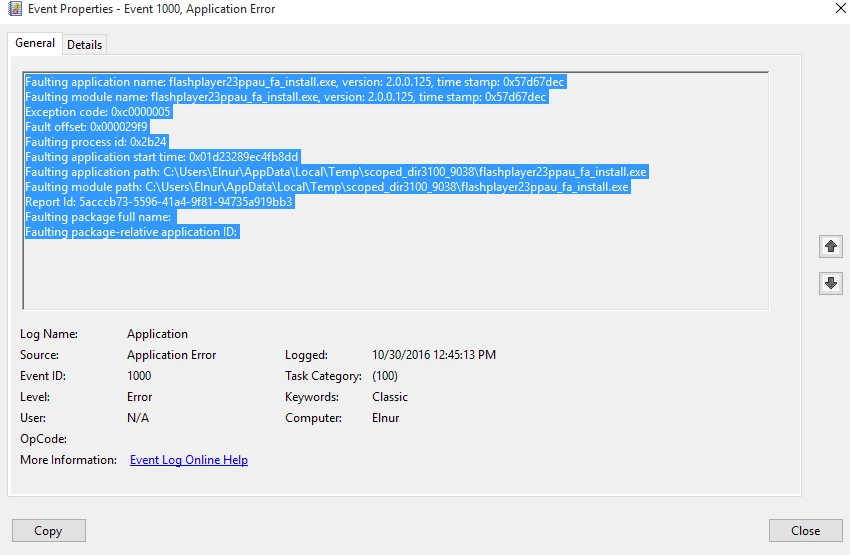
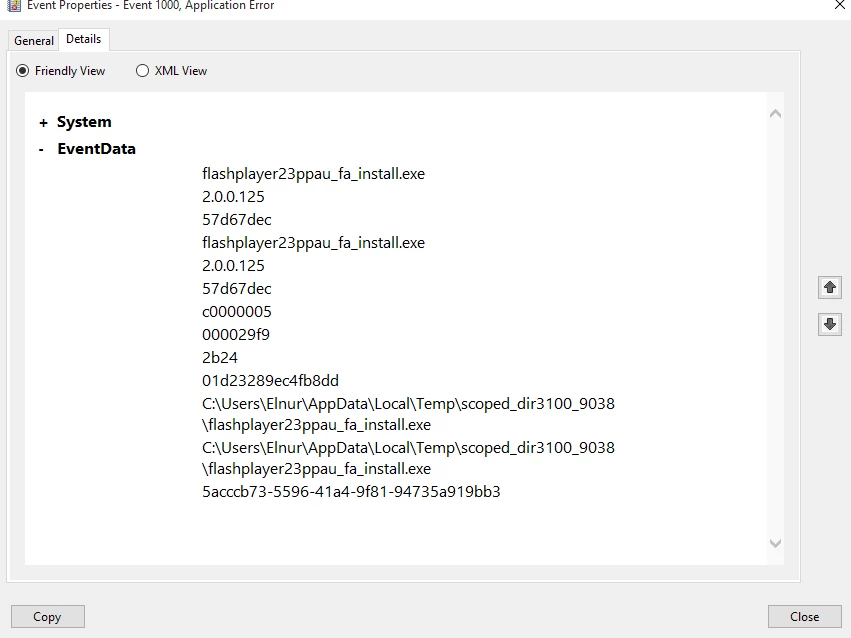
Log Report

Faulting application name: flashplayer23ppau_fa_install.exe, version: 2.0.0.125, time stamp: 0x57d67dec

Faulting module name: flashplayer23ppau_fa_install.exe, version: 2.0.0.125, time stamp: 0x57d67dec

Exception code: 0xc0000005

Fault offset: 0x000029f9

Faulting process id: 0x2b24

Faulting application start time: 0x01d23289ec4fb8dd

Faulting application path: C:\Users\Elnur\AppData\Local\Temp\scoped_dir3100_9038\flashplayer23ppau_fa_install.exe

Faulting module path: C:\Users\Elnur\AppData\Local\Temp\scoped_dir3100_9038\flashplayer23ppau_fa_install.exe

Report Id: 5acccb73-5596-41a4-9f81-94735a919bb3

Faulting package full name:

Faulting package-relative application ID:
This topic has been closed for replies.

1 reply

_maria_
Legend
October 31, 2016

Hi,

I'm sorry, I don't understand what you mean by "and enters this site Flash Player Issues | Windows 10 | Internet Explorer"  Does the installer automatically launch that page or did you go to that page?  Based on the file name, you are attempting to install the PPAPI plugin for Opera and Chromium-based browsers, so I'm not sure why the Flash Player Issues | Windows 10 | Internet Explorer page would be launching.

Please provide the Adobe_ADM.log and Adobe_GDE.log files saved at C:\Users\<UserID>\AppData\Local\Temp\Adobe_ADMLogs.  Upload the files to cloud.acrobat.com/send using the instructions at How to share a document and post the link to the uploaded files in your reply.  I will then forward the information to the online/web installer team to investigate.

In the meantime, please use the PPAPI offline installer posted at the bottom of the Installation problems | Flash Player | Windows 7 and earlier  page in the 'Still having problems' section.

--

Maria

M_ElnurAuthor
Participant
November 2, 2016

shockwave flash is enabled

MY Installing Flash player (White Screen and blinking//flashing ) video cam (step by step ) DWNLD Yandex.Disk  - at this time did not come Event LOG ERROR  11(November).02 .2016

Adobe_ADM.log :
https://files.acrobat.com/a/preview/7e0e9c58-bf98-4778-a6d9-6316b3df44fd

_maria_
Legend
November 2, 2016

When you say "shockwave Flash is enbaled" are you referring to Flash Player for IE/Edge browser?  Based on the file name in the screenshot you are attempting to install Flash Player PPAPI plugin.  This is for Opera and Chromium-based applications. 

I'm sorry, I don't understand this comment "MY Installing Flash player (White Screen and blinking//flashing ) video cam (step by step ) DWNLD Yandex.Disk  - at this time did not come Event LOG ERROR  11(November).02 .2016"

I'll forward the log file to the online installer team for review.


Were you able to install Flash Player from the link posted at the bottom of the Installation problems | Flash Player | Windows 7 and earlier  page?