


Local cache problem with NPAPI Plugin
OS: Windows 7 (x64)
Browser: Opera (latest version) and Waterfox 40.0.2
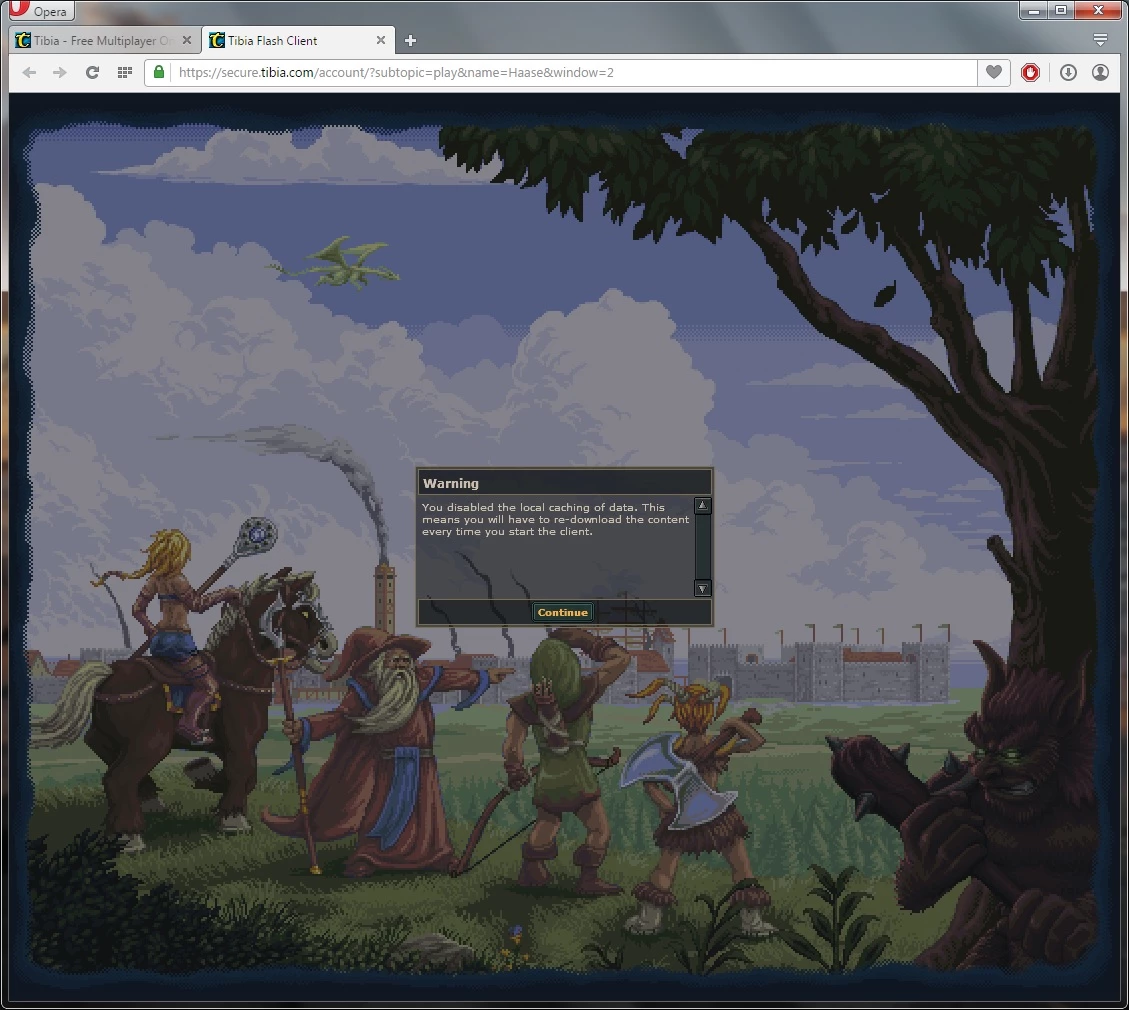
While trying to play a game called Tibia with one of these browsers and the latest version of flash for them (NPAPI 19), a message that says "You disabled the local caching of data" appears and I have to download the entire game client everytime.
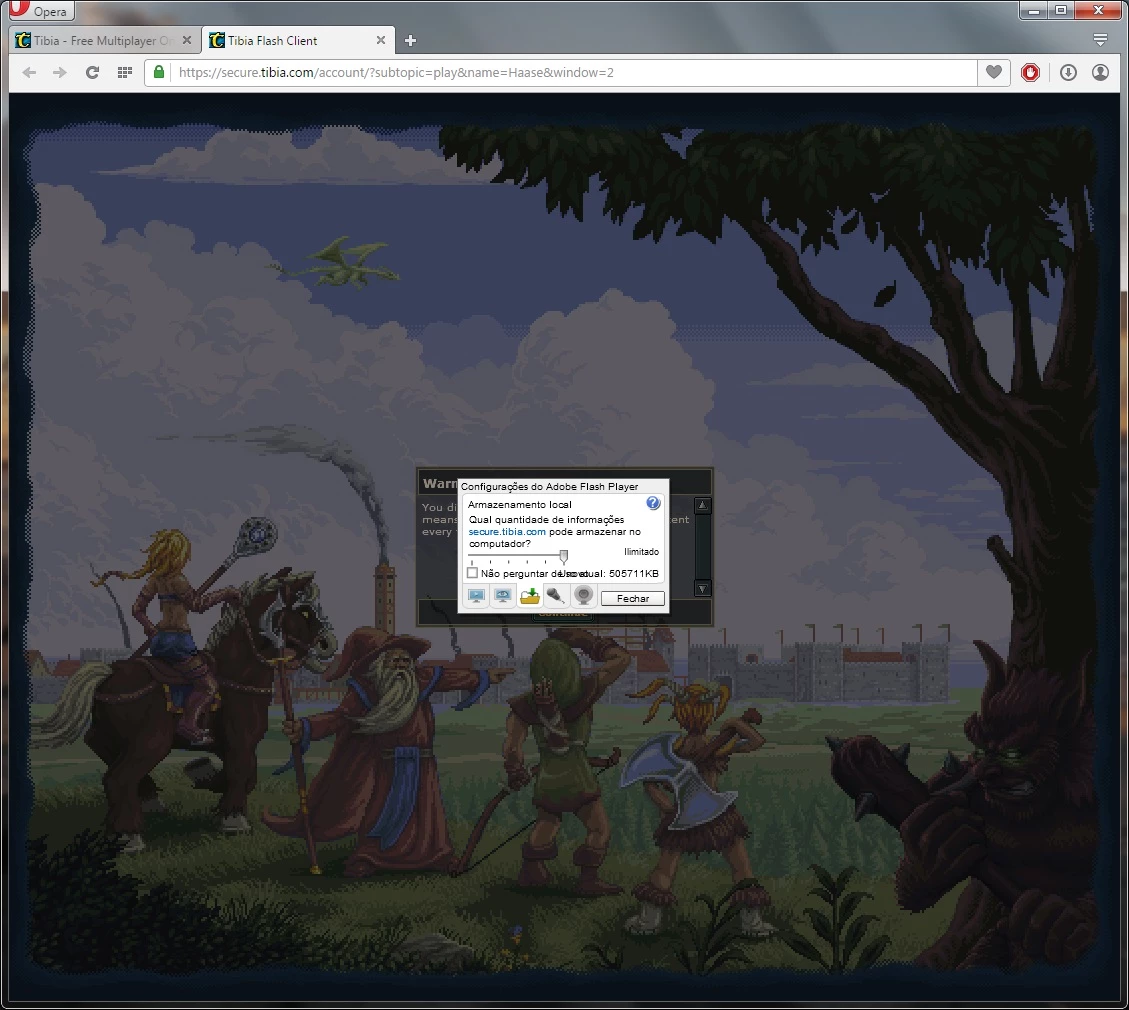
I looked the settings of the flash plugin and the local storage flag is ALWAYS SET AS UNLIMITED.
The warning:
The local store setting set to unlimited:
The only way I can play this game, is to use unsafe and outdated versions, such as 11.9 and 13.0.0.206.
On waterfox, any version of the NPAPI Plugin ranging from 11.9 to 13.0.0.206 works great.
If I use 13.0.0.214, for example, the local cache doesn't work anymore.
Why is this happening with the latest versions of NPAPI Plugin on these browsers?
 AdChoices