


Local .swf files do not play correctly in browser
- Operating system version - Windows 10 64bit
- Web browser and version - Most up to date IE, Chrome, and Firefox
- Flash Player version - 20.0.0.267
Hi all, I have .swf files that function similarly to a slideshow (I'm converting Captivate files to Articulate files if anyone is familiar). My issue is that when playing the .swf in my browser it will play the initial screen/slide just fine but once I click the next arrow the slide will transition then remain blank (the player seems to become unresponsive). I have tried reinstalling Flash Player several times and tried opening the file in Chrome, Firefox, and IE but the same issue occurs. The files play fine on other computers but not this one. Any ideas on how to fix this?
Here are some screen shots (I've blocked out information due to NDAs)
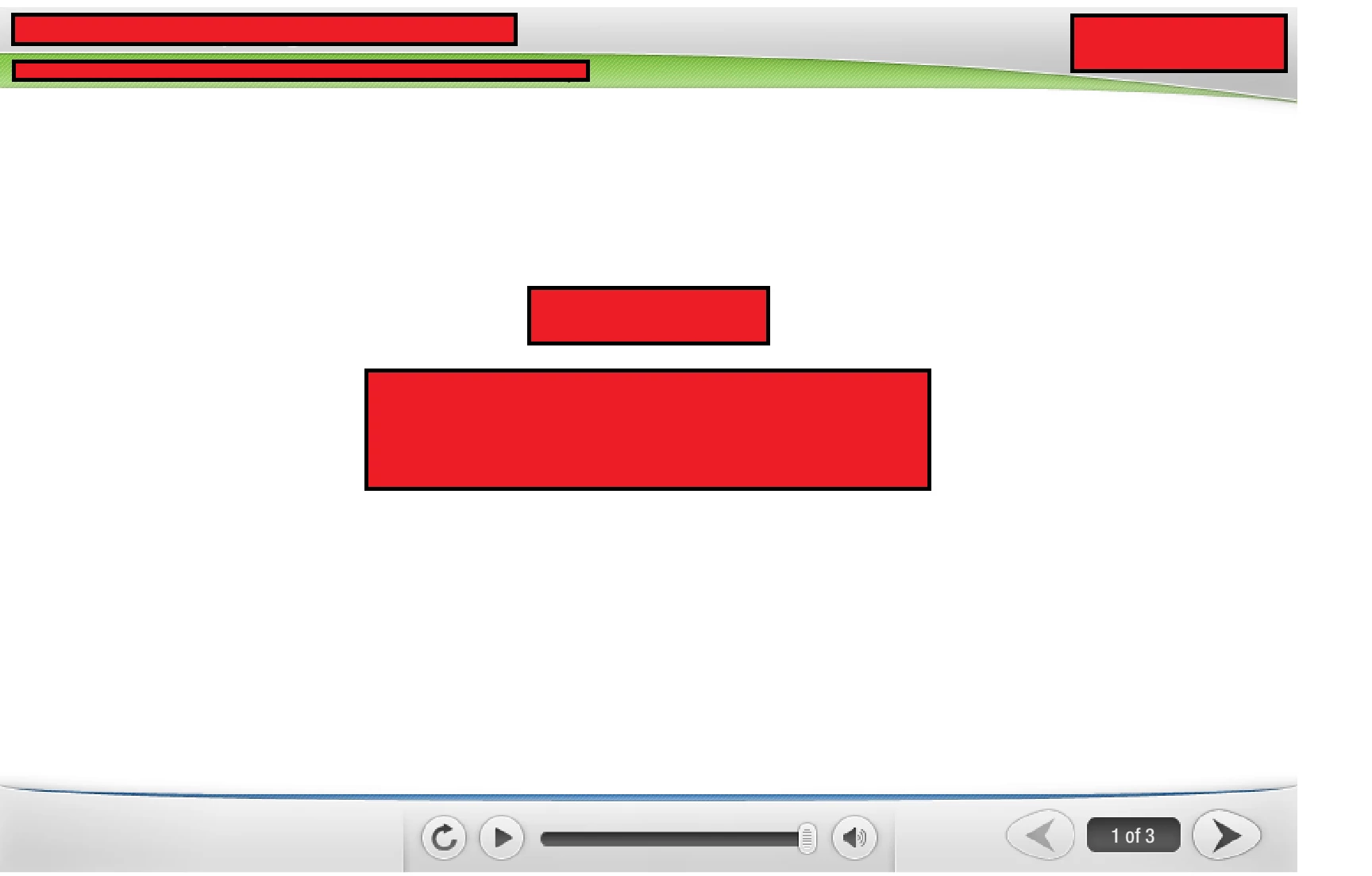
The below screen grab is the first slide. The center fades in and the timeline ends.
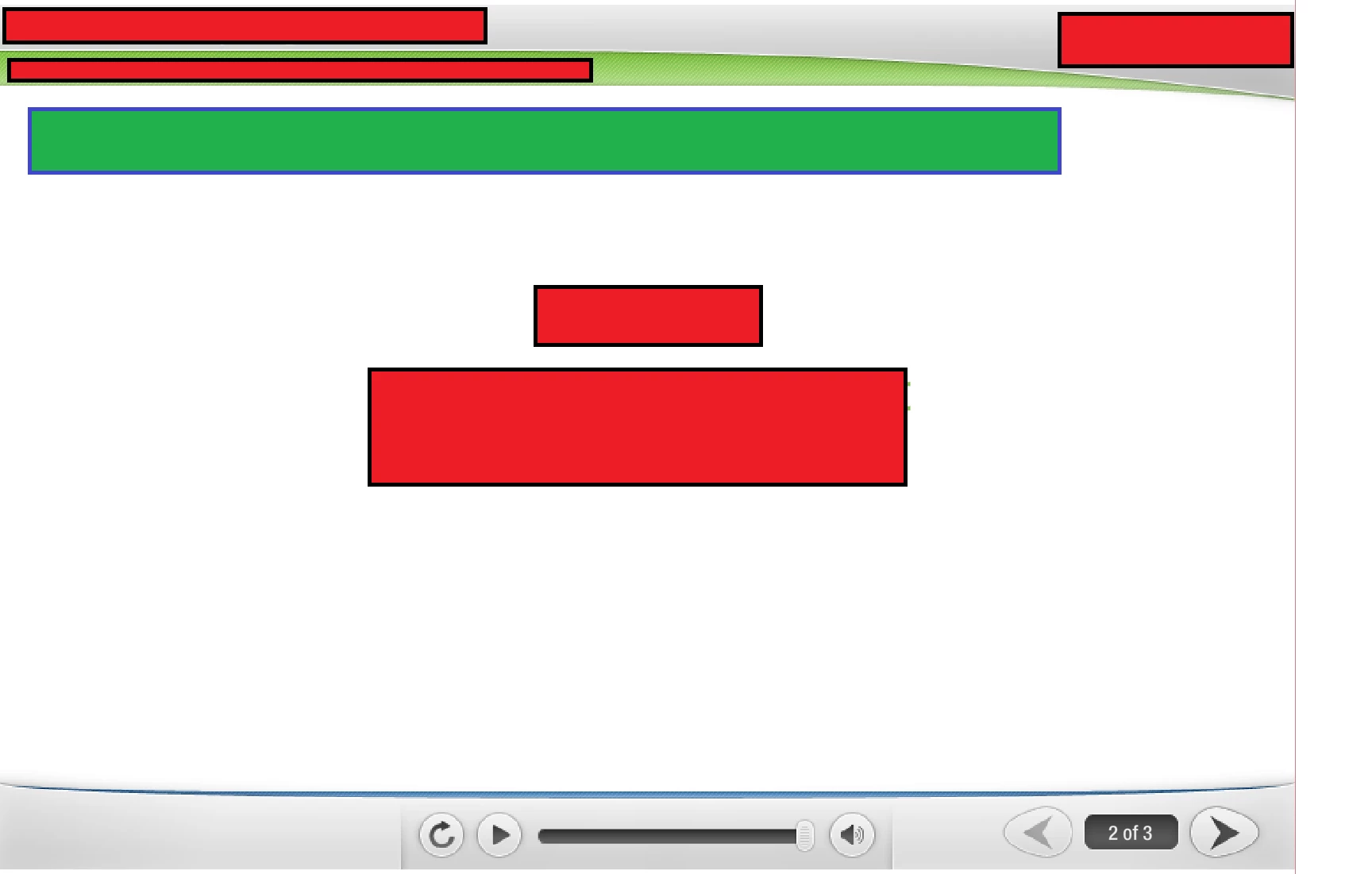
After clicking the "Next" arrow the contents of slide one do not leave the screen. The first part of the content for slide 2 appears (green box) but then the swf becomes unresponsive. The next/play/slider/refresh buttons will not work.
I've been attempting to troubleshoot this for days (reinstall flash, different browsers, etc) and it will soon be affecting my work. Any help/suggestion is extremely appreciated.
 AdChoices