


Mac OS 10.13.3 Firefox/Safari/Chrome install problem
I had the flashplayer for Chrome. But now I have to use it on Firefox. So I want to download one.
At first, the usual downloading page. Click Download.
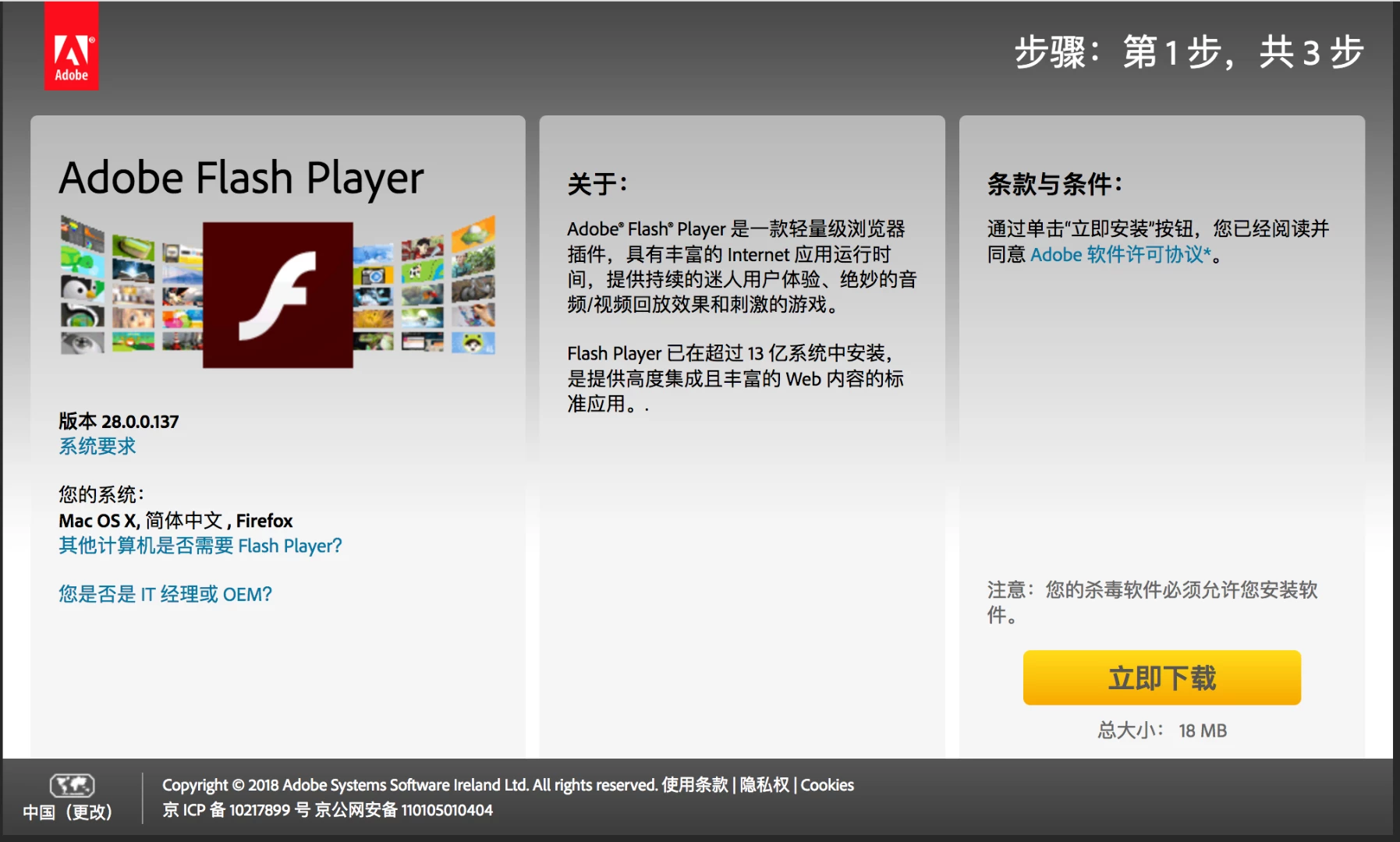
Then it jumps to this normal download preperation page. https://get3.adobe.com/cn/flashplayer/download/?installer=FP_28_Mac_for_Safari_and_Firefox_-_NPAPI&stype=7463&standalone=1
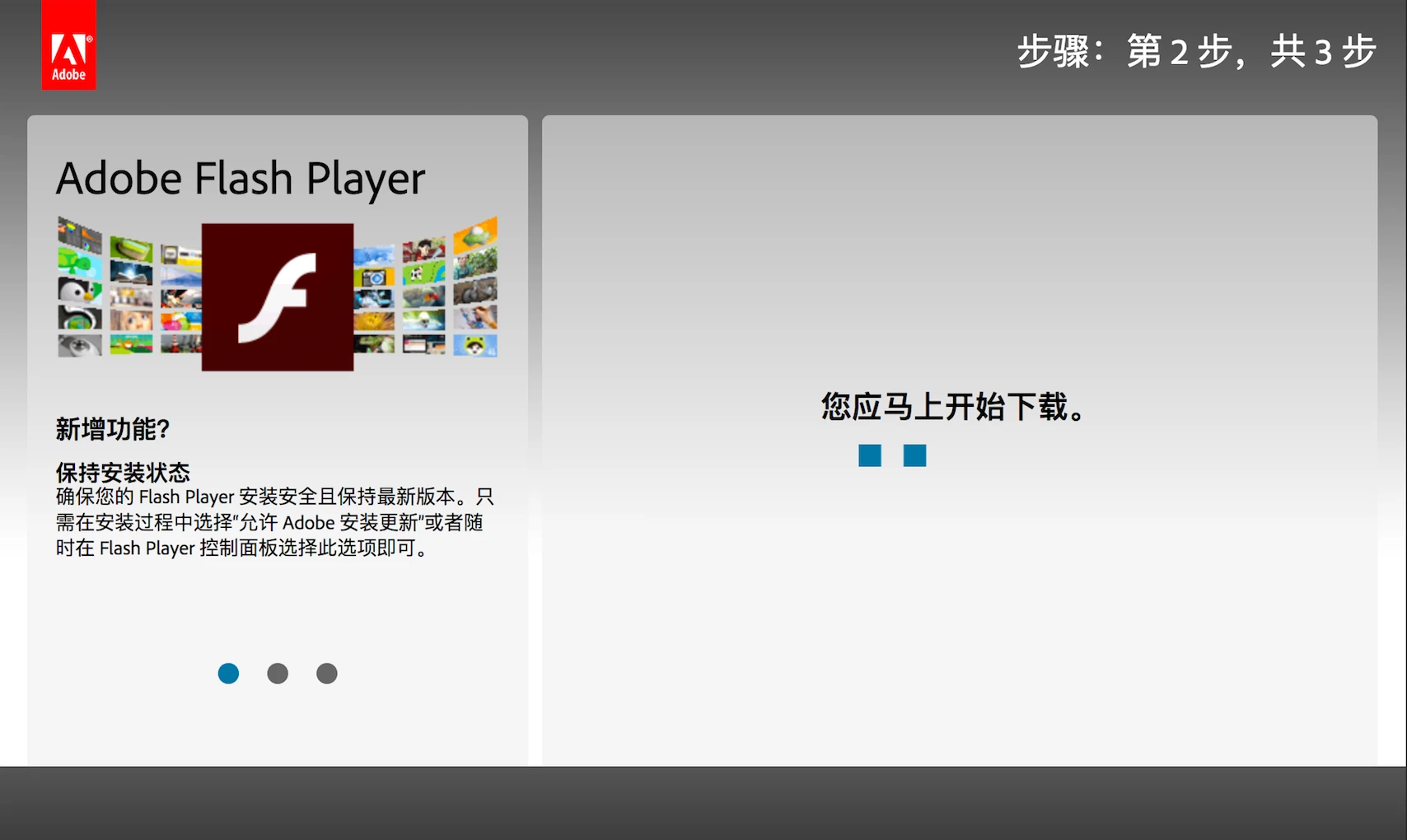
And quickly jumps to this Update page. https://get3.adobe.com/cn/flashplayer/update/osx/?source=2561
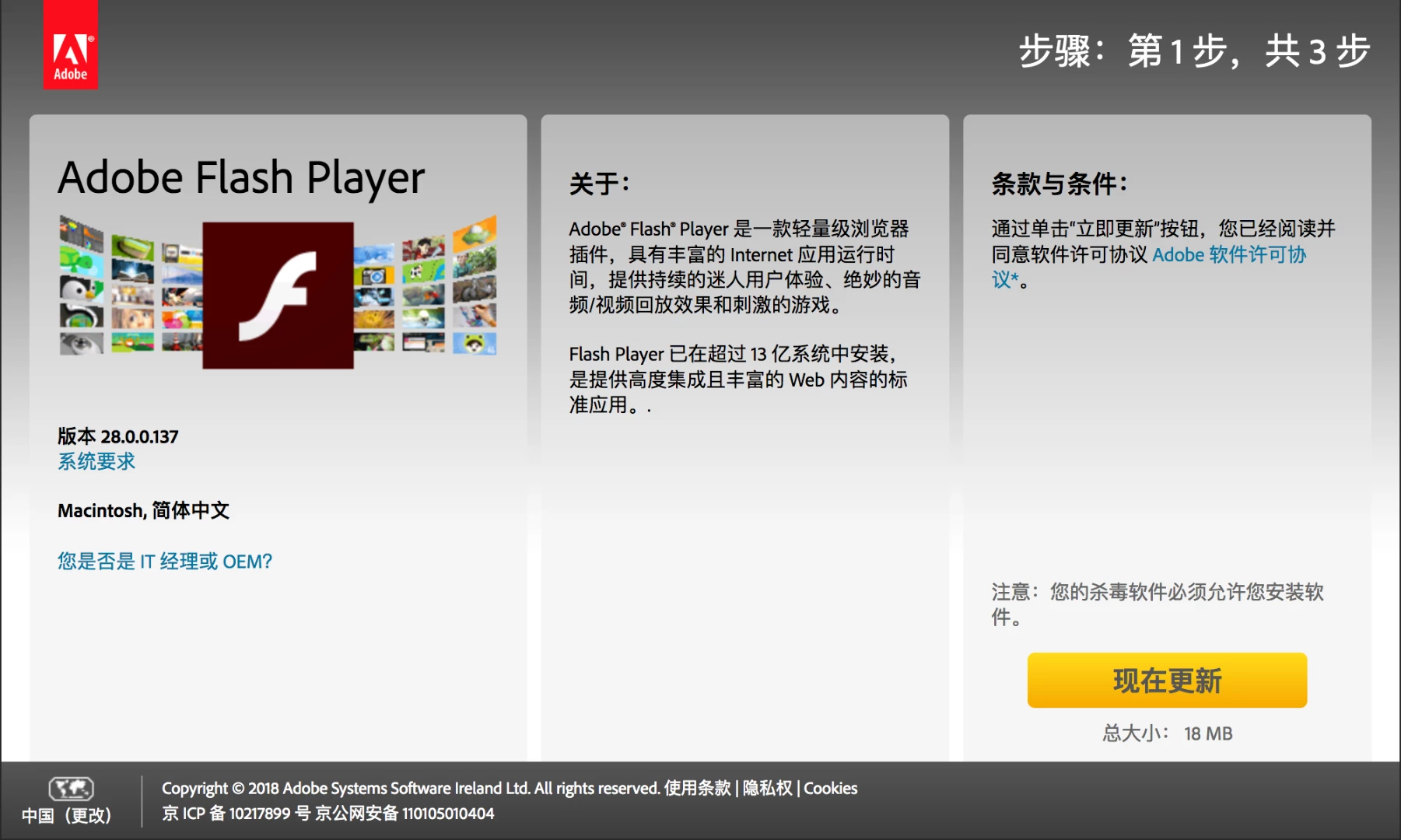
Whien click Update, the same thing happens again. Nothing downloaded at all in all time. 循环往复,一无所有。
I am sure there is no flashplayer or its documents on my Mac. I uninstalled it following the instructions to reassure.
I tried with Firefox/Safari/Chrome all 3 of them. All show the exact same result.
Now, what's worse, my Chrome Flash Player does not work either.
急!在线等!

 AdChoices