Mac OS X 10.8.4, Safari 6.0.5. Successful Adobe Flash player installation and still not working.
Hi.
I have Mac OS X 10.8.4 + Safari 6.0.5
Everything was working fine.
Suddenly 3 days back all video links on facebook and most on youtube starting showing a message:
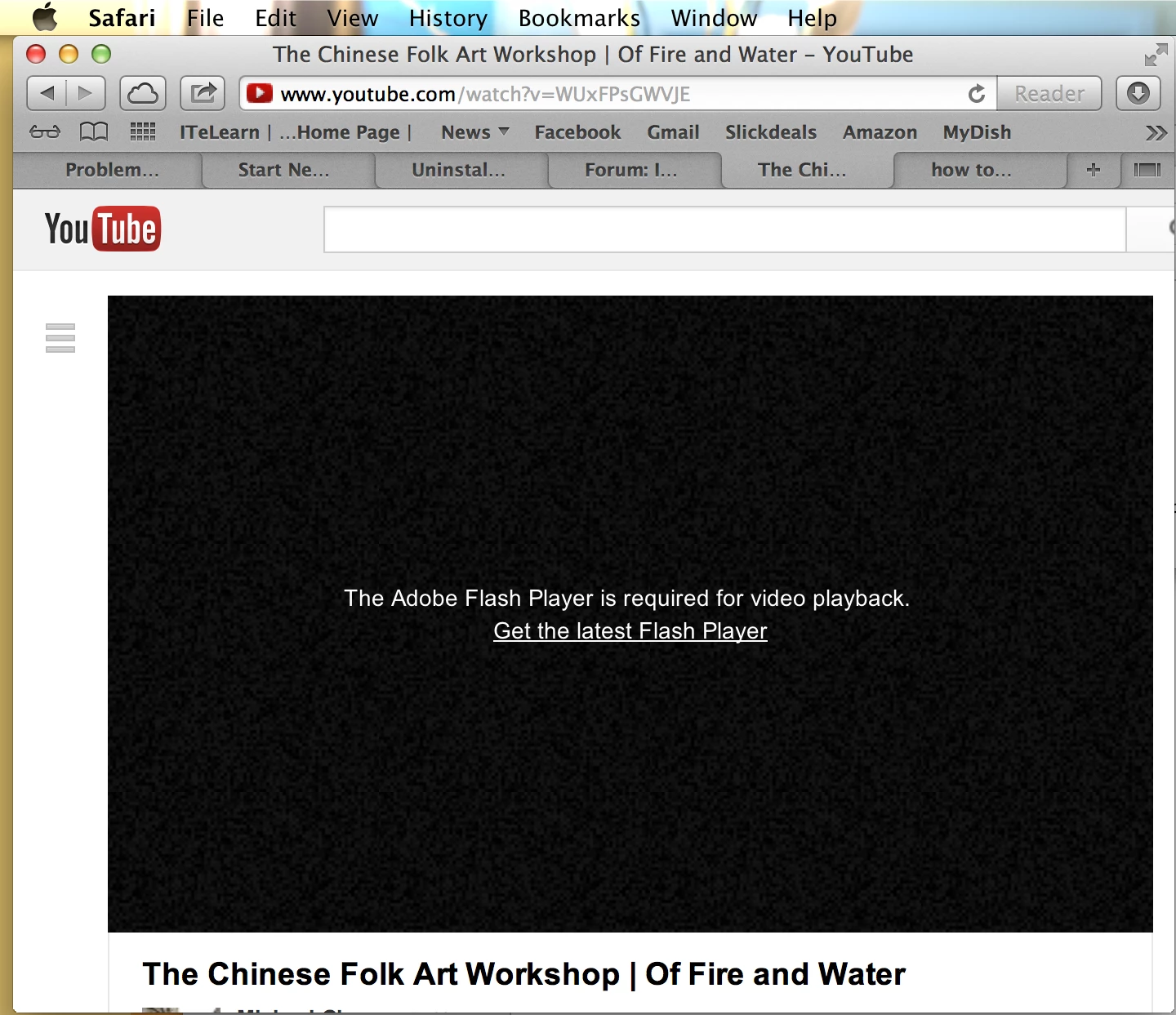
Now, I looked up forums and troubleshooting. The link on adobe website to troubleshoot issues with flash player installation, every time didnt show any version of flash player installed.
I tried the uninstallation however, and installed the lastest version of adobe available on this link:
http://get.adobe.com/flashplayer/?promoid=JZEFT
Then, just to be on safer side, I reboot my machine. When I try to play videos, I get the same message above.
I have repeated these steps atleast 7-8 times, in vain.
Please guide as to what could be the issue. Is there any issue with the latest upgrade of flash player? Because everything seems to have gone down ever since the latest version got upgraded. Any assistance is highly appreciated.
Regards,
vaid2132010
 AdChoices