


karenc15458199
Participant
August 8, 2018
Question

Mac User: Adobe says it's installed but it's not

  • August 8, 2018
  • 2 replies
  • 310 views

Hello,

I need to view a .swf file for work. I've installed Adobe Flash three times.
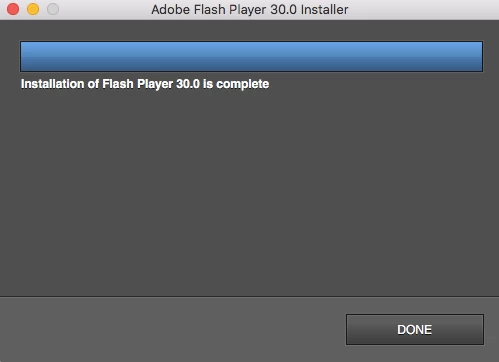
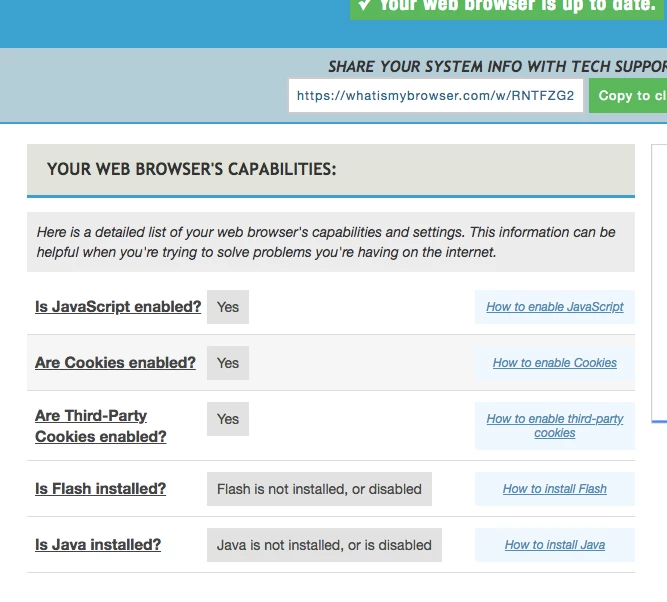
However, the file won't play and this website that my trainer sent me is telling me that it's not installed. I've tried using Chrome and Safari.

Any advice?
This topic has been closed for replies.

2 replies

_maria_
Legend
August 8, 2018

These days Chrome does not play raw .swf files.  Attempting to view .swf files in Chrome result in Chrome prompting the user to download the file (even if the file is already saved locally). Safari still continues to play raw .swf files (at least it does on my macOS 10.13.6 system).  By 'raw .swf' file I mean a .swf file that is not wrapped in HTML.

To view .swf file, use the standalone projector. It's posted for download at Adobe Flash Player - Debug Downloads​.  Scroll down to the Mac section and click on the 'Download the Flash Player projector' link 

Chrome and Safari use 2 different plugin types.

  • Chrome uses PPAPI plugin, and Google embeds Flash in Chrome so there is no need to install the PPAPI plug-in separately.
  • Safari uses the NPAPI plugin.  Please ensure you have installed the correct plugin for Safari.

Safari, like Chrome, disables Flash by default.  You most likely need to enable Flash in the browser.  See Enable Adobe Flash Player for Safari for assistance.  Depending on the content you are attempting to view, you may need to remove Safari sandbox restrictions.  If this is the case, see Remove restrictions on Flash content playing in Safari

On my macOS 10.13.6 system:

  • with the Chrome default settings for Flash (ask to enable Flash), www.whatismybrowser.com indicates Flash is either not installed, or disabled.  Enabling Flash for that site and reloading Chrome, the site now indicates Flash is installed and enabled.  The Use or fix Flash audio & video - Computer - Google Chrome Help link my colleague posted has instructions to enable Flash on a per-site basis.
  • with Safari default settings for Flash, the site indicates Flash is installed and enabled
Kajal_Singh
Adobe Employee
Adobe Employee
August 8, 2018

Hi,

Google embeds Flash Player in Chrome and there is no need to install Flash Player PPAPI for Chromium separately. Google does block Flash by default, so you most likely just need to enable Flash for the site you want. See Google's help doc Use or fix Flash audio & video - Computer - Google Chrome Help for assistance.

You can use Installation problems | Flash Player | Windows 7 and earlier link to check whether Flash Player is installed on your system or not.