


Macbook Pro 2018 - "Flash Unavailable" Uninstall Help NEEDED!
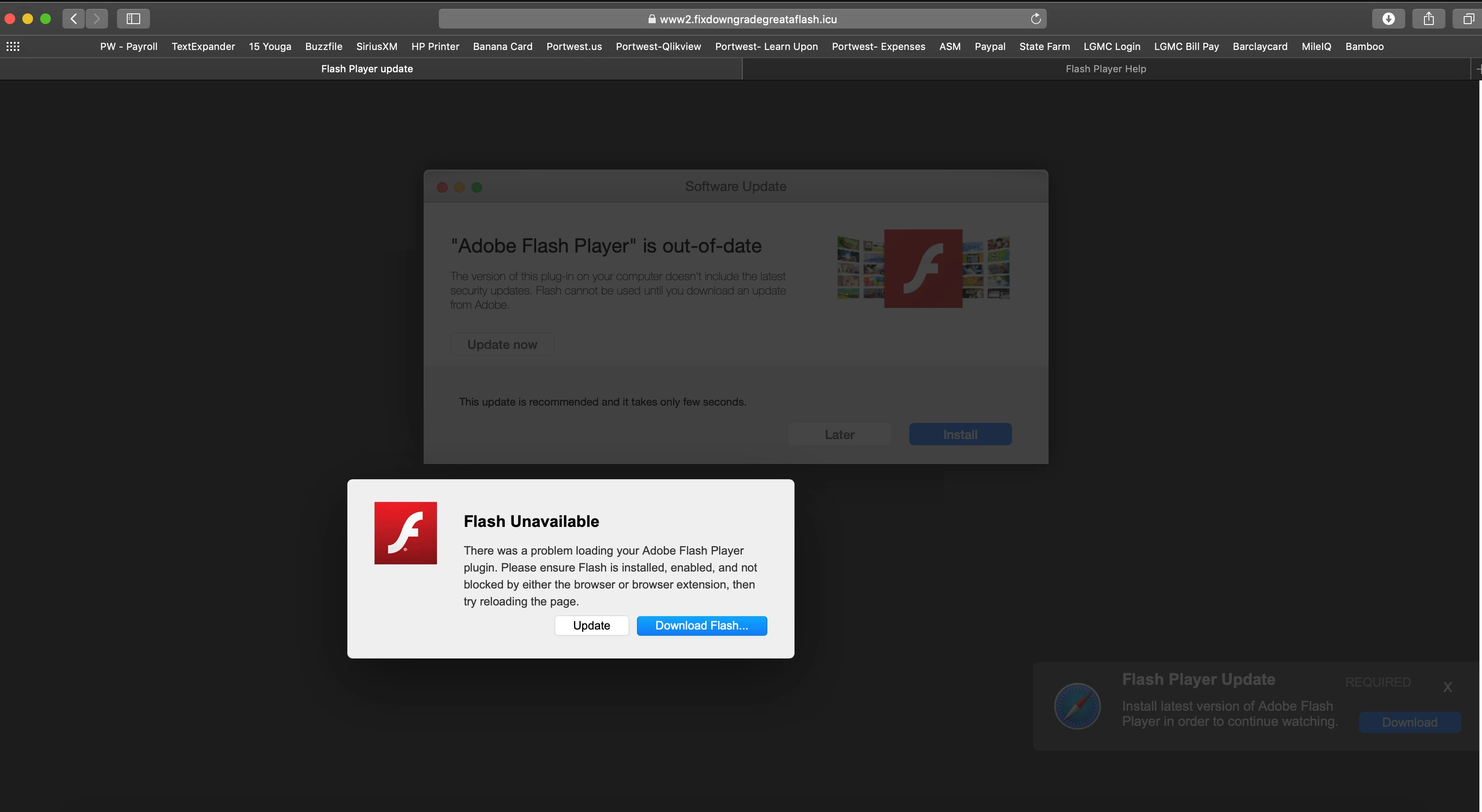
Unfortunately, I recently "updated" my Flash Player on Safari and now any time I try to use a webpage I get pulled from it and get the following notification....
Flash Unavailable
There was a problem loading your Adobe Flash Player plugin. Please ensure Flash is installed, enabled, and not blocked by either the browser or extension, then try reloading the page.
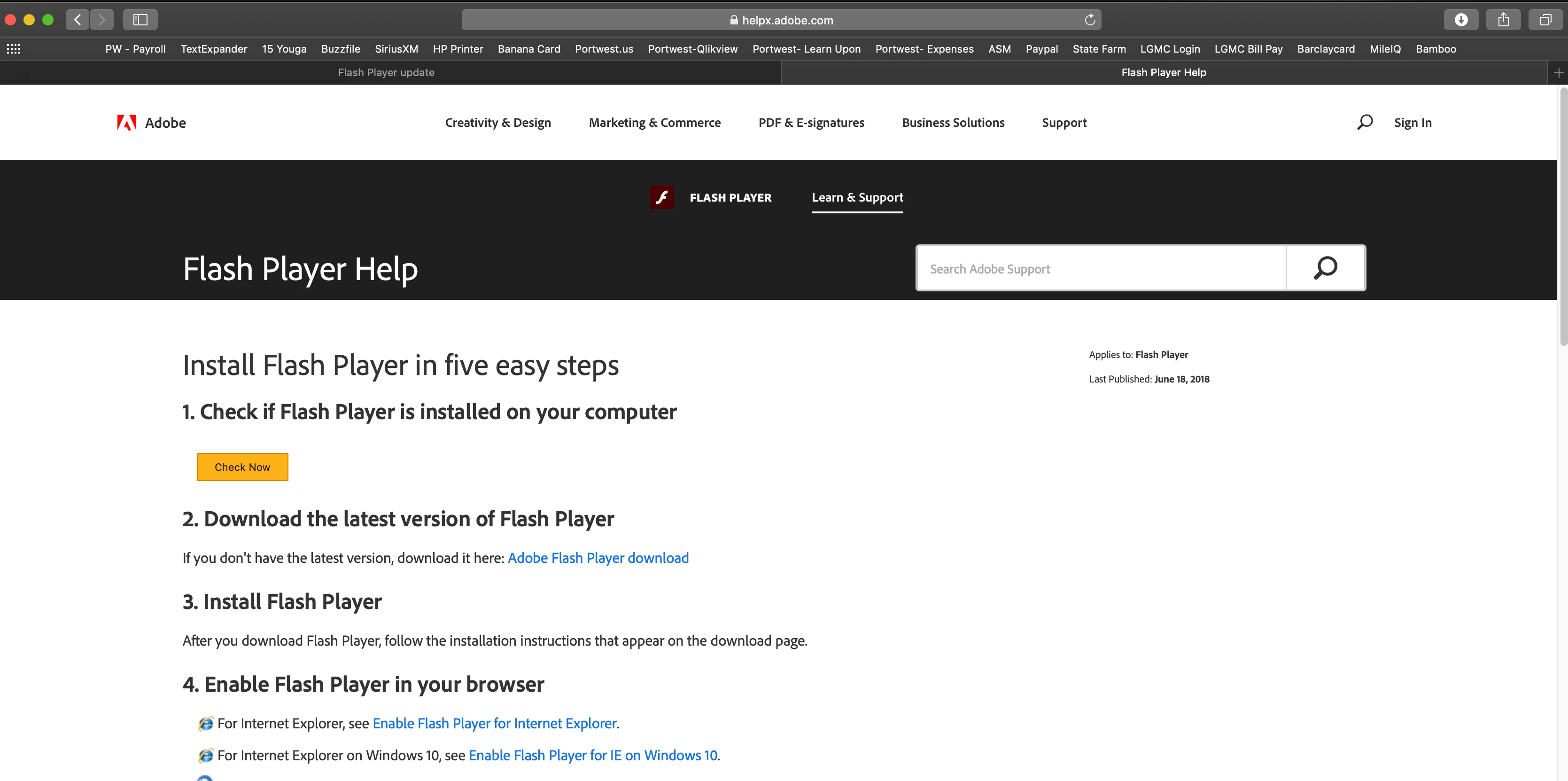
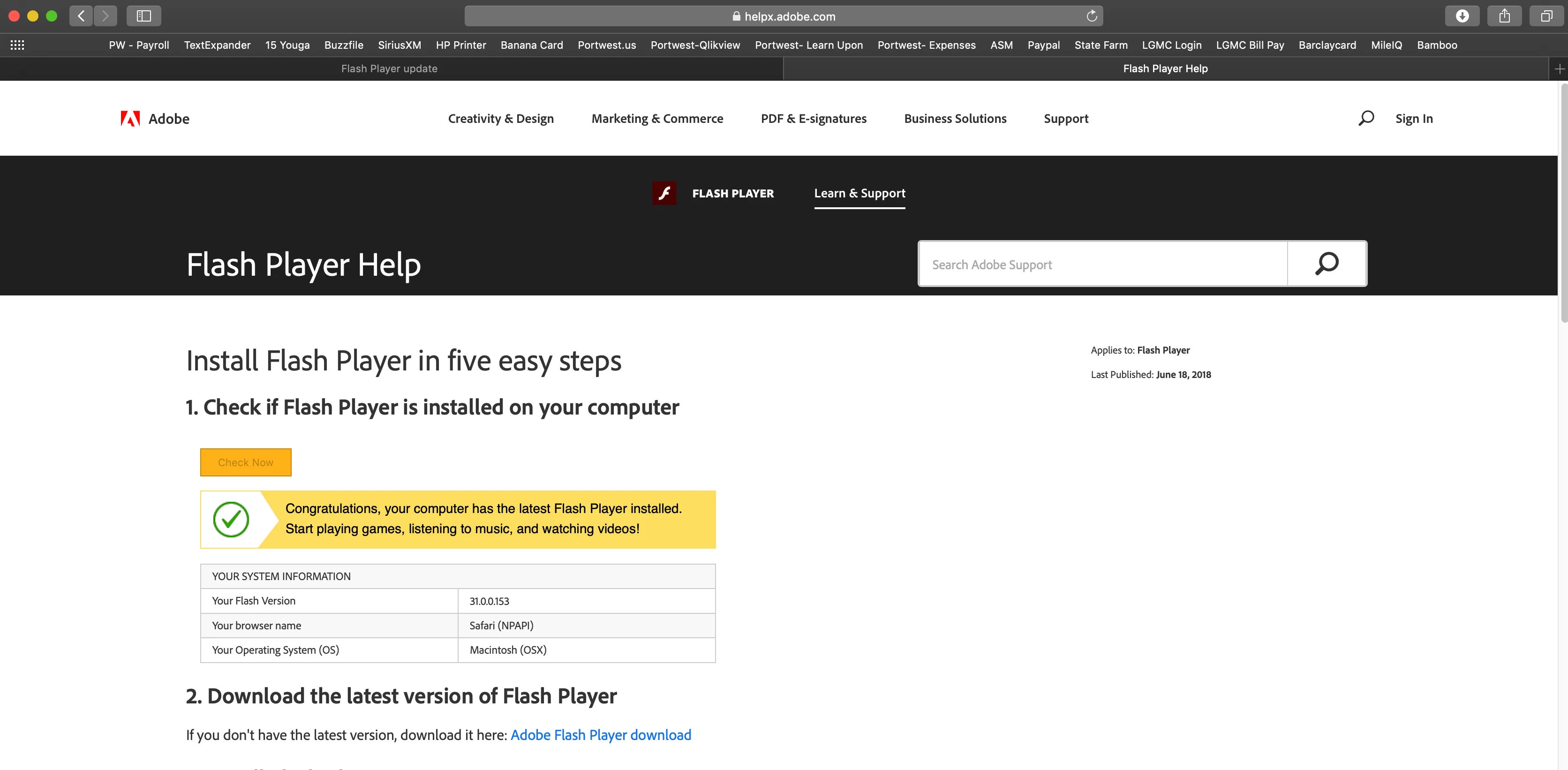
I used Google Chrome to find the legit webpage for "Check if Flash Player is installed on your computer." Opened it in Safari and I have it installed properly, however I still get this "Flash Unavailable" notice every time I try to open a page using Safari.
How do I get rid of this madness?!?
I checked my download files to see if there was a strange file or .dmg that didn't look right and can't find anything.

 AdChoices