Participant
July 10, 2018
Answered

Major Issue! Flash Player Malware, no solution?

  • July 10, 2018
  • 2 replies
  • 1619 views

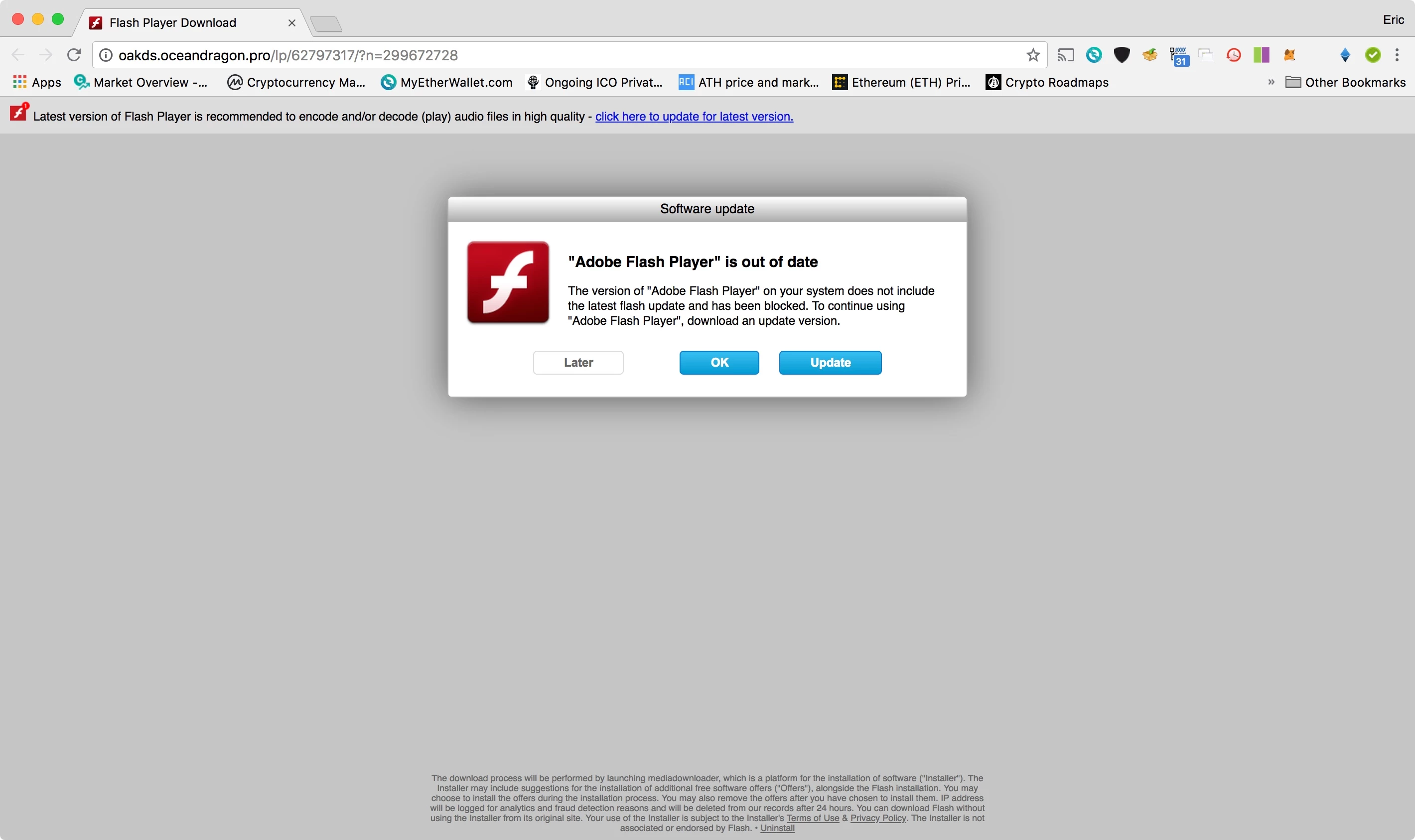
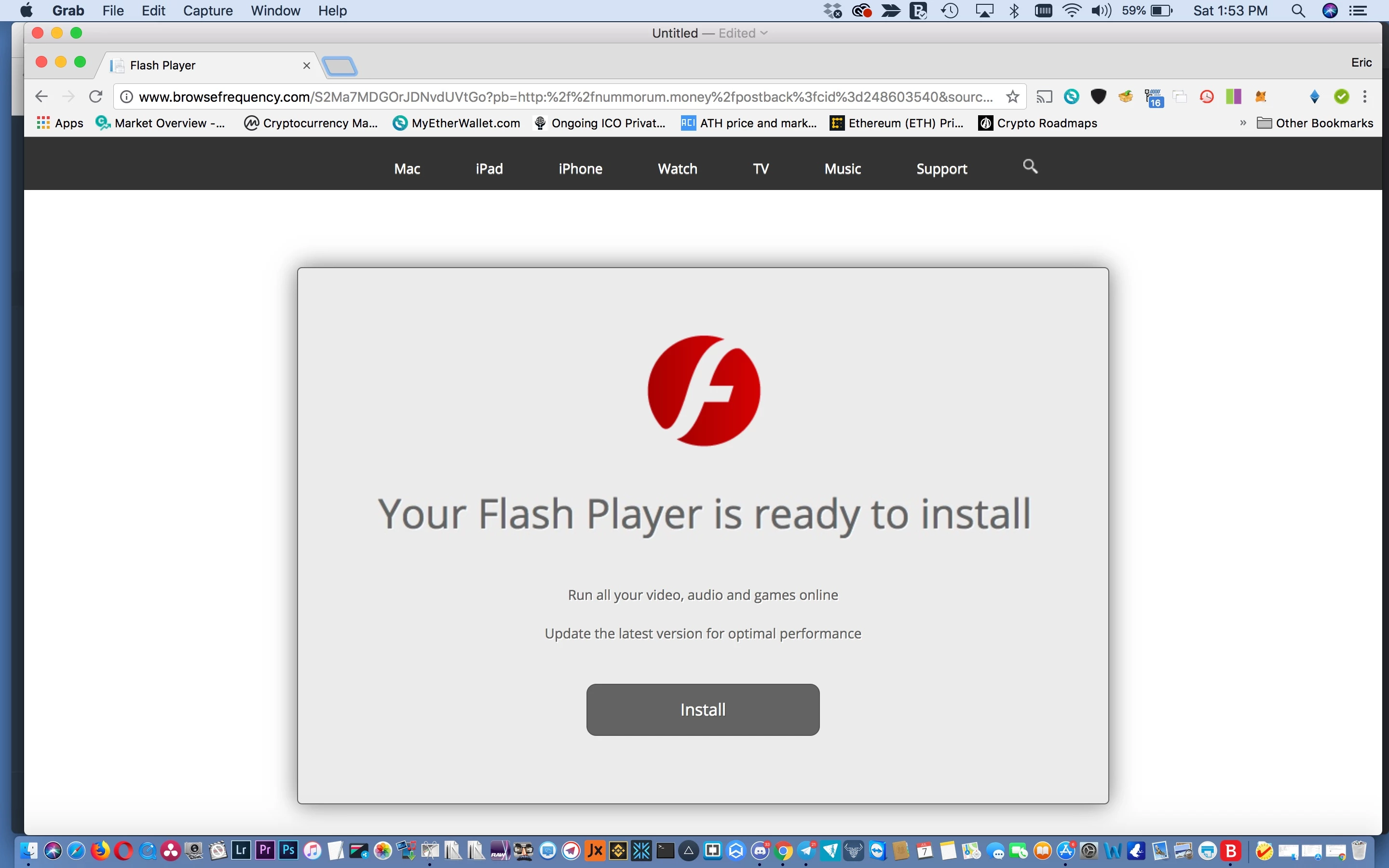
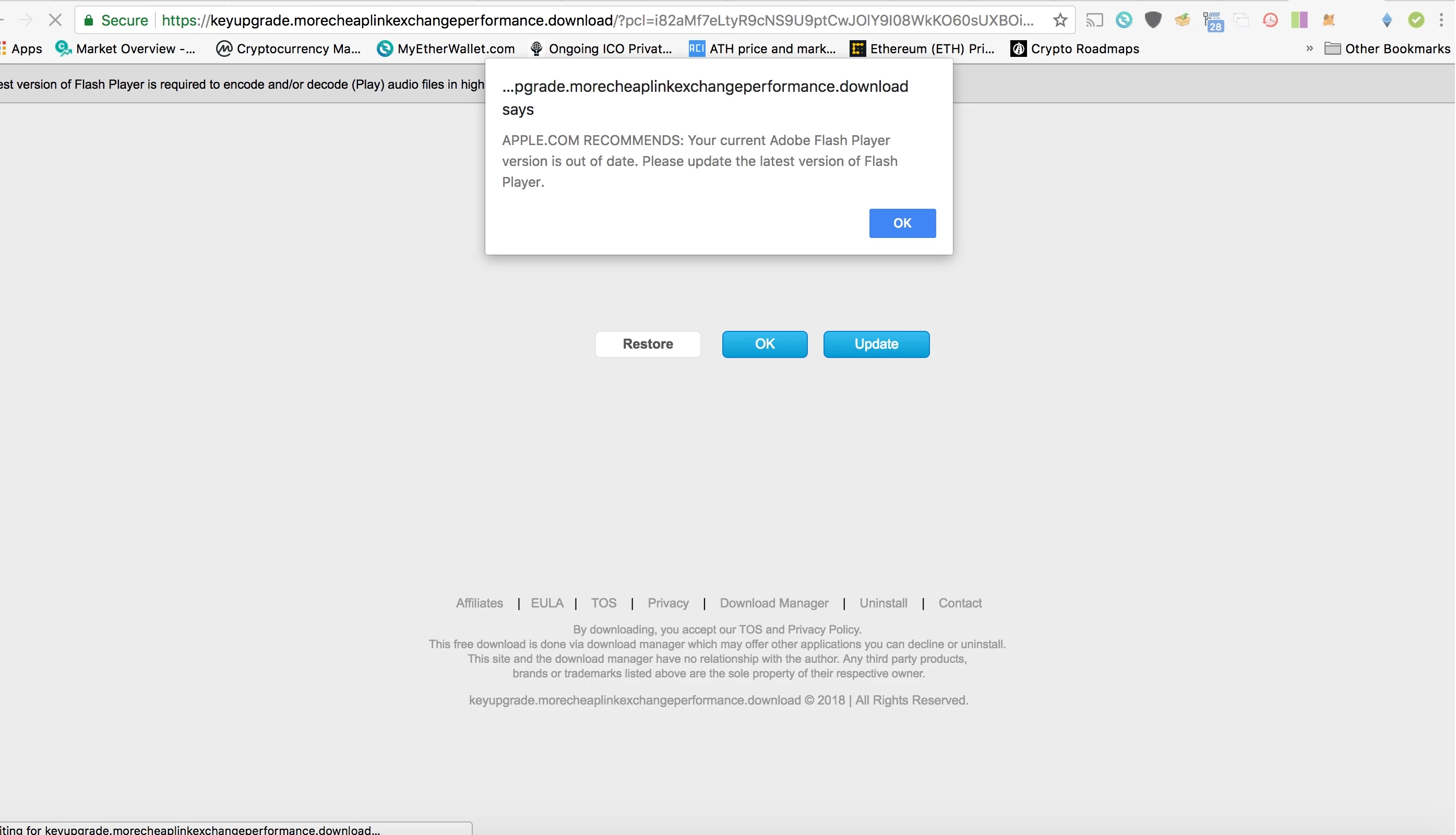
My Macbook has never had a virus or malware issue for many many years, until now. Somehow I must have got some malware that is constantly telling me to update my Flash Player. This is malware, I have downloaded and purchased several Anti-Malware/Anti-Virus products recommended by Apple. Non of these has helped the situation so I'm turning to Adobe and this community for answers. Below are screen grabs of the malware in action. Please can someone help me as I can't imagine having to wipe this computer and start from scratch for one piece of malware!
    This topic has been closed for replies.
    Correct answer Test Screen Name

    It's very important to realize that these messages DO NOT MEAN YOU HAVE BEEN INFECTED. You are right to be alert, and these are fake messages, ATTEMPTING TO INFECT YOU. When you visit a web site, it can say anything  and these sites are simply lying to you to try and infect you.


    The solution is to not go to those sites. And indeed, never, never respond to a site which says you need to update Flash, or update anything else, or install anything - it's a jungle out there! You can install the latest Flash Player by going to http://get.adobe.com/flash .

    2 replies

    Participant
    January 10, 2019

    If you did respond  to that flash player prompt, hour probably got infected with AD MALWARE, see this article about it.   https://9to5mac.com/2018/04/25/fake-flash-installer-mac-crossrider/

    Test Screen NameCorrect answer
    Legend
    July 10, 2018

    It's very important to realize that these messages DO NOT MEAN YOU HAVE BEEN INFECTED. You are right to be alert, and these are fake messages, ATTEMPTING TO INFECT YOU. When you visit a web site, it can say anything  and these sites are simply lying to you to try and infect you.


    The solution is to not go to those sites. And indeed, never, never respond to a site which says you need to update Flash, or update anything else, or install anything - it's a jungle out there! You can install the latest Flash Player by going to http://get.adobe.com/flash .