November 16, 2016
Question

Nefunkční Adobe Flash Player v23 & v22 (Windows 7)

  • November 16, 2016
  • 1 reply
  • 421 views

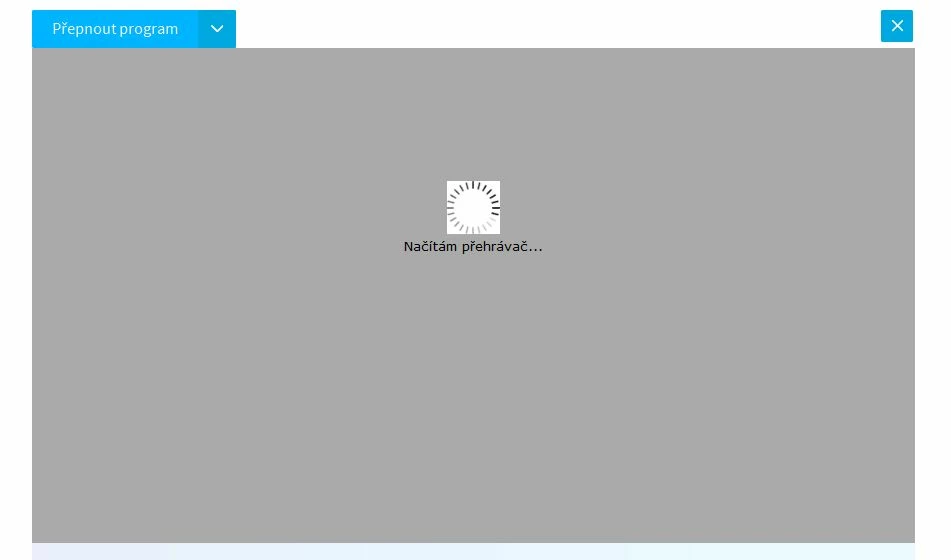
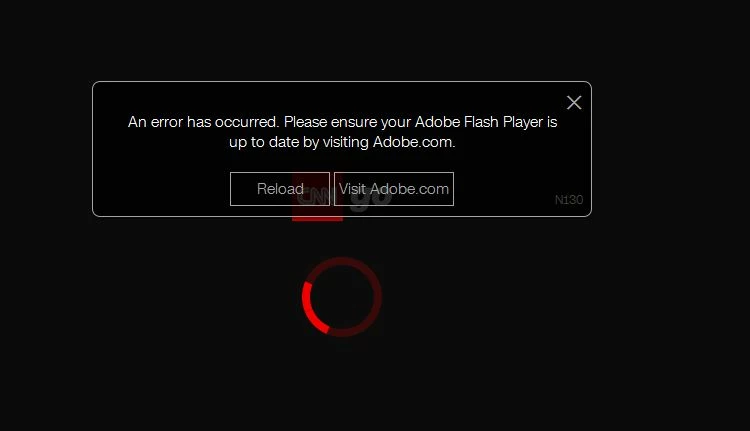
Adobe Flash Player je nefunkcni! Nelze zprovoznit jakekoli video, napr. na strance CNNgo - CNN.com nebo ČT24 — Nejdůvěryhodnější zpravodajský web v ČR — Česká televize . Vse zacalo updatem na v23.0.0.207. Od te doby nejde NIC! Stranka vzdy jen nekonecne hleda pozadovany modul. Problem byl nejprve u prohlizece Firefox, ale po aktualizaci PPAPI se rozsiril i na chrome-based prohlizece. Predtim video normalne slo, na vsech prohlizecich.

Proto jsem v23.0.0.207 odinstaloval oficialnim zpusobem pred odinstalator, pocitac restartoval a nainstaloval starsi verzi v22.0.0.209, ale TO TAKE NEPOMOHLO! Problem pretrvava!

Dle vseho webove prohlizece nemohou najit instalaci Flash Playeru na pocitaci. To na mem pocitaci mj. dokazuje i test na teto strance:

Flash Player Help

Dale, ve FireFoxu v "about:addons" v zalozce Zasuvne moduly neni videt modul Shockwave..

Opravdu nechapu co se deje a zadam okamzity navod na to jak vse uvest do provozu!

Spolecnost Adobe je opravdu napovazenou, ponevadz takovy slendrian to je dost k nepochopeni.

V prilohach posilam printscreeny z nefunkcnich webovych stranek.

Jak tedy uvest veci do spravneho stavu?
This topic has been closed for replies.

1 reply

jeromiec83223024
Inspiring
November 16, 2016

Jedná se o strojový překlad. Omlouvám se, pokud je to nepochopitelné.

V tomto případě to vypadá, že obsah není schopen detekovat, že Flash Player je přítomen.

Chrome nedávno přidal funkci zvanou Úsporný režim plug-in, které by mohly být ve hře. Pokud půjdete na adresu chrome: // komponent a nechte Vždy povolit spustit vedle Adobe Flash Player, Znamená to, že pomoc?

Pro Firefox, měl by prostě fungovat. Můžete zkusit odinstalovat a znovu nainstalovat. Také Ad-blokátorů nebo pluginy, jako NoScript jsou obyčejné zdroje těchto druhů problémů. Většina webových stránek pomocí JavaScriptu detekovat přítomnost Flash Player plug-in, takže pokud JavaScript je zakázán nebo detekce skript je blokována ad-blokátory, místo nebude poznat, že je nainstalován Flash Player.

Odinstalovat Flash Player - Windows:

https://helpx.adobe.com/flash-player/kb/uninstall-flash-player-windows.html

Stáhněte si Flash Player:

http://get.adobe.com/flashplayer/

Pokud to nepomůže, zkuste jít do Firefoxu> Nápověda> Restartovat se zakázanými doplňky. Pokud Flash začne pracovat, je to problém s třetí stranou add-on. Budete je muset všechny zakázat, pak jim umožní samostatně najít problematické doplňku.

Pokud jste stále přilepená, dejte nám prosím vědět.

--

This is a machine translation.  I apologize if it is incomprehensible.

In this instance, it looks like the content is unable to detect that Flash Player is present.

Chrome recently added a feature called plug-in power saver mode that might be in play.  If you go to chrome://components and check Always Allow to Run next to Adobe Flash Player, does that help?

For Firefox, it should just work.  You could try uninstalling and reinstalling.  Also, ad-blockers or plugins like NoScript are common sources of these kinds of problems.  Most websites use JavaScript to detect the presence of the Flash Player plug-in, so if JavaScript is disabled, or the detection script is blocked by an ad-blocker, the site isn't going to recognize that Flash Player is installed.

Uninstall Flash Player - Windows:

https://helpx.adobe.com/flash-player/kb/uninstall-flash-player-windows.html

Download Flash Player:

http://get.adobe.com/flashplayer/

If that doesn't help, try going to Firefox > Help > Restart with Add-Ons Disabled.  If Flash starts working, it's a problem with a third-party add-on.  You'll have to disable them all, then enable them individually to find the problematic add-on.

If you are still stuck, please let us know.

November 17, 2016

Hello there,

sorry for Czech language. I thought that i will get support (answer) in CZ language because my UI is in CZ language..

Anyway, i am still facing the problems with Flash Player esp. in Firefox and Pale Moon (FF clone). I uninstalled Flash Player with original tool for this purpose and procedure and reinstalled again the v23.0.0.207 but the problem persists. Respectively it ocasionally works, but i did not find the key why of this behavior. Right now it works in Pale Moon but at night it did not work in both FF and PM browsers. I restarted both browsers in Safe mode (without add-ons) but the problem did not disappear. Need to mention that i tested/testing that on ČT24 — Nejdůvěryhodnější zpravodajský web v ČR — Česká televize website.

Any idea what to do now? I can t be sure that it will work constantly.

But, of course, coming on my mind a possibility that it is a matter of this website (ČT24 — Nejdůvěryhodnější zpravodajský web v ČR — Česká televize ). Is it possible? I already wrote them.

Also need to mention that the problem is not a matter of Chromium based browser (i tested it on Opera and Flash Player works).

And i have one more question. Can you tell me what every installation file type stands for (NPAPI, PPAPI, ActiveX)? :

flashplayer23_0r0_185_win.exe (is this NPAPI?)

flashplayer23_0r0_185_win_sa.exe (what is this one?)

flashplayer23_0r0_185_winax.exe (is this Active X?)

flashplayer23_0r0_185_winpep.exe (is this PPAPI?)

Thank you for your answer!

Arc X

jeromiec83223024
Inspiring
November 17, 2016

Adobe doesn't offer technical support for free products.  We provide user-to-user forums, and the staff here are mostly just people from the engineering team answering questions between meetings and things.

Your guesses about the binaries are correct. The _sa variant is the Stand-Alone Player, which is mostly useful for debugging and kiosk installations.

If you're consistently getting simplistic Flash content to load (http://www.homestarrunner.com/ is my usual test site for simple flash animation), then your installation is fine.  Flash Player either works or it doesn't.  If it's only broken on a site or a handful of sites, something is wrong with the content provider, or you have an ad-blocker or something similar interfering.  In your instance, I'm guessing it's the content provider.