



new problem today 2/7/18 with Flash in Firefox on Windows 7 (64-bit) laptop
Operating system version: Windows 7 Home Premium 64-bit SP1
Web browser and version: Firefox Quantum 58.0.1 (64-bit)
Flash Player version: Version 28.0.0.161
Until today 2018-02-17, no problems.
This morning, I rec'd error message when trying to view CNN Live TV:
"Enable Flash
In order to experience CNNgo, you need to use Adobe Flash Player.
Please update to the latest version of Flash and ensure your browser has Flash enabled.
How to enable Flash in your browser." (see scrnshot01.jpg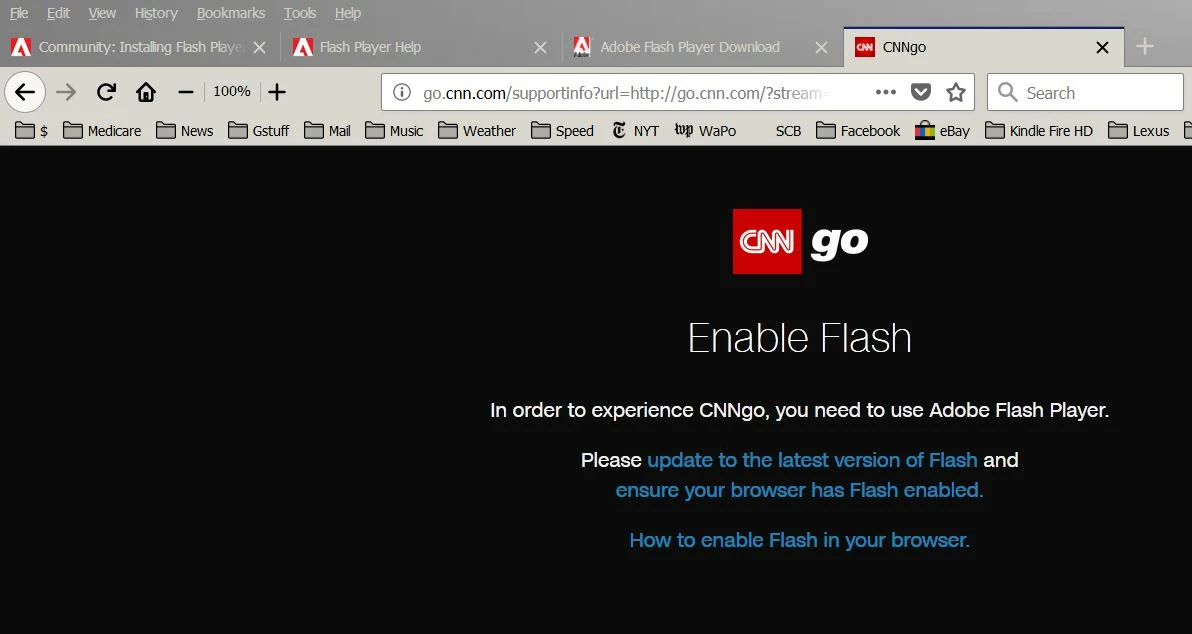 )
)
Clicked on "Update to the latest version of Flash".
Clicked "Install now".
Window appeared "Opening flashplayer28_xa_install.exe"; clicked on "Save File".
Double-clicked on downloaded file "flashplayer28_xa_install.exe".
Window appeared "Open File-Security Warning"; clicked on "Run".
Window appeared "Adobe Flash Player Installer"; clicked "Allow Adobe to install updates", clicked "Next".
"Adobe Flash Player: Installing" appeared, then "Installation failed. Click "Finish"for further..." (see scrnshot02.jpg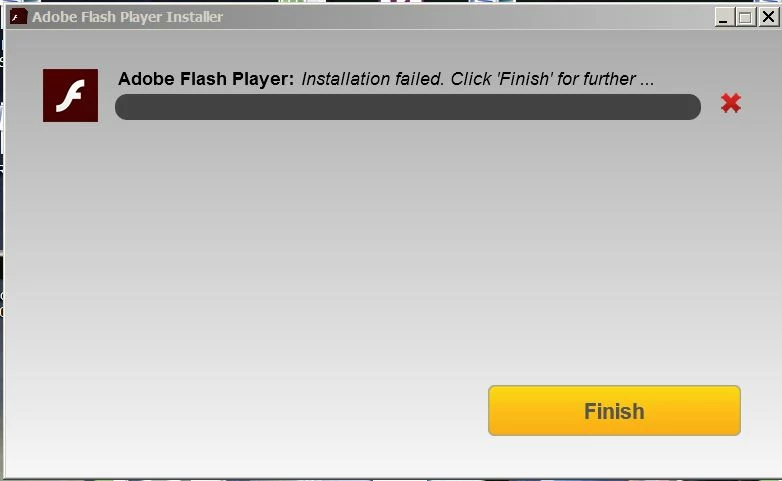 ).
).
Clicked "Finish".
New browser tab opened- "Adobe Flash Player could not be installed." (see scrnshot03.jpg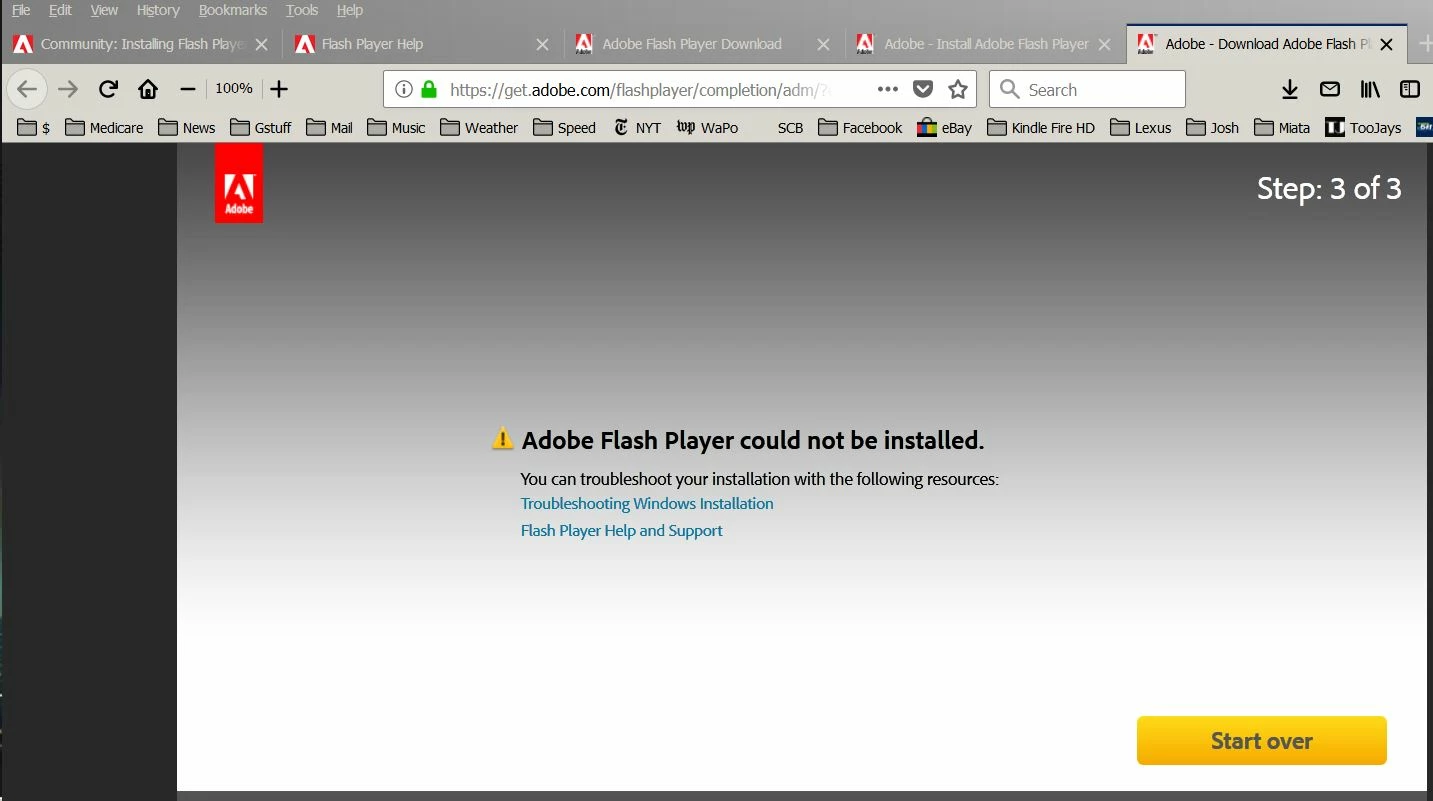 )
)
This continued to happen repeatedly.
How can we fix this?
[moved from Acrobat General Troubleshooting to Installing Flash Player by Moderator]
 AdChoices