Participant
February 24, 2011
Question

No global settings panel in IE9 RC1
  • February 24, 2011
  • 2 replies
  • 2756 views

Hi.  My flash player is 10.2.152.26.

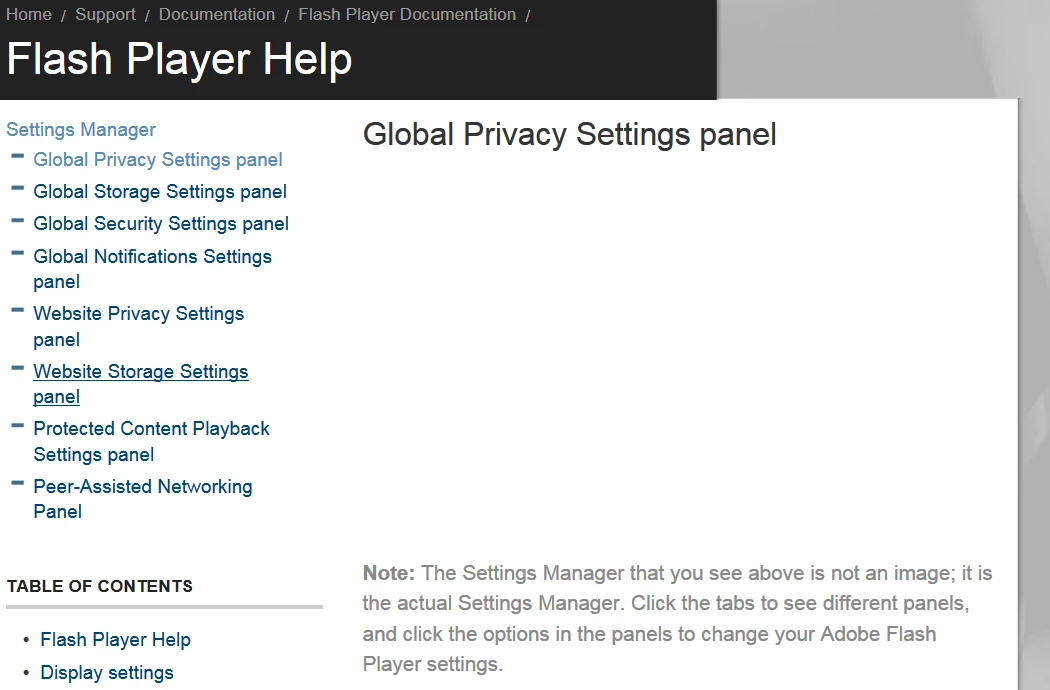
After installing IE9 RC1 on my Windows 7 home premium x64 system and using x32 bit IE9 I can't see the global settings panel on the Adobe page any more. I can still get the other settings panel in any video.

I reinstalled Flash Player and this is the only problem. Video etc all work. (Solved that problem a month ago!)

When I rolled back to IE8  the global panel came back.  Reinstalled IE9 RC1 and the global panel is gone again.

This is what Microsoft said: "You should be able to access the Global Settings using Internet Explorer 9 Release Candidate and Adobe Flash Player ... If you aren’t able to view the Global Settings check to make sure ActiveX Filtering is fully turned off... If that doesn’t help, try reaching out to the Adobe community to see if they can provide further assistance. Steven, Microsoft Answers Support Engineer "

Well, I disabled ActiveX filtering and still the same.  Here's the evidence:
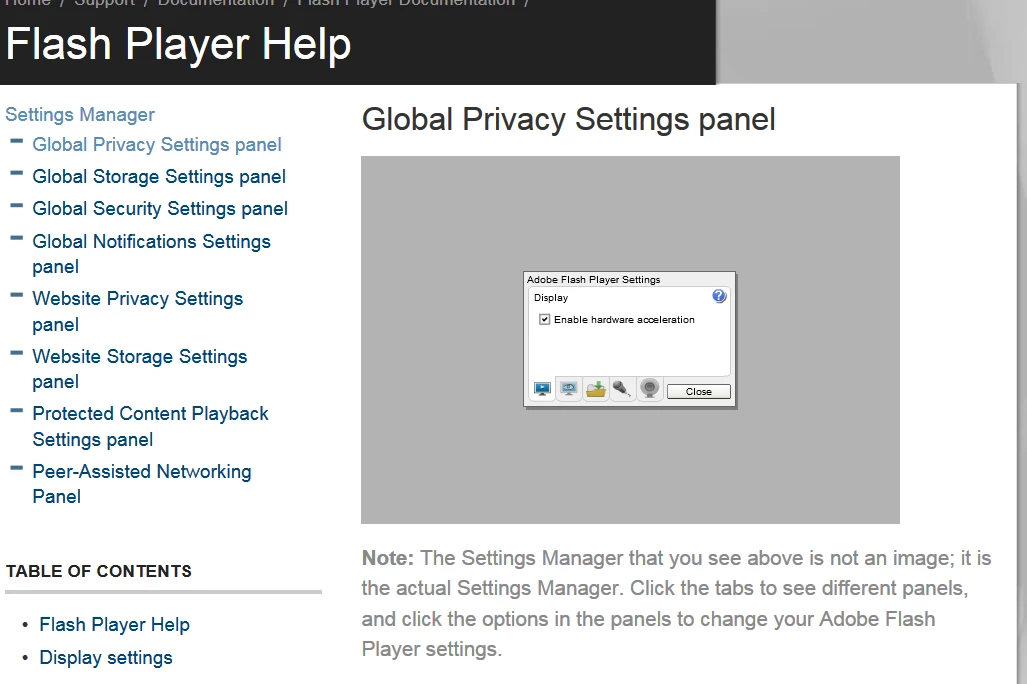
The second image suggests  the global panel is still in there somewhere. ???  Any advice much appreciated.

    This topic has been closed for replies.

    2 replies

    March 16, 2011

    Hi, I'm not sure but I thot IE9 RC2 has been released. Also Flash Player updated to 10.2.152.32. I think they are tracking each other, so if you want to use the beta IE, then I'd be sure to have the latest. Same thing with Flash Player. Betas change all of the time adding new features, etc.

    Flash Player works thru the browser, so a beta browser wouldn't be the most stable and could have a glitch or two.

    The MS Tech didn't say which RC he was referring to. I'd check to see if a newer RC is out.

    eidnolb

    Inspiring
    March 16, 2011

    IE9 is no longer a beta.  It went GA Yesterday.  I, for one, also have the current version of Flash.  Flash Local settings show up but Global settings do not.

    chris.campbell
    Legend
    March 17, 2011

    I just tried this on my system, which I updated with IE 9 this morning.  However, I'm able to see the global settings control panel... 

    Anyone else seeing this?  You might want to consider resetting your IE settings.

    Chris

    Inspiring
    March 15, 2011

    I never tried IE9 RC but now with the official release I am seeing the same thing.  Global settings panel show up as blank space on the web page.