


Participant
February 13, 2020
Question

Not able to enable flash player on windows 10

  • February 13, 2020
  • 1 reply
  • 282 views

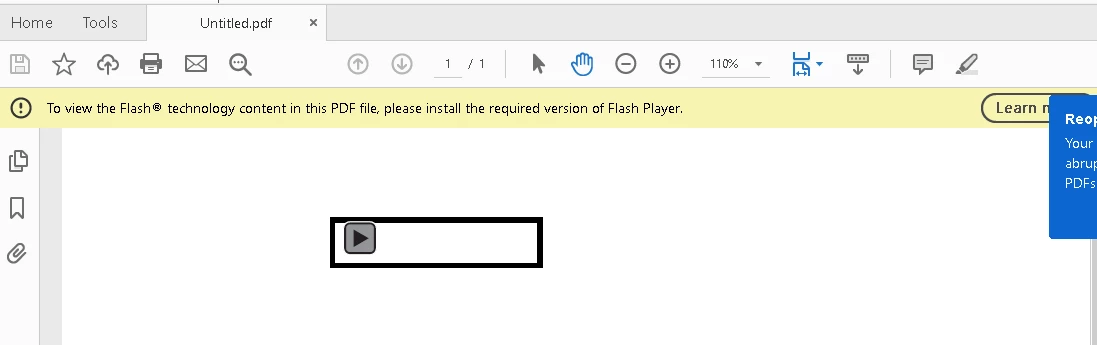
Hi , i am trying to open an .exe file in my hand help printer driver set up and it is opening a pop up saying flash player 10 and it is a blank window and doesn't do anything.When i try to play an audio file in my pdf ,it says that please install the required version of flash player.I have already installed flash player from adobe.com.What do i need to do.Please refer to the screenshots for more information.
This topic has been closed for replies.

1 reply

jeromiec83223024
Inspiring
March 2, 2020

That first window looks like the Stand-Alone Player (aka Flash Projector), which is not what you need to view embedded Flash content in a PDF.  That's used primarily for things like interactive kiosks (think museum and theme park installations) and development. 


What you need, is the NPAPI Flash Player variant for your operating system.  


Details here: 

https://helpx.adobe.com/acrobat/using/flash-player-needed-acrobat-reader.html


Once installed, you may need to exit and re-open Acrobat.