


Participant
April 12, 2020
Question

Official Flash Update?

  • April 12, 2020
  • 2 replies
  • 304 views

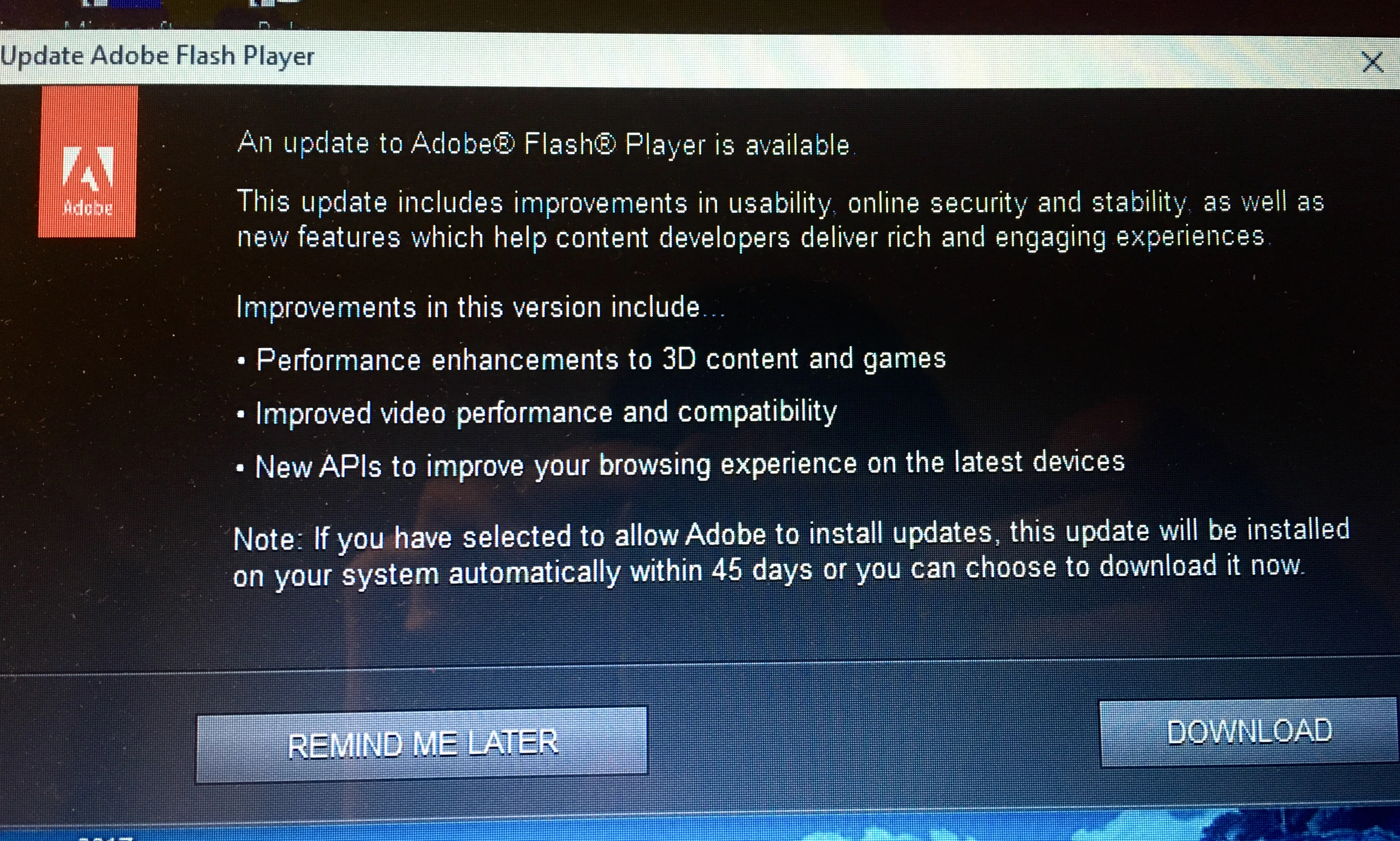
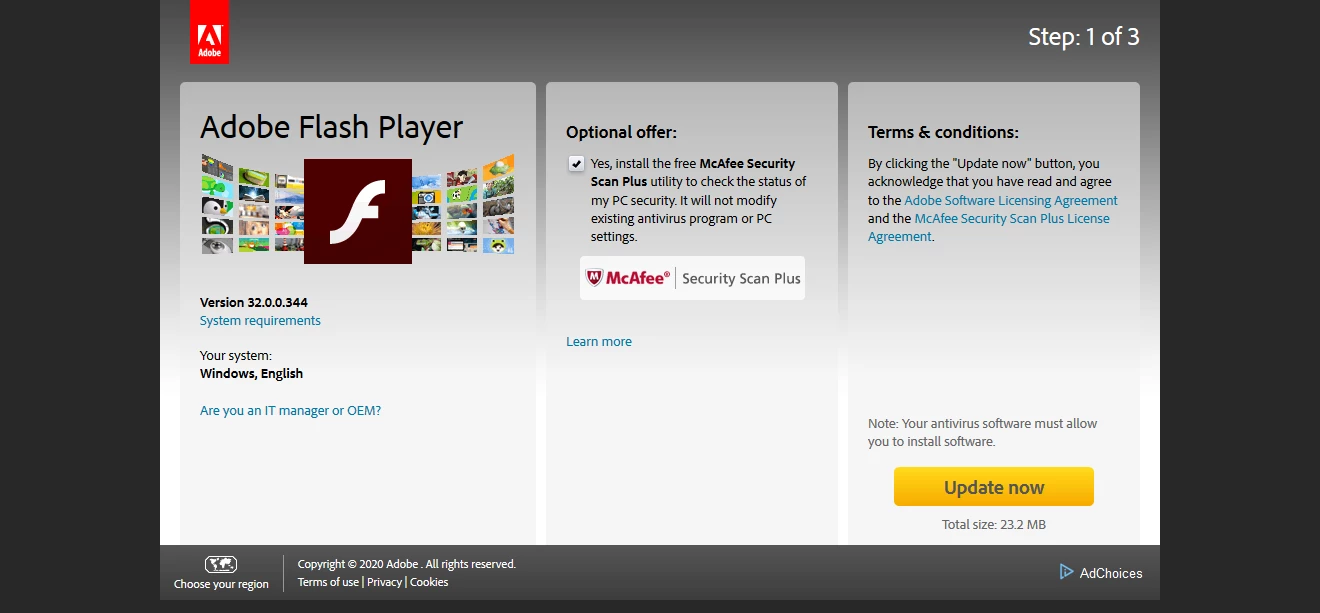
I keep getting a notification about flash player needing an update, and I want to know if it's official since I have seen phishing scams very similar to this. It looks very official, but it didn't feel right, and after looking into it, the application that's giving me these notifications seems to have only been installed very recently on March 31 this year. If this truly is a malware, I want to know how to let Adobe automatically update my flash player so I can avoid clicking on anything suspicous.


This topic has been closed for replies.

2 replies

_maria_
Community Manager
Community Manager
April 13, 2020

That does appear to be an official update, however, when in doubt, go to https://get.adobe.com/flashplayer, as Test_Screen_Name recommends.


The Update Notification displays when users have elected to receive a notification when a new version of Flash Player is available.  This notification, usually displays within 7 days of a new version being available.


The recommended update option is 'Allow Adobe to install updates (recommended)'.  With this option selected, Flash Player checks for an update once per day (assuming an active internet connection).  If an update is found, it is downloaded silently in the background and Flash Player is updated silently in the background - no user interaction needed.


This option is available at install time, or at anytime via Control Panel:  Control Panel > All Control Panel Items > Flash Player > Updates tab.

Legend
April 12, 2020

You are right to be careful. The people making malware can easily imitate the real thing exactly, so you can't tell anything by looking at it. You could tell from looking at the web address in the second screen shot, which you didn't include. But why take a chance... go to http://get.adobe.com/flash to get the latest. (Turn off the free offers!) You should be offered a choice to update automatically. Of course, the malware will keep on trying!! But you can ignore it.