


Question
Plug in blocked even after clicking run all plugins
I will start with the need to knows:
OS: Win 10 Version 1703 OS Build 15063.540
Browser: Version 60.0.3112.113 (Official Build) (64-bit)
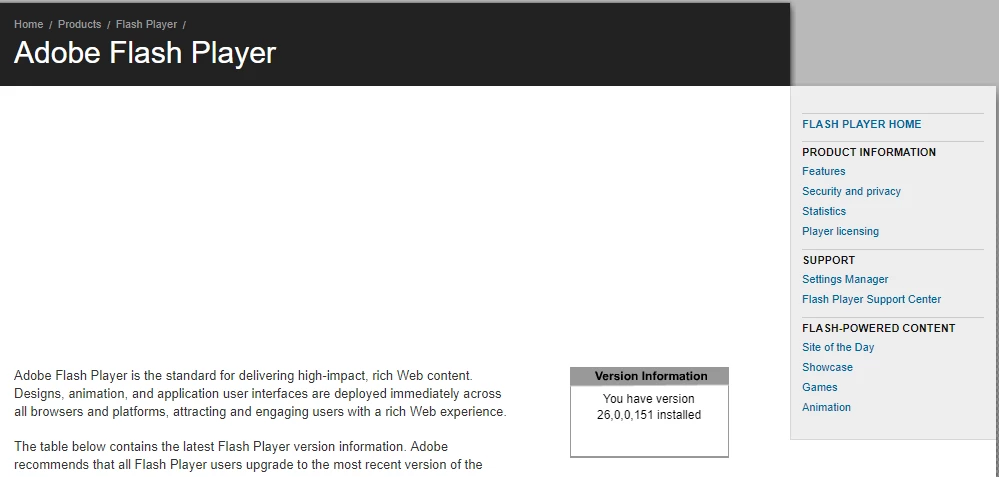
Flash: 26.0.0.151
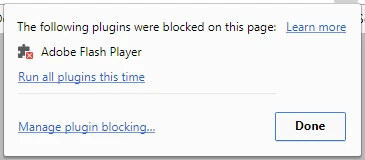
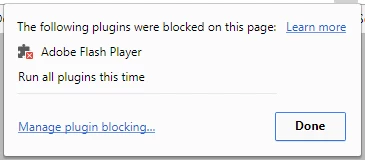
My issue is that when I go to Adobe - Flash Player (as well as other sites) I can click on the "Run all plugins" option and the Flash content still will not show. I am not the only one that is having the issue. My colleague in a separate location is having it as well. I have not checked with other people.
Before
After
 AdChoices