


Plugin Shockwave Flash Isn't Responding
Every time I go onto the internet my computer flashes “A plugin (Shockwave Flash) isn’t responding. I will proceed to “stop plugin” as that is my only option. Sometimes I get lucky and the site will load and is slow. However, most of the time my page is unresponsive and I am prompted to “kill” the website. This isn’t very useful especially when you have school work that requires watching videos, logging into university homework websites, looking at teacher websites, etc. Ironically I can’t even look at Adobe’s support website without it crashing. (Example shown in my picture)
I own a Dell XPS 13, running windows 10. 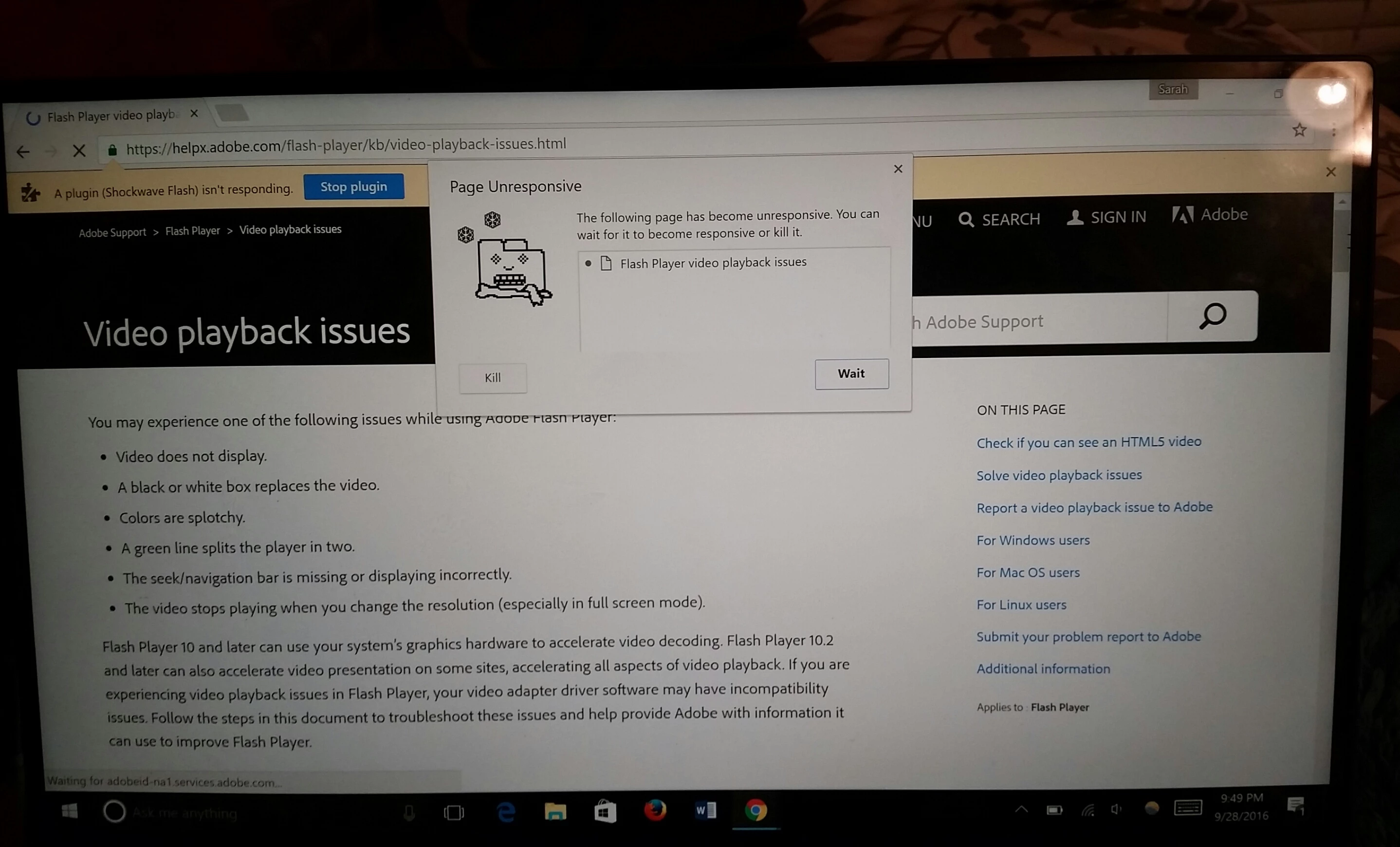
So far I have ensured the latest version of flash is on my computer. I have switched browsers from Firefox to Chrome (just in case), therefore I have the latest version of Chrome. I deleted all Flash Player browsing data and cleared the flash player catch. I don’t know what to do next. It is driving me crazy! My computer is useless!


 AdChoices