
Question
Problem installing Adobe Flash Player
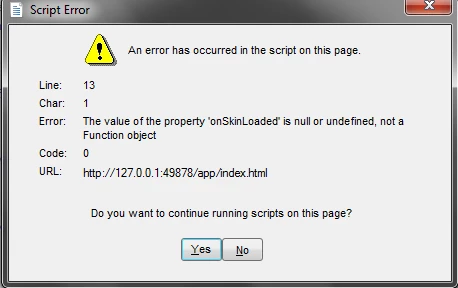
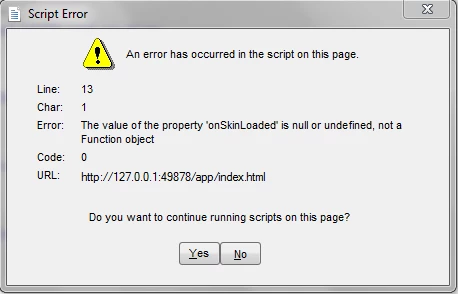
The problem I am facing is that I cannot install the newer version of adobe flash player. My current Adobe Flash Player - Version is: 12.0.0.70 and I am working on Windows 7-64bit. After I download the install file from the official site (http://get.adobe.com/flashplayer/download/?installer=Flash_Player_12_for_Other_Browsers&os=Windows%207&browser_type=KHTML&browser_dist=Chrome&d=McAfee_Security_Scan_Plus_Chrome_Browser&dualoffer=false), I cannot install it any further. The install file will open and after pressing “run” and confirming installation (“yes”) it will show a caption “an error has occurred in the script on this page”. (The errors are not the same everytime.) Any help would be appreciated, thank you for your time.
Laconis
 AdChoices