
DebsB99
Participant
March 22, 2017
Answered

Problem installing Flash Player 25

  • March 22, 2017
  • 1 reply
  • 1052 views

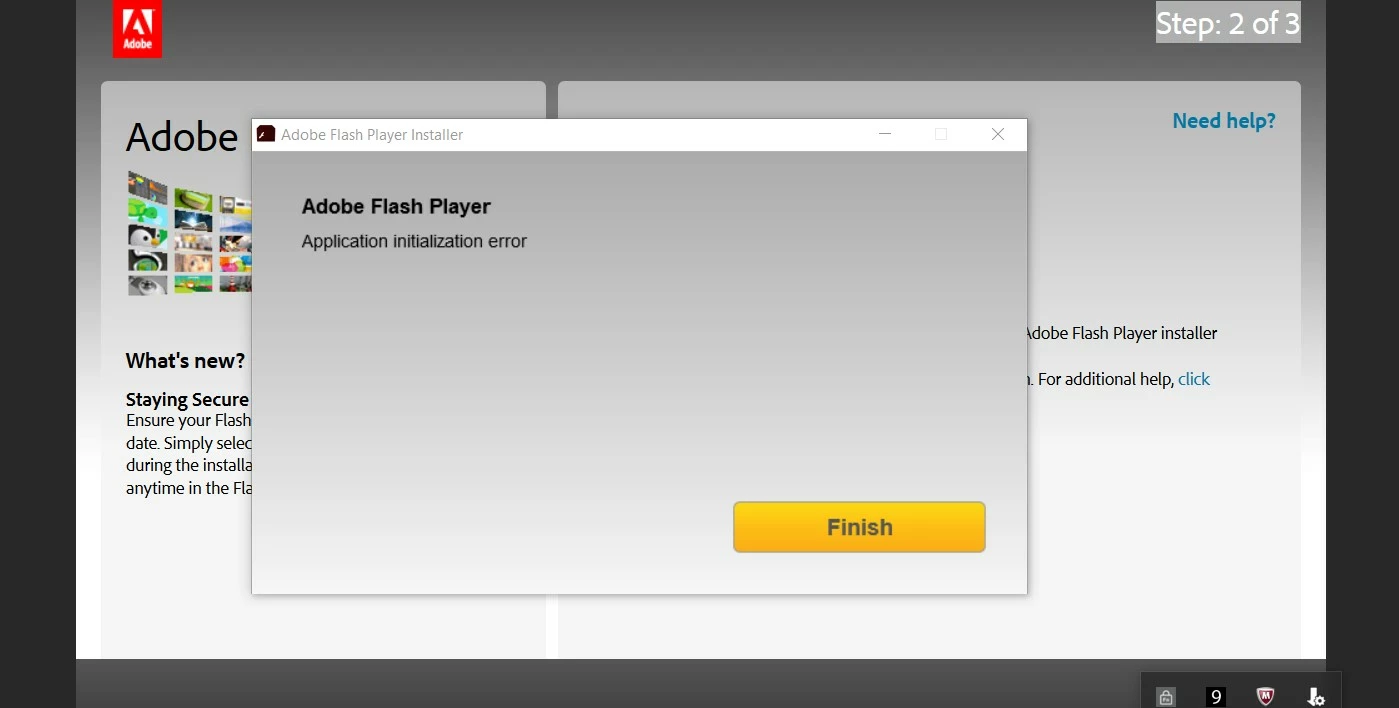
I keep getting 'Application Initialization Error' message when trying to down load Flash Player 25 for firefox on a Windows 10 64 bit
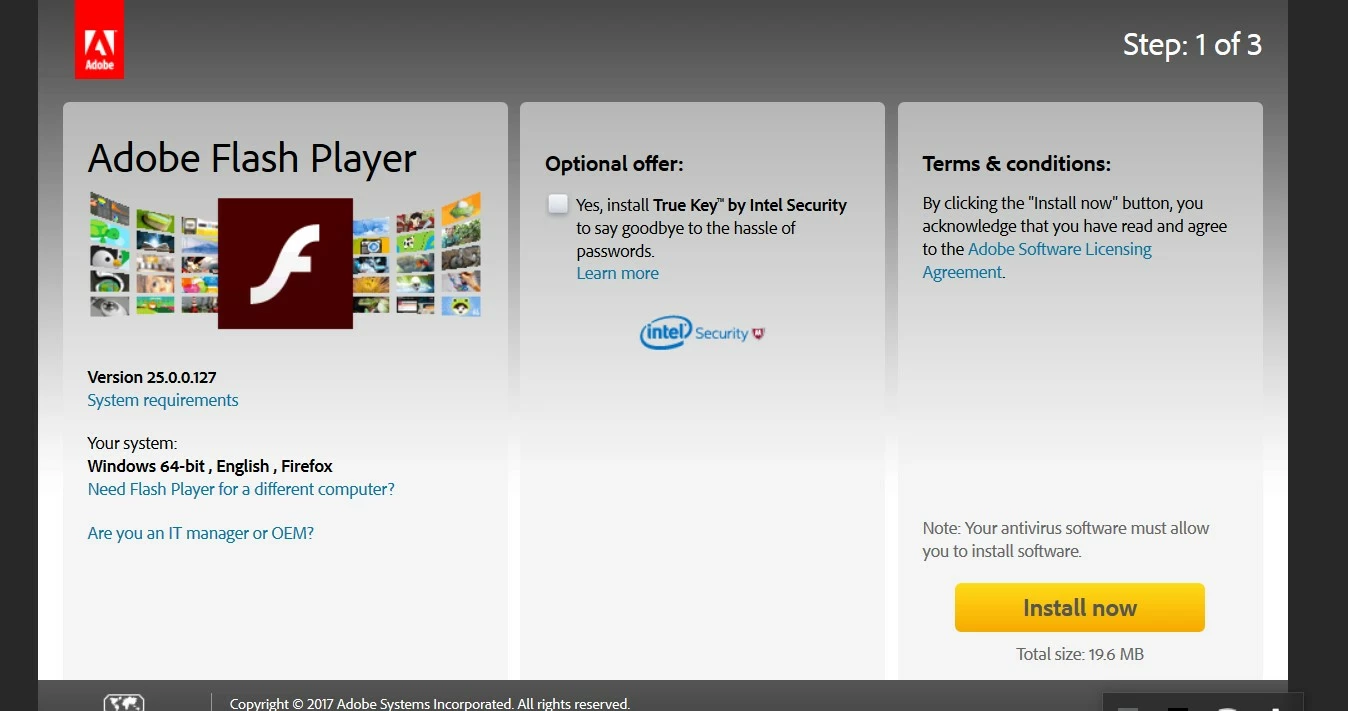
The file downloads, and I run it ...................
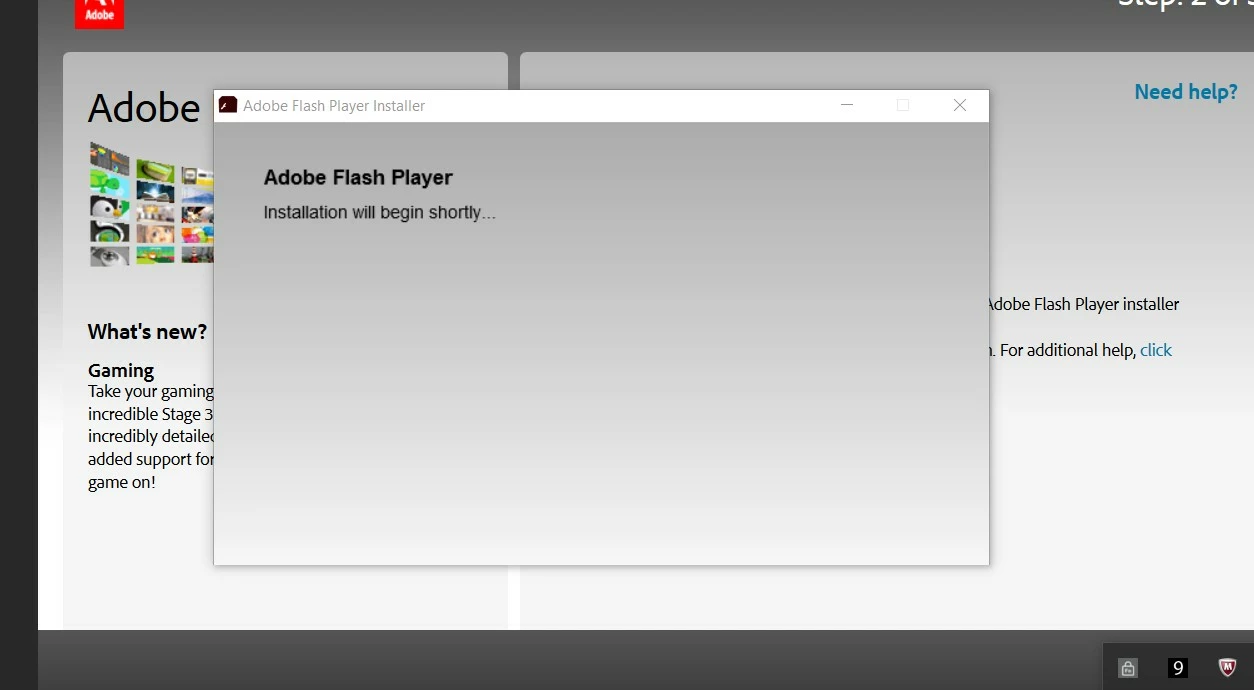
Then I get this message
So far I have:

Uninstalled all Chrome browsers ( as there seemed to be some conflict!)

Uninstalled all previous versions of Flash Players

Re-booted laptop several times

But I am still stuck here.

What can I do?

This topic has been closed for replies.
Correct answer divya010193

Hi,

You can try using the offline installer available under 'Still having problems' section on  Installation problems | Flash Player | Windows 7 and earlier page.

Also, I'd like to investigate why you are getting the 'Application Initialization Error' using the online installer.  Can you please upload the Adobe_ADM.log and Adobe_GDE.log files, saved at C:\Documents and Settings\<YourUserID>\Local Settings\Temp\ to cloud.acrobat.com/send using the instructions at How to share a document?

1 reply

divya010193
Adobe Employee
divya010193Correct answer
Adobe Employee
March 22, 2017

Hi,

You can try using the offline installer available under 'Still having problems' section on  Installation problems | Flash Player | Windows 7 and earlier page.

Also, I'd like to investigate why you are getting the 'Application Initialization Error' using the online installer.  Can you please upload the Adobe_ADM.log and Adobe_GDE.log files, saved at C:\Documents and Settings\<YourUserID>\Local Settings\Temp\ to cloud.acrobat.com/send using the instructions at How to share a document?

DebsB99
DebsB99Author
Participant
March 22, 2017

Thank you for your prompt response, I have created the link for the files that you have requested, please would you confirm the email address that I should send the link to please.

Many thanks

divya010193
Adobe Employee
Adobe Employee
March 22, 2017

As mentioned in the last step in the document, paste the copied link into your reply post.

Thanks